
ShapeBurst
Image & Text Particle Burst Effects for WordPress
ShapeBurst dissolves any image or headline into thousands of GPU particles that answer to the cursor. They burst, scatter like sand, swirl into a vortex or blow away with the wind, and then find their way back into the picture.
What you can build
An image that bursts into particles on hover
Photo Shatter, Photo Sandstorm and Photo Vortex break a photograph apart where the pointer touches it. Image Fragments keeps photographic detail and sharp edges while the pieces move on their own, and Radius and Power size the impact.
Particle text that reacts to the mouse
Spark Type, Stardust Type, Letter Vortex and Wind in the Letters build a headline out of grains. Ten pointer behaviours are waiting under Interaction: Burst, Dissolve, Repel, Attract, Ripple, Vortex, Lens, Wind, Fall and Blow away.
Glowing dust and full rebuild cycles
Magnetic Dust, Solar Wind, Dust Colony and From the Dust belong to Luminous Burst, where images and text become glowing dust in source colours or a tint. Dust Behavior, Dust Lifetime, Wind and the gust settings let a picture fall apart and assemble itself again without a visitor.
Halftone and pointillist pictures
Ink Halftone, Mosaic Wave and Crystal Lens use Grains for a printed, pointillist look. Size by Brightness decides whether dark grains shrink away, and Drift lets every grain wander around its spot, so the picture is alive even at rest.
Presets for
ShapeBurst
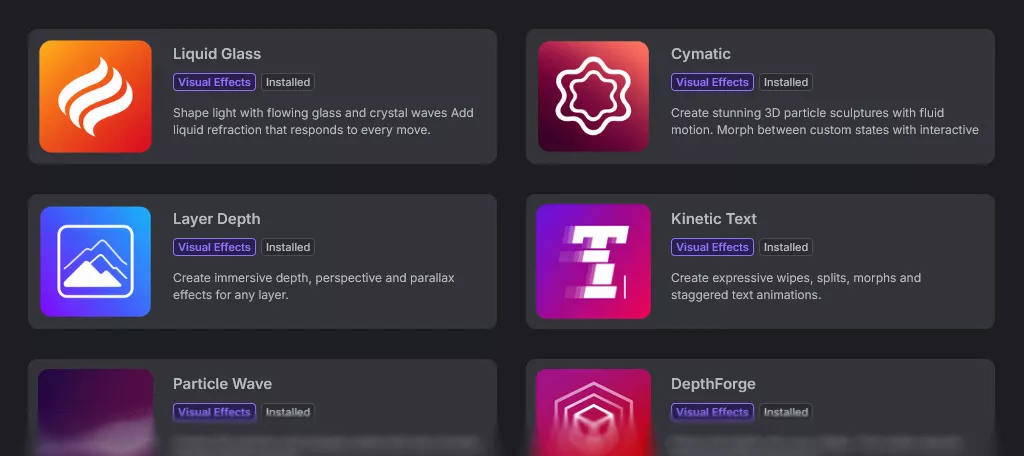
53 presets, one click each in the Effects Library.
Photo Shatter
Photo Sandstorm
Neon Trace
Magnetic Mosaic
Living Matter
Photo Vortex
Ice Crystals
Pixel Downpour
Two ways to use
ShapeBurst
From the Effects Library, or on a layer you already have. Both run on the same Slider Revolution engine, and both are included in your licence.
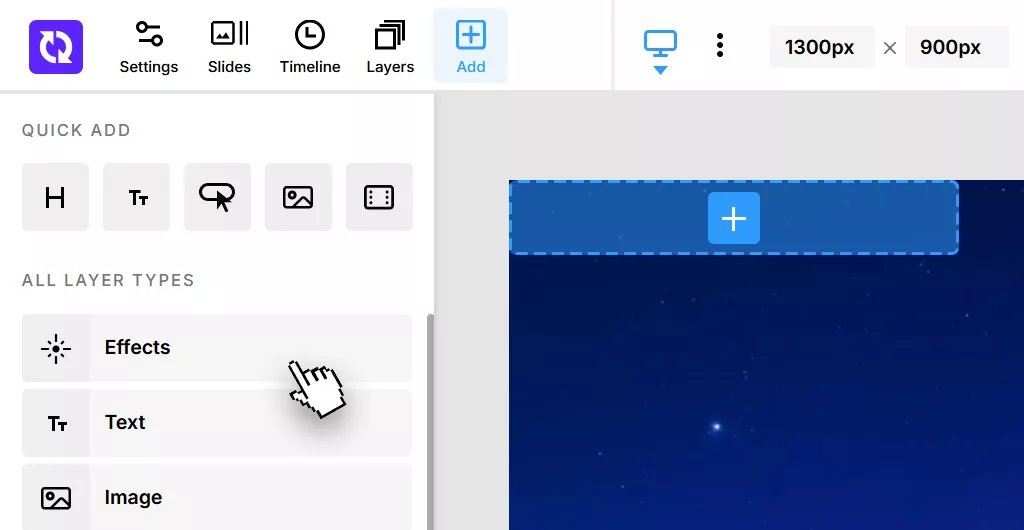
In the Slider Revolution editor
Open the Effects Library from the editor’s Add menu. It is organised by effect, each with its own set of presets, so you can browse ShapeBurst and see every look it ships with. One click drops the preset straight into your scene as a layer, ready to adjust.
On any image, text or shape layer
Switch ShapeBurst on and the layer itself becomes the particle source, in its own colours or a tint. Start Animation assembles it on entry, Blur with Only on Hover softens it at rest, and Block Scroll on Touch keeps a finger on the effect instead of the page.
Instant Wow
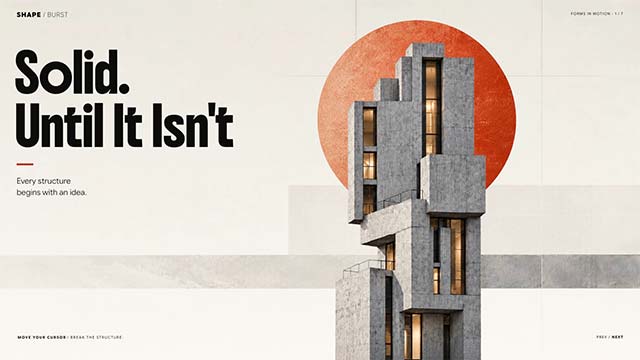
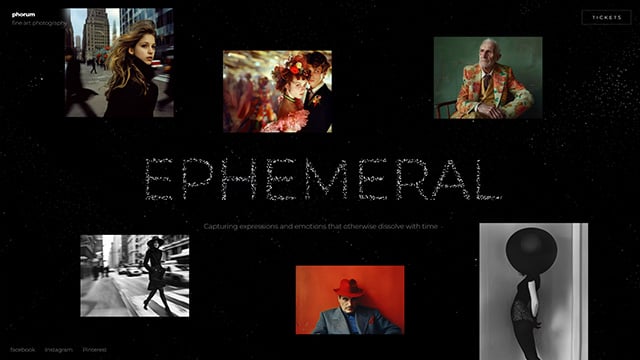
Templates built with
ShapeBurst
FAQ
Do I need Slider Revolution to use ShapeBurst?

Yes. ShapeBurst is an add-on for Slider Revolution, and it is included with every licence. There is no separate purchase and no extra cost.
Where can I use ShapeBurst?
On image, text and shape layers in any Slider Revolution module. The layer stays a regular layer, with its position, size and timeline.
Does the picture stay sharp?
Yes. Image Fragments preserves photographic detail and crisp text while the pieces move independently. Grains is there when you want dust and halftone looks instead.
Does ShapeBurst need WebGL?
Yes. The particles are simulated on the GPU through WebGL, which every current browser supports.
How many presets does ShapeBurst include?
53 presets. Each one is a single click in the Effects Library and lands in the scene ready to adjust.
ShapeBurst
is included.
So is every other effect.
One purchase gives you all 35+ effects in Slider Revolution, 600+ presets between them, and the full template library.
No per-effect pricing, no upgrade tier, no hidden fees — and every release after this one.