
The Cluster
GPU Particle Cluster Animation for WordPress
Flowing spheroids, explosions, mandalas and magnetic photo clusters rendered on the GPU. 34 one-click presets for WordPress heroes.
What you can build
Particle cluster hero animation
Start from one of 34 presets — Ink Bloom, Random Flow, Spheroid and Explosion are featured, with Helios, The Spirit, Maelstrom, Twin Streams and Ink on Paper among the rest. The Size & Style controls set Type, Size, Amount, Random Size and its Min and Max, while Motion covers Speed, Particles Mix Color and Mix Level. Up to three Gravity Points, each with X, Y, Z, Mass and Move, pull the particles into shape.
Photo made of magnetic particles
The Magnetic section builds a picture from particles with controls for Force, Magnet, Rest, Strength, Threshold, Trail, Push, Radius and Fill. Presets in this family include Magnetic Photo, Magnetic Soft, Magnetic Trail and Iron Dust. Spawn controls — Spawn Form, Limitation, Strength, Noise, Influence, Radius, Mirror and Pos X, Y, Z — set where particles come from.
Resonance and mandala particle art
The Resonance section drives patterns such as Chladni Plate, Resonance Sphere, Resonance Fold, Resonance Tumble and Mandala, with Pattern, Topology, Morph, Zoom, Wavelength, Mode N, Mode M, Mode L, Amp, Damping, Drive and Opacity. Resonance Interaction adds Mouse Drive, Scroll Drive, Strike Decay and Keep Gravity. The newest release lets you save Resonance states and blend between them through layer actions, clicks or a timer, so form and rotation change while the same particles keep moving.
Camera, mouse and stage
The Camera section sets X, Y, Z, Keep Camera Centered, Size Attenuation, Depth Fade, Camera Motion and Particle Style, and a separate Camera / Scene Loop sets its own X, Y, Z. Mouse controls include Type, Intensity, Radius, Falloff, Trail Softness, Force Mode, Sensitivity, Rotate, Return Speed and Module Based. Bokeh FX, Particles Behaviour, Initial Direction and Stage round out the panel.
Presets for
The Cluster
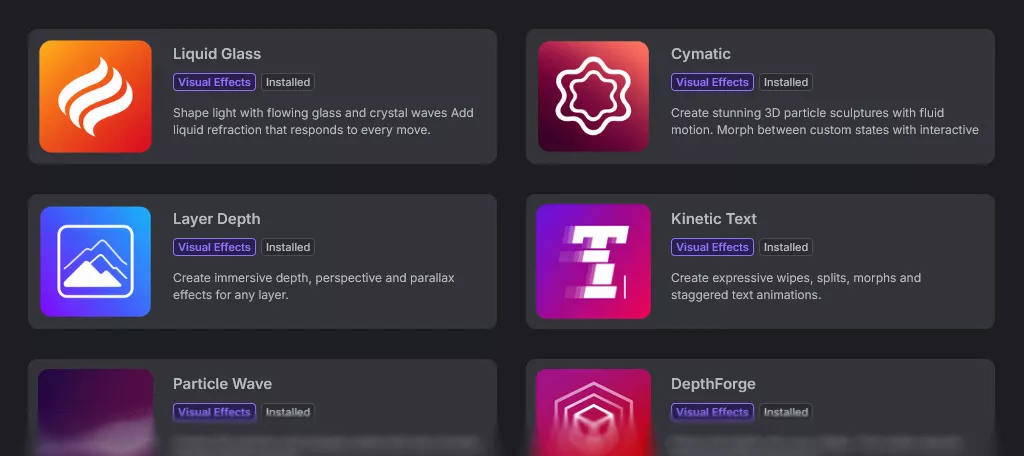
34 presets, one click each in the Effects Library.
Resonance Fold
Magnetic Trail
Binary Orbit
Ink on Paper
Resonance Sphere
Chladni Plate
Ember Field
How to use
The Cluster
From the Effects Library, inside the Slider Revolution editor.
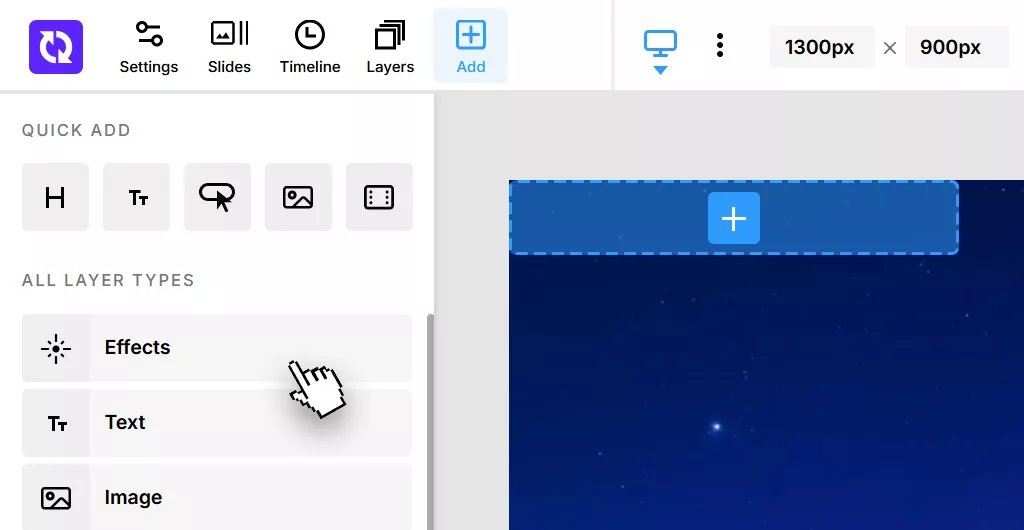
In the Slider Revolution editor
Open the Effects Library from the editor’s Add menu. It is organised by effect, each with its own set of presets, so you can browse The Cluster and see every look it ships with. One click drops the preset straight into your scene as a layer, ready to adjust.
Requirements
Slider Revolution. The Cluster is included with it — nothing else to buy or install.
Instant Wow
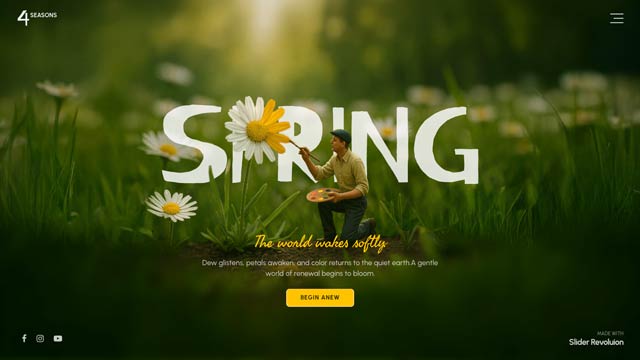
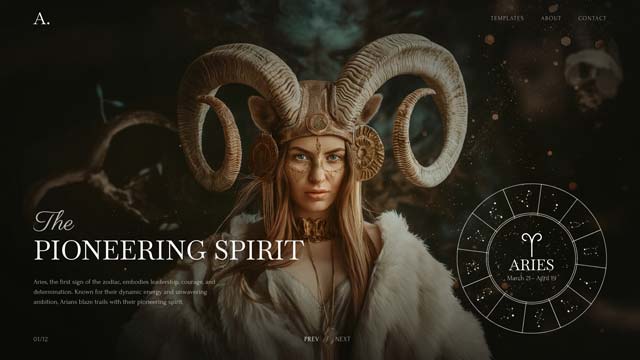
Templates built with
The Cluster





FAQ
Do I need Slider Revolution to use The Cluster?

Yes. The Cluster is an add-on for Slider Revolution, and it is included with every licence — there is no separate purchase and no extra cost.
Where can I use The Cluster?
In any Slider Revolution module, not just sliders — the effect is available wherever you build a scene in the editor.
How many presets does The Cluster include?
34 presets. Each one is a single click in the Effects Library and lands in the scene ready to adjust.
The Cluster
is included.
So is every other effect.
One purchase gives you all 35+ effects in Slider Revolution, 600+ presets between them, and the full template library.
No per-effect pricing, no upgrade tier, no hidden fees — and every release after this one.