
In many cases, a single-page website can serve as your entire website, which makes perfect sense from the standpoint of user experience.
Single page designs are beautiful examples of order, simplicity, and conciseness. Organizing a website to ensure content and navigation stay on the same page has its challenges, but when executed correctly, website users will attest to a flawless and efficient user experience.
There is no need for several pages (home, about, services, contact) when all the content can fit nicely into an easy-to-scroll page. The visitors will find all the information they need about your product in one place, if they don’t have to look in other pages.
This guide created by our team behind Slider Revolution, will inspire you with the most beautiful one-page websites built by some of the world’s most talented designers.
How to Create a One Page Website
When creating a website, web designers are increasingly following this one-page trend, because it’s simple, clean, and offers an impressive design.
Here are some of the essential elements for creating a one-page website:
- Decide if it suits your business
- Devise a plan for your content
- Choose a website template or a layout to use
- Divide your content into sections
- Add a taste of parallax effects
- Build an anchor menu to link each section
- Make it easier for users to scroll through your single-page website
- Implement a strong CTA
- Include a rich footer
- Incorporate your social media accounts
- Keep SEO in mind
- Make your single page design mobile-friendly
It’s also important to pay attention to the order of each of these elements. In general, you’ll want to place the most crucial information and CTAs early on, with contact details and links closer to the bottom of the page.
Think about what is vital for your audience to see and in what order, to help you determine what elements to include and how to arrange them.
3 Advantages Of Having A Single-Page Website Layout:
- With one page websites, you control the flow of information. Visitors need to browse through the site in a linear fashion as opposed to clicking around a multi-page website from one page to the other. Therefore, you’re able to direct visitors through the information on your site in a predetermined order.
- You take the visitors through a unique journey. One-page websites are usually designed to be aesthetically complex, so your visitors are more engaged and you can take them on a journey instead of just having a passive experience.
- Minimal text is sufficient. You need to be able to convey your message in the least amount of text. Too much written information on a one-page website is overwhelming.
Best Examples of One-Page Websites
This article will give you the inspiration to show your web designer or if you’re a web designer working on a one-page website, it will assist your creative ideas.
There are plenty of examples below, of one-page websites and templates to use as a starting point for your design.
Mini website template
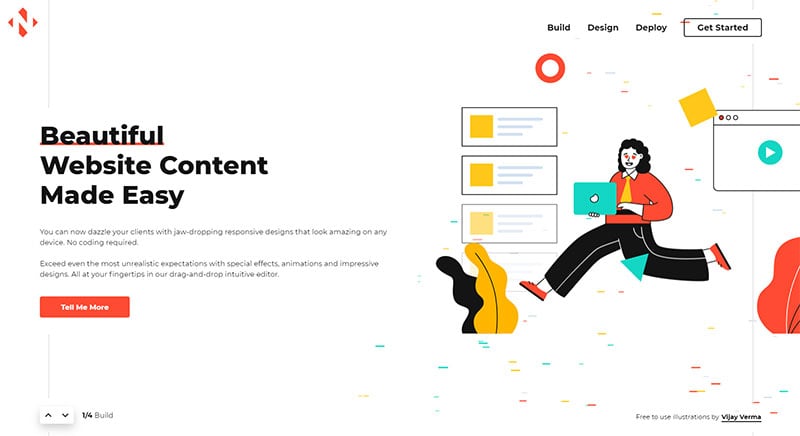
You can now dazzle your clients with jaw-dropping one-page responsive designs that look amazing on any device thanks to Slider Revolution. No coding is required.
Tim Hucklesby
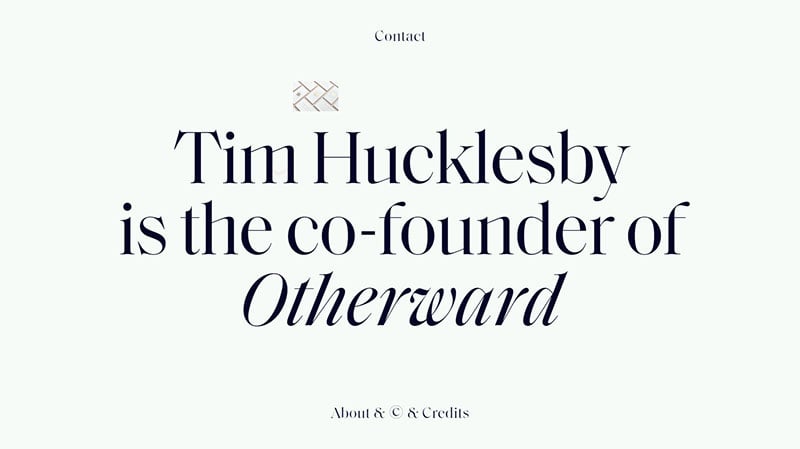
This minimalist One Pager for Creative Director Tim Hucklesby features unique flying-in elements from his work history.
MyLakeMap
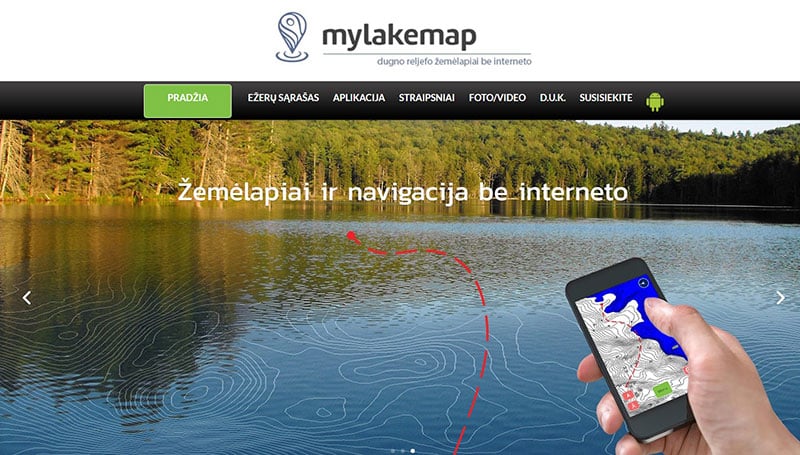
Featuring parallax scrolling and big photography, MyLakeMap is a single-page site that brilliantly combines clean sections with a simple font.
Wedding Art

Wedding Art is a long-scrolling One Pager for wedding performers, with big Domaine Display typeface.
Sans Tête
Sans Tête is a crowdfunding agency based in Paris, developed & designed by Vincent Saïsset. They raise funds and awareness for Film and Media, and their brand visual identity is by Oriane Yo.
Jon Phillips
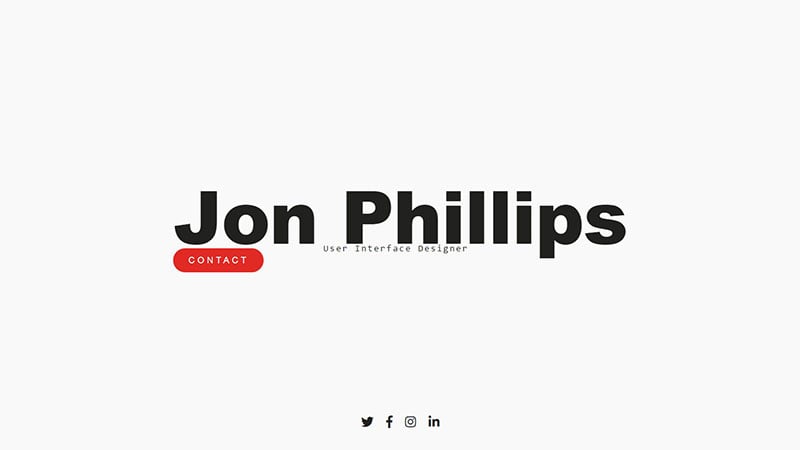
This website is the epitome of basic design; what you see here is the entirety. While there could possibly be a few links to his work samples or social networks for more information, this is a great example of a page you could launch really quickly while working on something more robust.
Commutifi
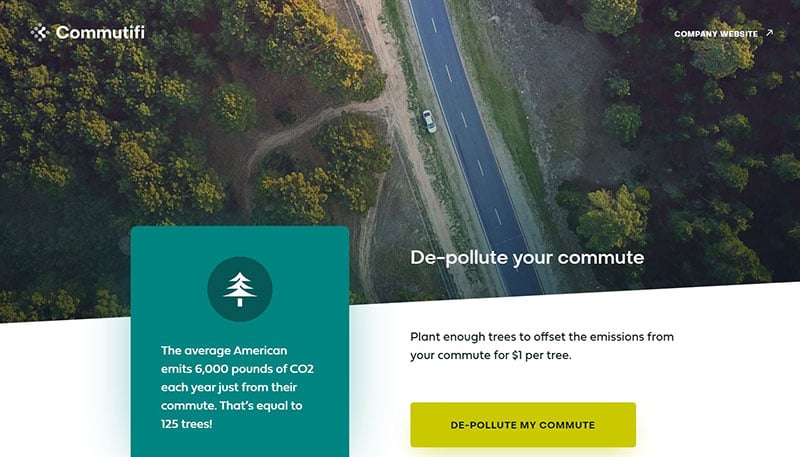
This Landing Page for Commutifi has lovely animations within the transit-type switcher and invites you to join the initiative to “de-pollute your commute”.
TooDeep
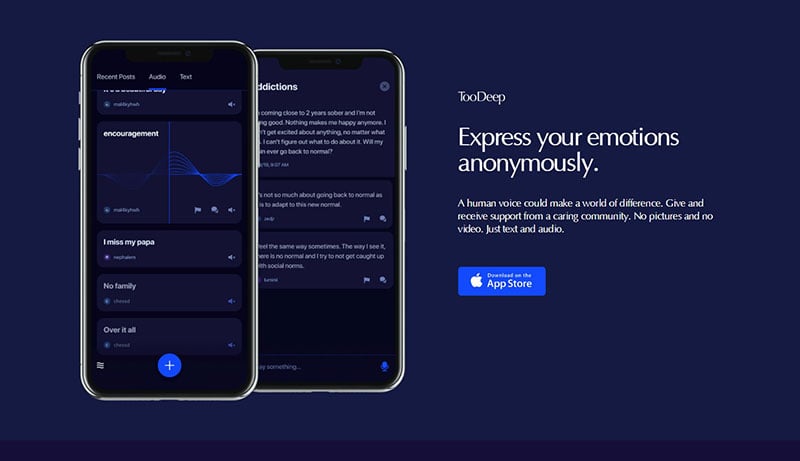
TooDeep is a minimal One Pager with a neat revealing footer, an anonymous peer-to-peer support platform that uses audio notes to relieve anxiety.
Built Things
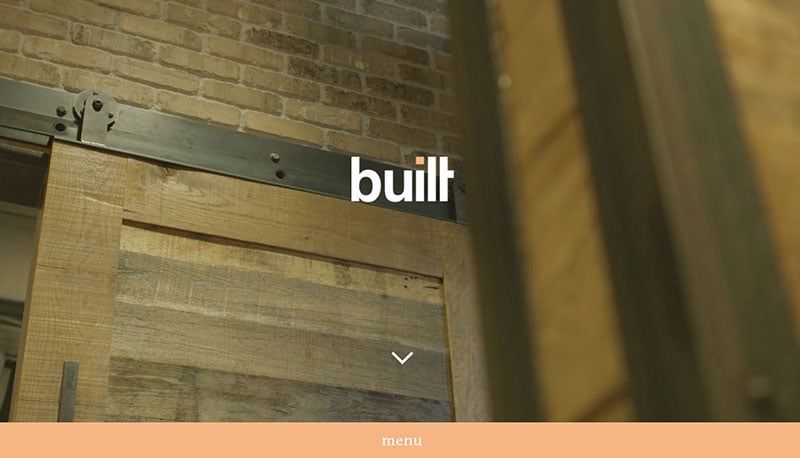
Built Things is a well-designed one-pager. Its storyline is executed in a way that makes sense: learn more about the company, what they do, who does it, and how to contact them.
Soljets Case
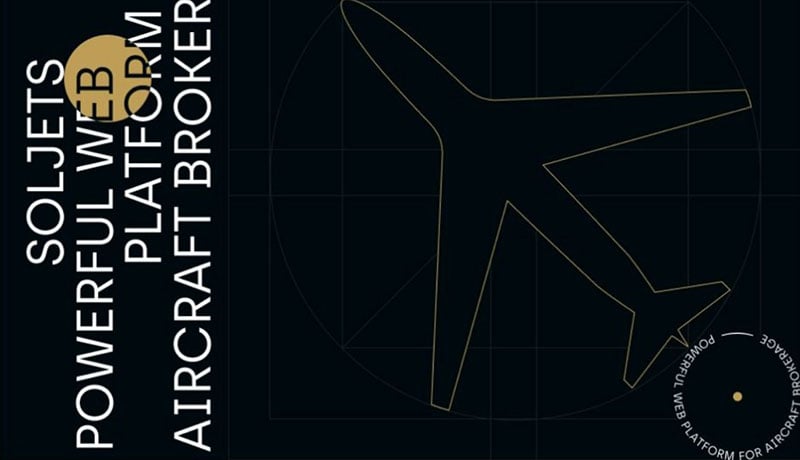
This fresh and functional design highlights the exclusivity of Soljets. It combines an impressive background video, luxury color scheme, and photos in grayscale become colorful on mouseover.
Jonnie Hallman
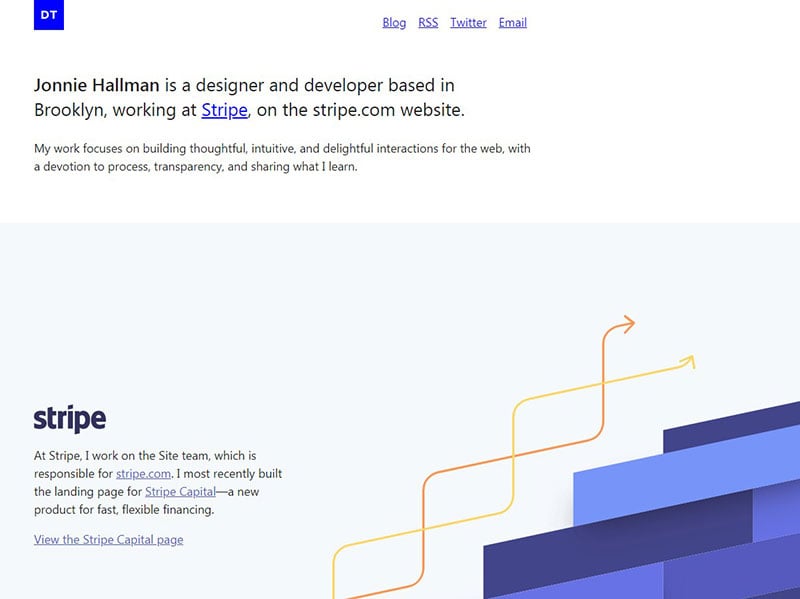
The long-scrolling One Page portfolio animates as you scroll for Stripe designer/developer Jonnie Hallman.
Dave Gamache
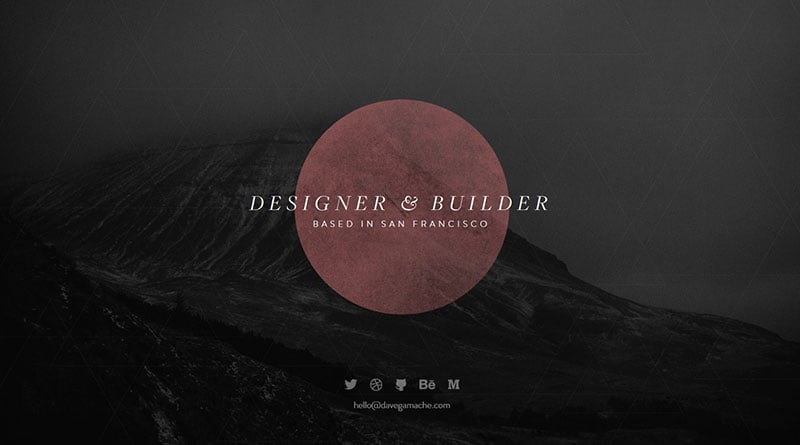
This website takes the simple landing page to the next level with the addition of social buttons at the bottom. You get a basic sense of Gamache’s work and aesthetic, with plenty of options to explore his work further.
Jon Rundle
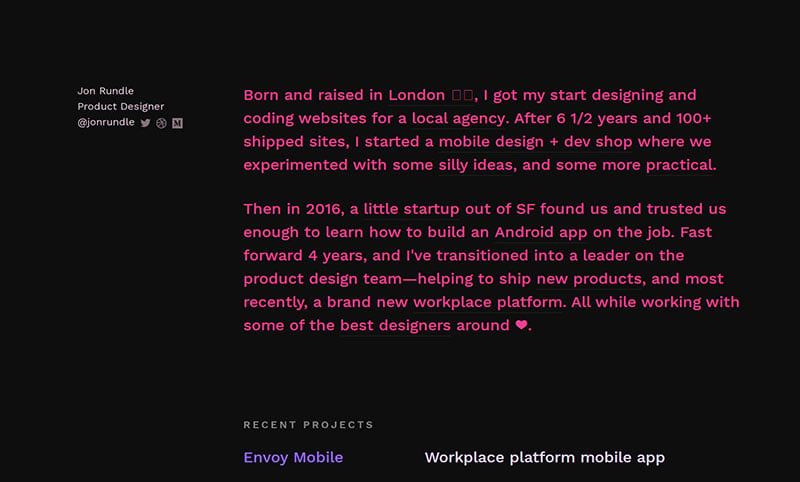
This minimal One Pager for Jon Rundle has a neat little touch changing the left text color as you scroll the right content.
Taiwan Design Research Institute

This single page website starts with two-sphere objects that take users through TDRI’s five core values: “Establishment”, “Drive”, “Promotion”, “Coherence” and “Spread”.
The Art of Texture
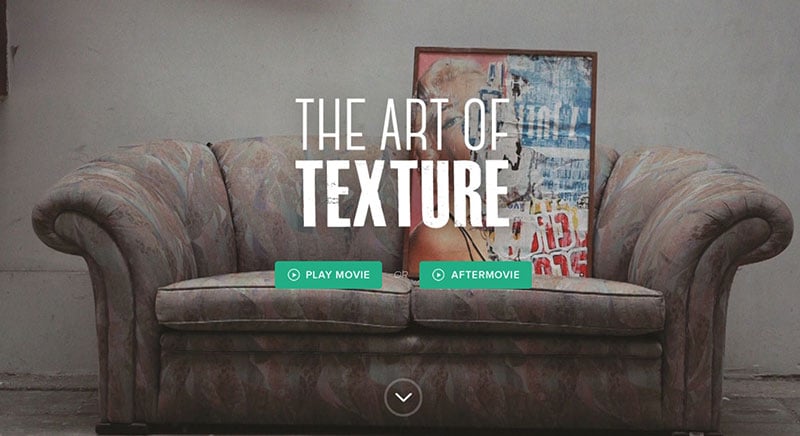
This single-page site adds a touch of flair with captions that appear when moving your cursor over the images.
Studio Jvckson
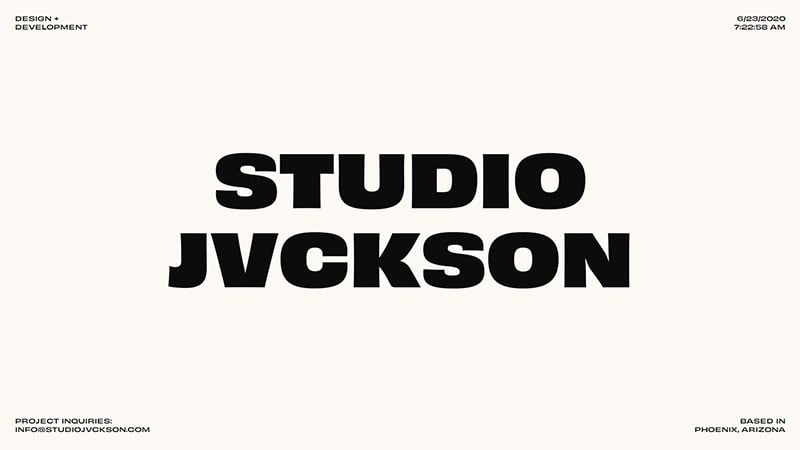
This fun One Pager for Studio Jvckson features a variable font sensitive to the cursor position within your browser.
Klokki
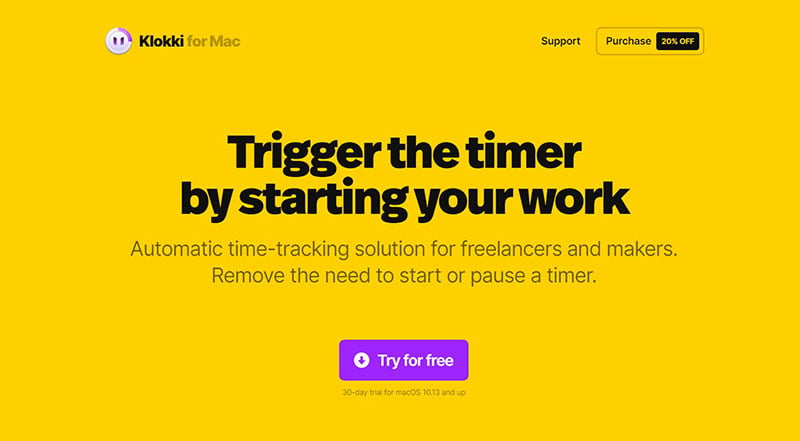
The menubar app preview is wonderfully clear in this one page website for Klokki time-tracker.
Odessa Subway
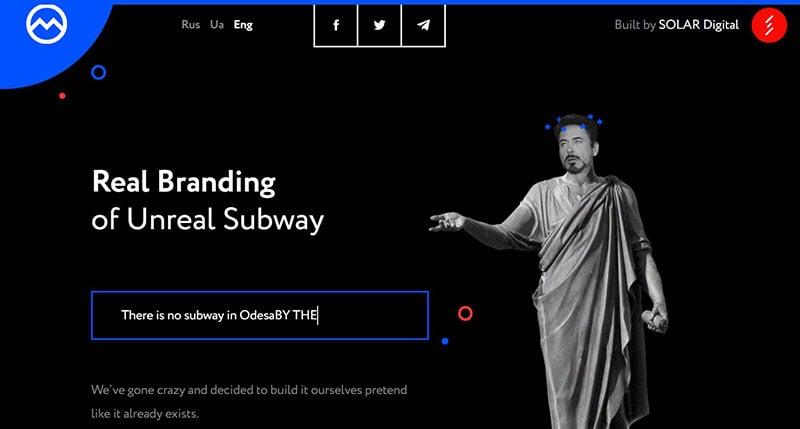
There is no subway in Odessa. SOLAR Digital team has decided to show the city residents what an Odessa subway might look like, not in the distant future, but right now.
Stricte.io

The chic animations and design elements certainly elevate this basic site, and even better is how Slawek approaches his copy—like a little elevator pitch (complete with links to the places he’s worked), giving you a full view of his career in two short paragraphs.
Ziago
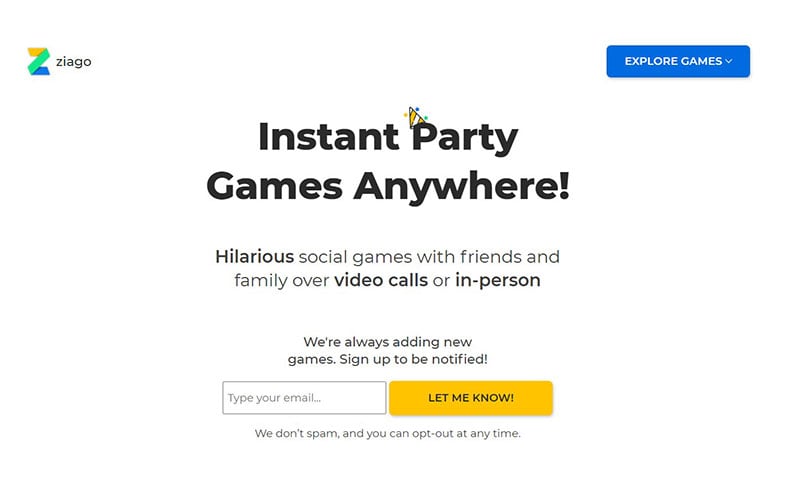
Ziago is a new web app to play games with friends and family over video and has a great intro image combining the product with a happy looking audience.
Plentific
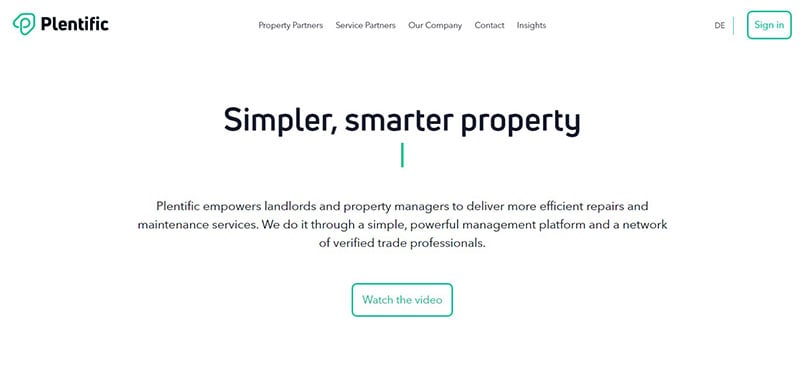
The testimonial section at the bottom of the page is a winner. When you mouse over each user story, the image is magnified just slightly, which really draws the visitor in.
Calmaria
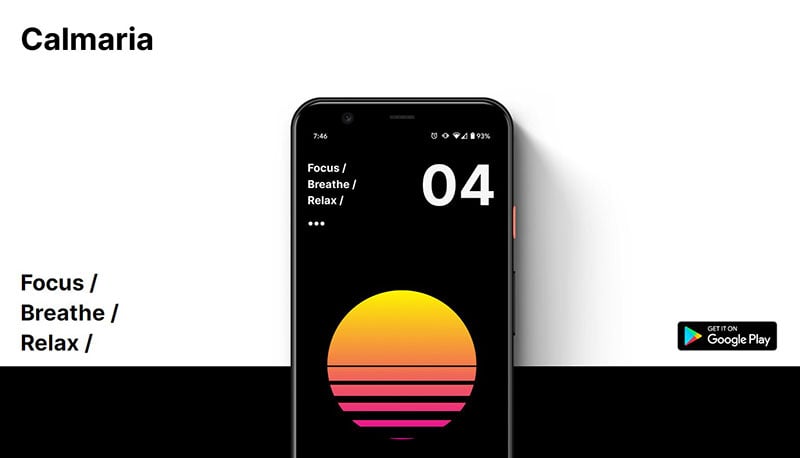
Calmaria is a breathing exercise app and its One Pager has lovely whitespace and crisp device previews. The initial load animation within the central device is subtle, non-looping, just enough.
Pumpernickel and Rye
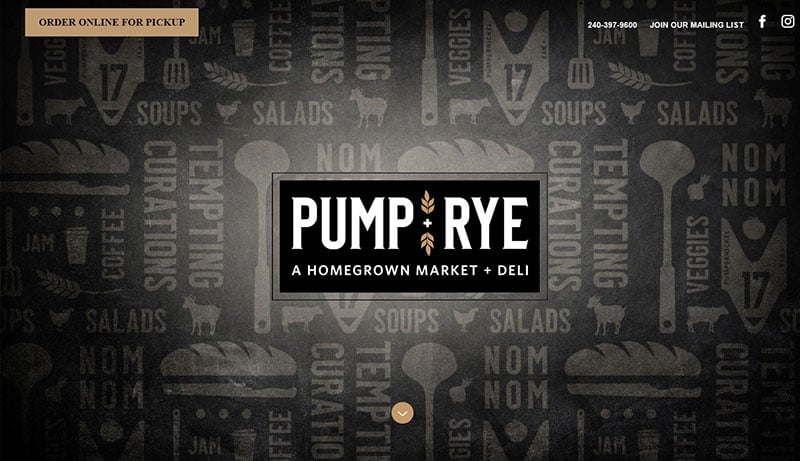
This is a simple long-scrolling One Pager featuring food elements along page and section borders for the deli and homegrown market, Pumpernickel and Rye.
Design Days 2020
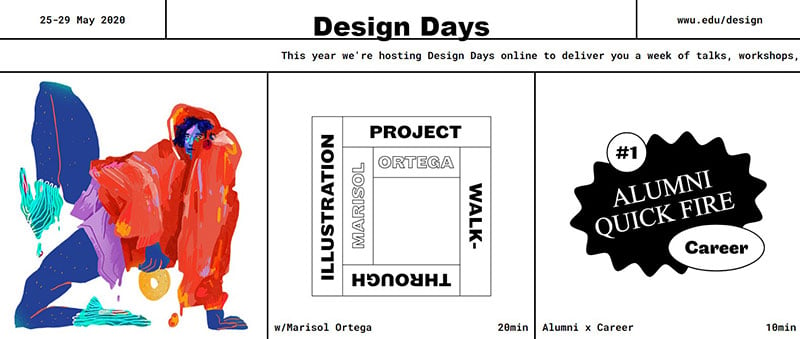
Design Days is an online event of design talks, workshops, interviews, student presentations, and professional case studies, presented by WWU’s Department of Design.
Typetalk
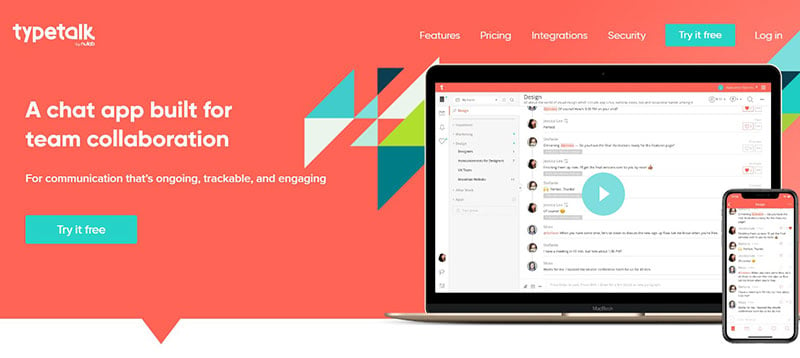
Although simple, this responsive one-page design’s bright colors, thorough product description, and y-axis effects keep users informed and engaged.
Kim Gardner
This simple page allows Gardner to share links to the many projects she’s currently working on without overwhelming the viewer. It’s easy to envision her swapping out the projects every so often, so she can share her most relevant and impressive work at any given time.
Lucky Beard
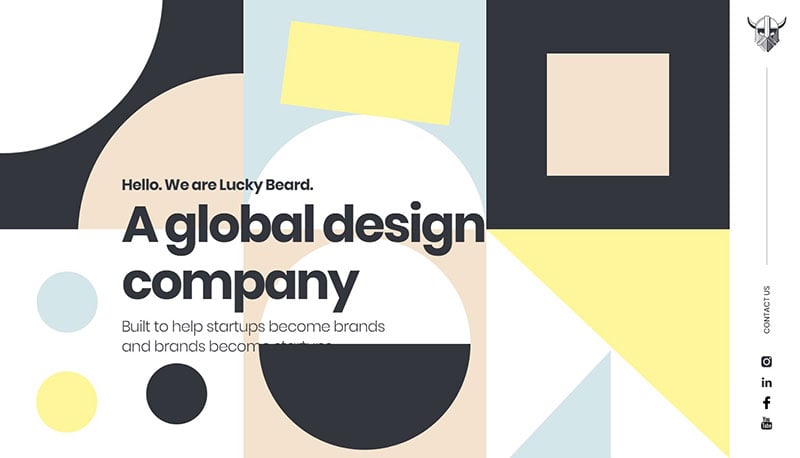
Lucky Beard design studio’s One-Page portfolio is fun and vibrant, with intro shapes animation, a great scroll progress bar, unique testimonial slider design, and a cool agency doodle further down the page.
Family Meal
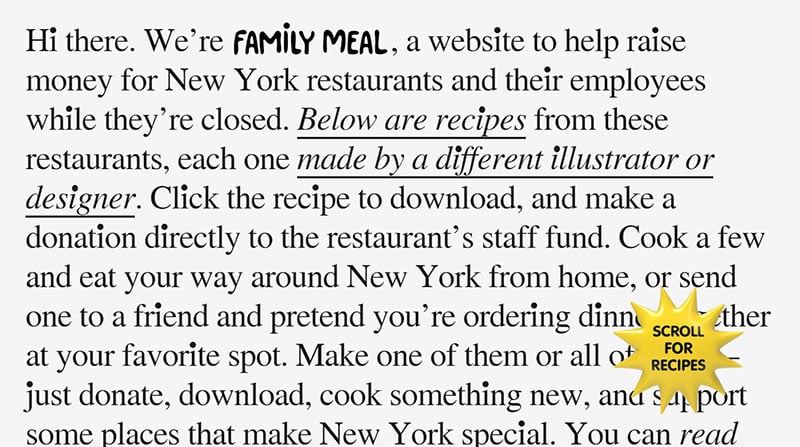
Family Meal’s One-Pager has a wonderful concept of encouraging donations to NYC restaurants in exchange for illustrated recipes by talented designers.
Marco Sors

Web developer Marco Sors uses a parallax scrolling One-Page portfolio with a retro theme, where he interestingly for integrated the vintage prize images behind the interactive award list.
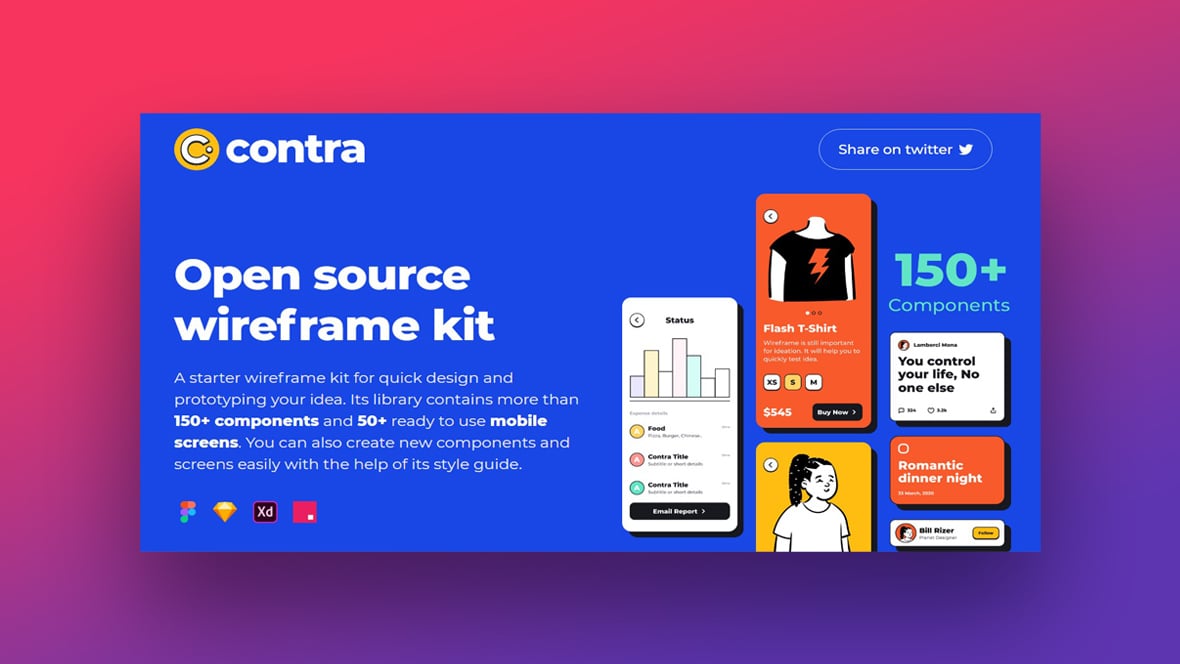
Contra Wireframe Kit
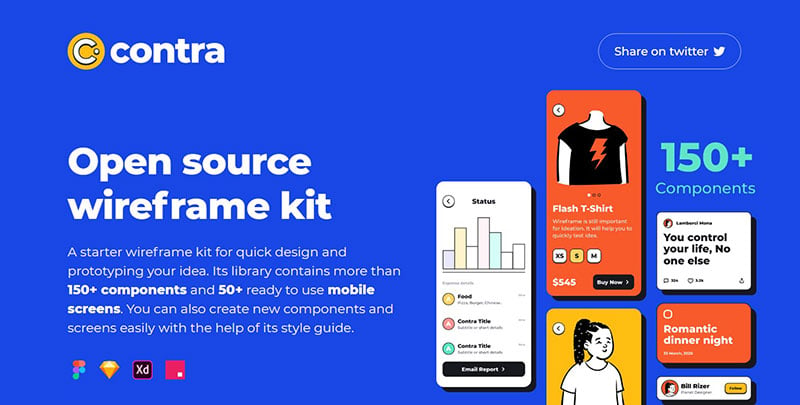
This clean One-Pager promotes Vibrant wireframe set by Wijay Verma to help spin up mobile mockup concepts more rapidly. The license is CC0 and available in Figma, Sketch, Adobe XD + Invision.
Hashtago

This site’s alternating filtered pictures, whitespace in the background, and semi-transparent logo header directing you to the CTA, all make for great design. The blurred photos are also a welcome change from the ultra-crisp background images we typically see.
James Oconnell
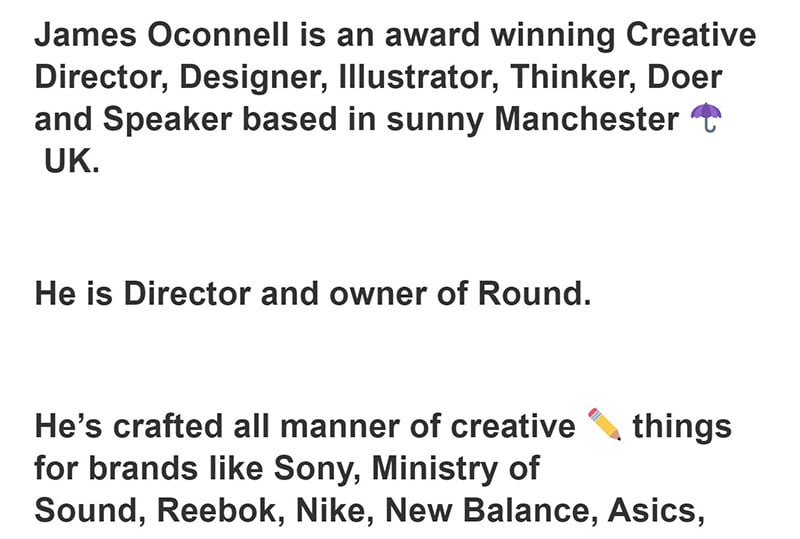
No doubt Oconnell has a creative and probably very impressive portfolio he could show off, but he doesn’t host his creative work here. Instead, he keeps it basic with a little personality added, then allows people to explore his work on whichever social platform they’re most interested in.
Safari Riot
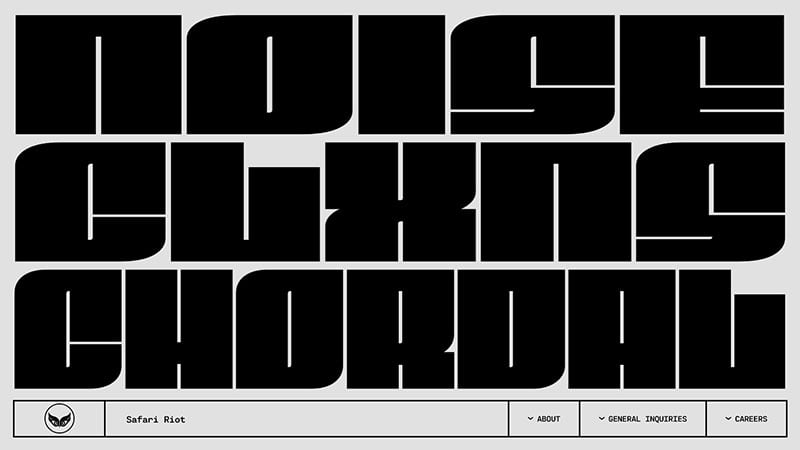
This page has vivid sound and music perfect for the Wild, making it attractive and vibrant in every way.
temper
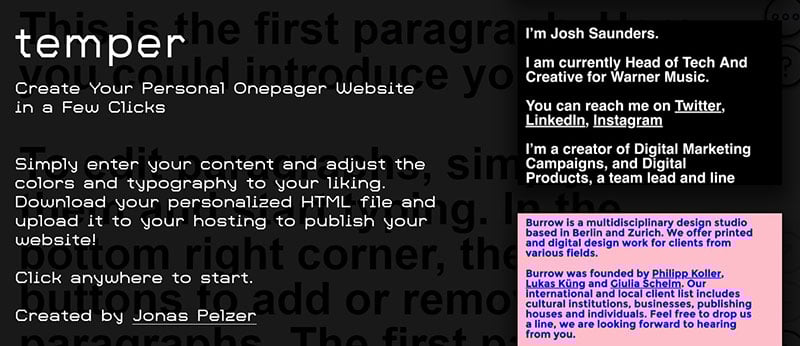
temper’s minimalist One-Pager is a raw text-only website builder by Jonas Pelzer. The 1-click onboarding to get started is great, and once you’ve made your text and style edits, simply download your HTML file!
Shanghai Old Town Vol.1
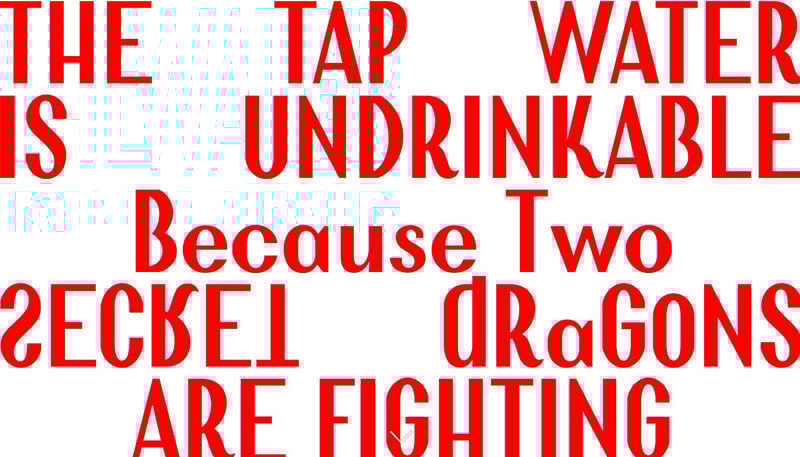
This long one page website promotes the Shanghai Old Town book through unique storytelling and amazing imagery.
TOU: Breathing Wall
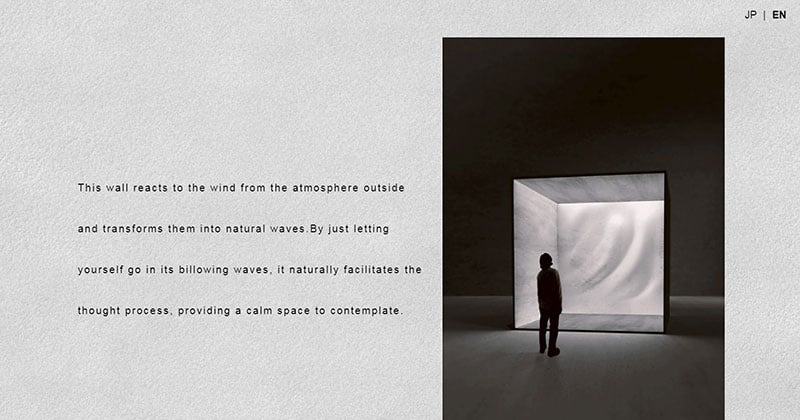
This is a special site for TOU has a wall that reacts to the wind from the atmosphere outside and transforms it into natural waves.
Simple Branding Course by Ention
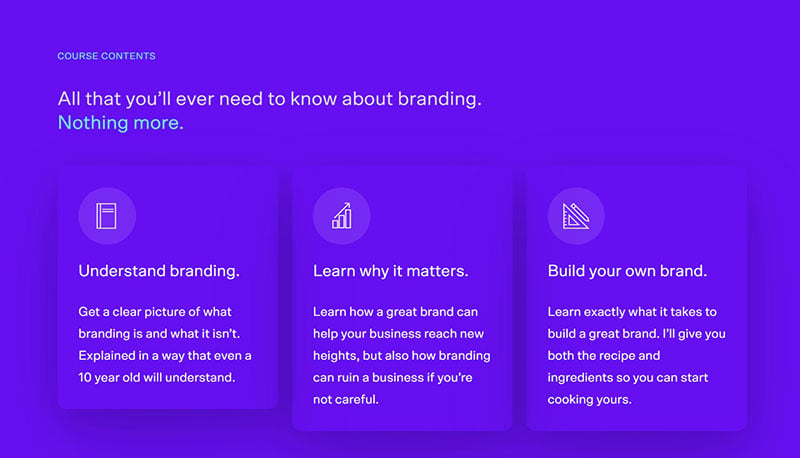
This lovely spacious single page website is promoting an upcoming branding course by Ention. Those Wistia videos have a great feature to loop a snippet of the video, thus creating a more engaging thumbnail.
BladyGros
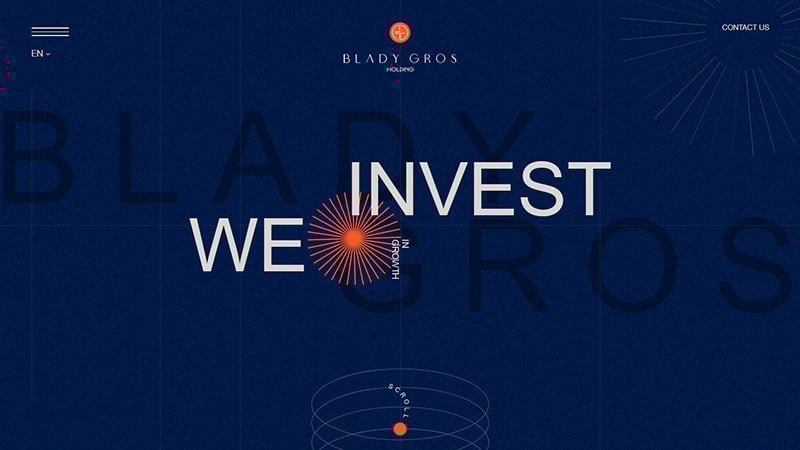
BladyGros is an investment company that actively invests in the development of medicine and technology.
Alex Leiphart

It’s incredible how a good font combo and a custom illustration can transform a personal site into a wonderful little contribution to the Internet.
ASAP PLZ
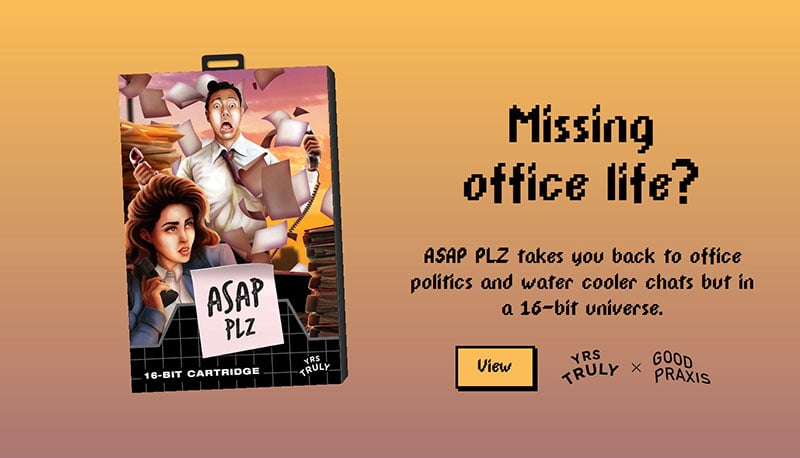
ASAP PLZ is a retro game about working in marketing. Even though it’s created for SEGA Genesis, it’s also fully playable in your browser.
Shannon Franklin
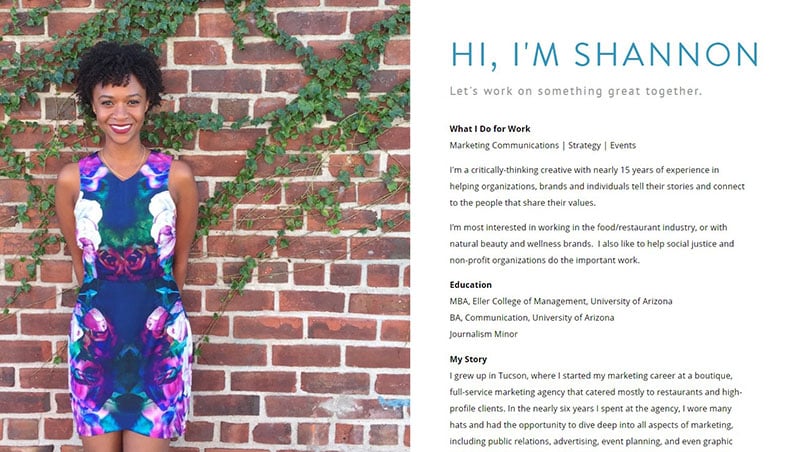
By choosing a bright photo of herself, Franklin nicely balances the simplicity of the other half of her site and ends up with an attractive page that will make anyone want to learn more.
Danny Garcia

This personal One-Pager for Apple senior web dev Danny Garcia has a wonderful bouncing bubble animation that draws you in and keeps you there!
Designing User Interfaces

This one page website has a lovely with a great looking pricing table for the ‘Designing User Interfaces’ eBook.
The Story of Dovetail and Afterpay
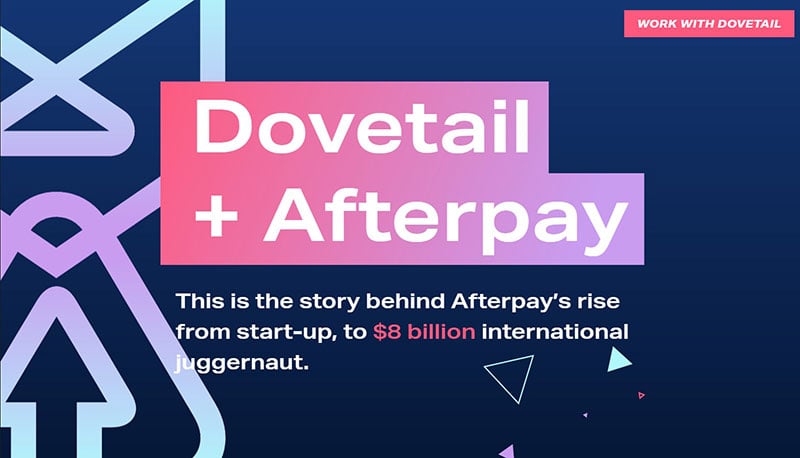
This long-form Journalism One-Pager shares the story of how Dovetail helped Afterpay grow into a huge business.
Gamer Moms Research Study
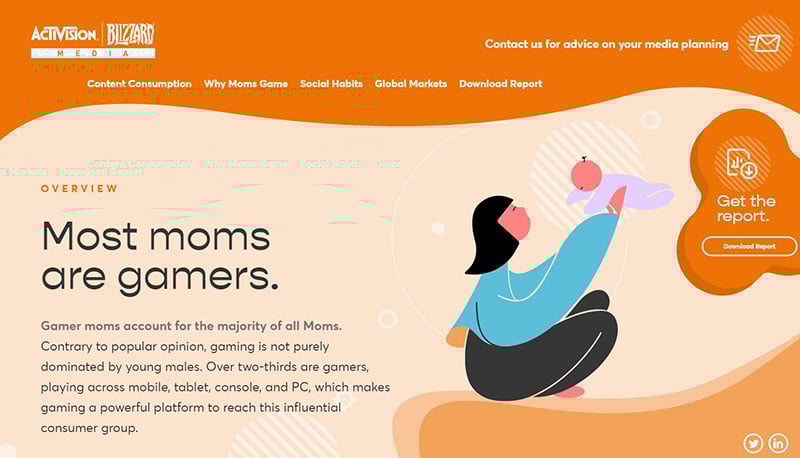
This website and accompanying white paper were created for Activision Blizzard Media to present their research on the Gamer Moms demographic.
Kaysie Garza
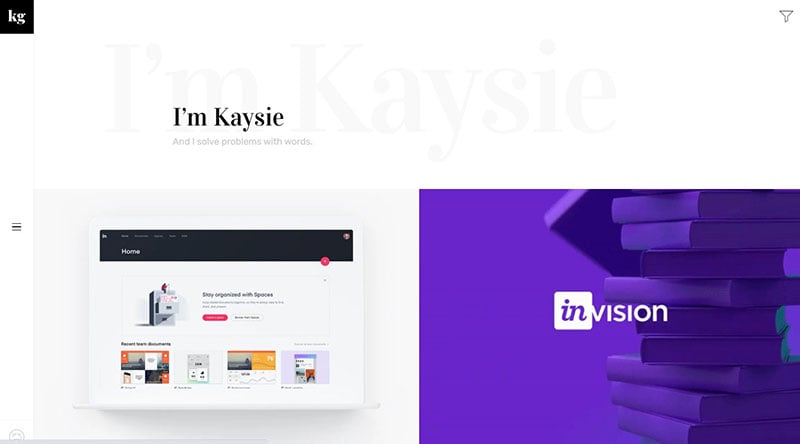
This is a great example of a site based on a more traditional resume, giving us a simple but striking look at Garza’s skill set and former experiences, as well as interactive links to her writing clips to learn more.
Best Horror Scenes
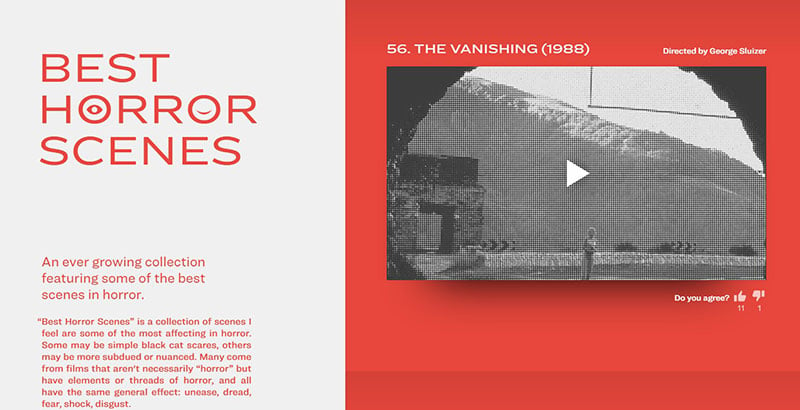
Best Horror Scenes is a One-Pager featuring a growing collection of the top scenes in horror that immediately intrigues the visitor with the creepy blinking eyes within the logo. ,
John Bengtsson
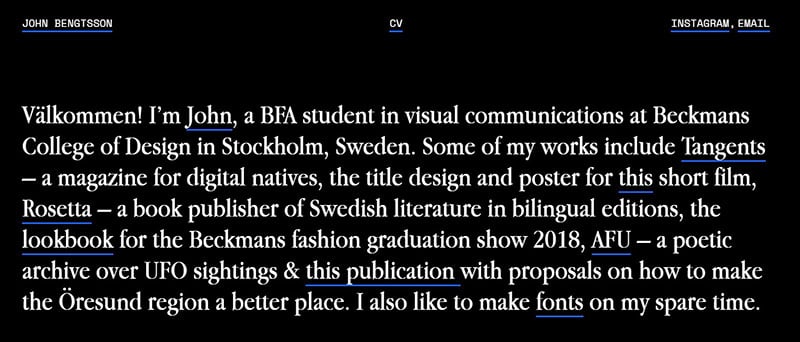
This One-Pager for aspiring graphic designer John Bengtsson has lovely big images and whitespace. Also noteworthy is the unique approach in the Table of Contents with hover previews that smooth scroll to the relevant work.
Pillmeier GmbH

There is quality imagery in this one page website for Pillmeier GmbH, which is a gardening and landscaping service based in Abensberg, Germany.
Shelter In Space by Khruangbin
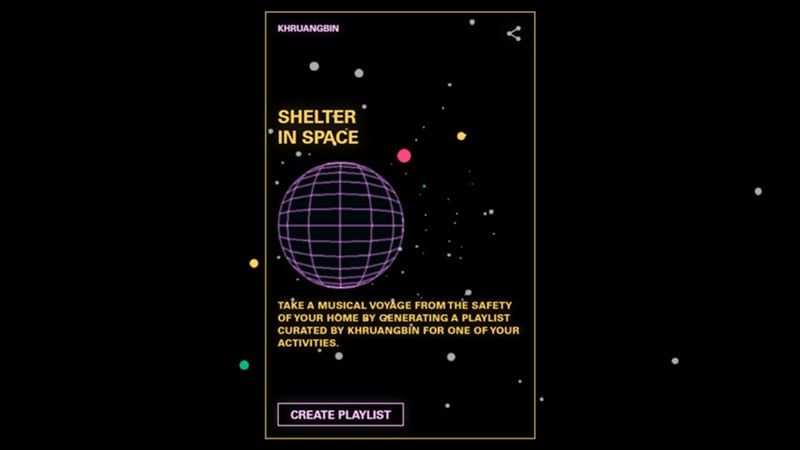
“Shelter in Space” generates a playlist for any activity you may be doing at home. It is curated by Khruangbin.
Cai Cardenas
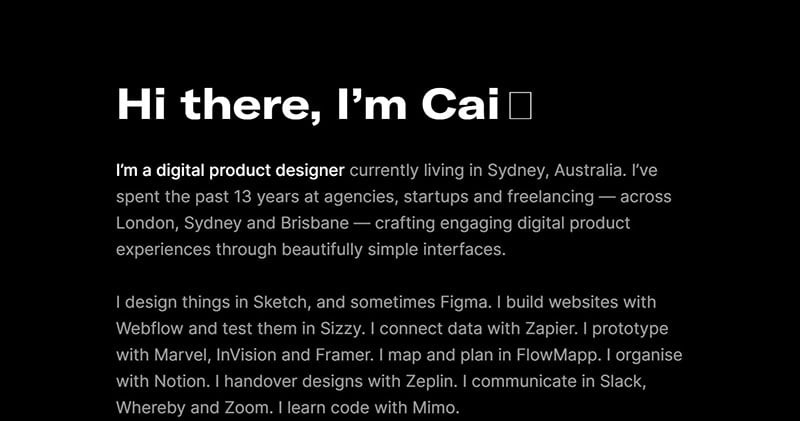
This dark-schemed One-Pager was built using Webflow for product designer Cai Cardenas. The waving emoji animation is a deft touch, as well as the matching links and brand colors.
Ana Becker
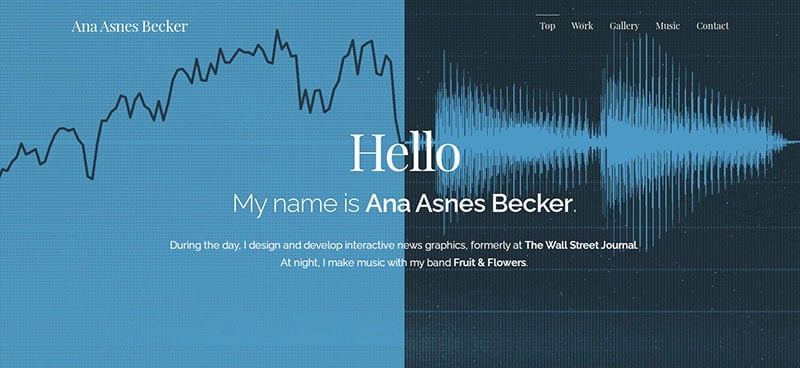
Becker is a talented creative professional, so she has plenty of visuals to use, which she does very well. She has very little text on her site and mostly relies on these images, making the visitor want to keep scrolling to see more of her beautiful work.
John Kappa
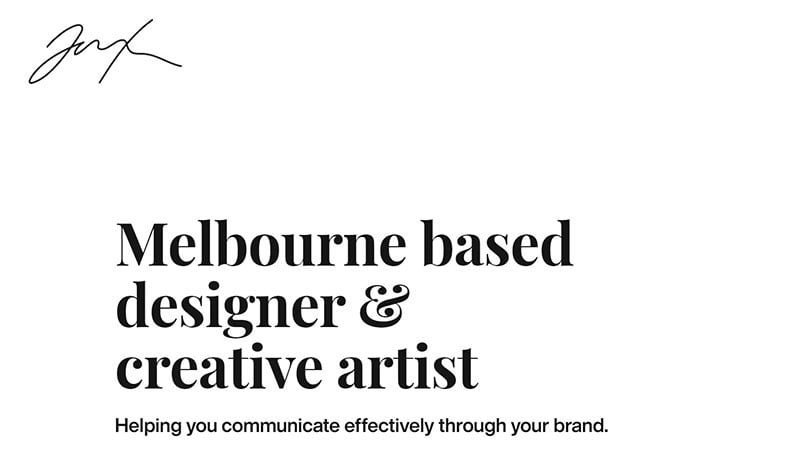
Melbourne based designer John Kappa ‘s One-Page portfolio has large images that load gracefully as you scroll.
That Portfolio Book
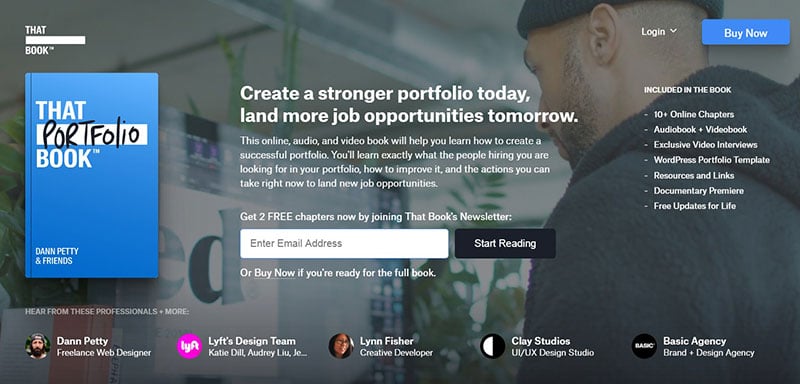
There are plenty of quality elements in this one page website for Dann Petty’s upcoming product, That Portfolio Book. The inclusion of text, audio, and video for the same content is noteworthy.
Puzzle Inn
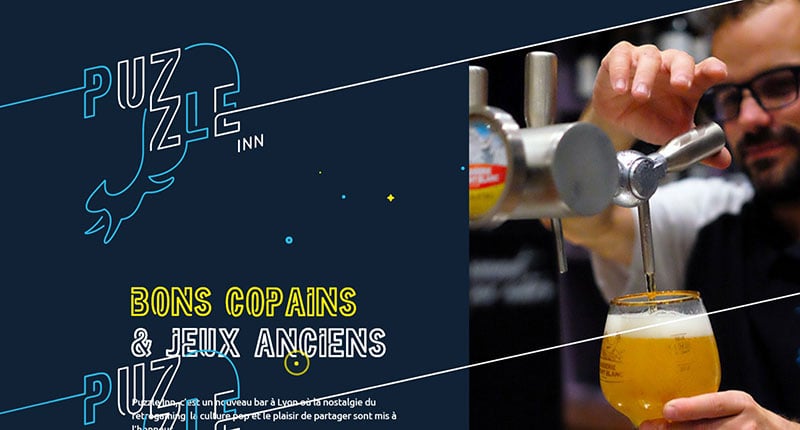
Puzzle Inn is a new Lyon-based bar filled with nostalgia for retro gaming and pop culture. It attracts immediately with the wonderful easter egg (activated via Konami Code).
SHUTDOWN.gallery
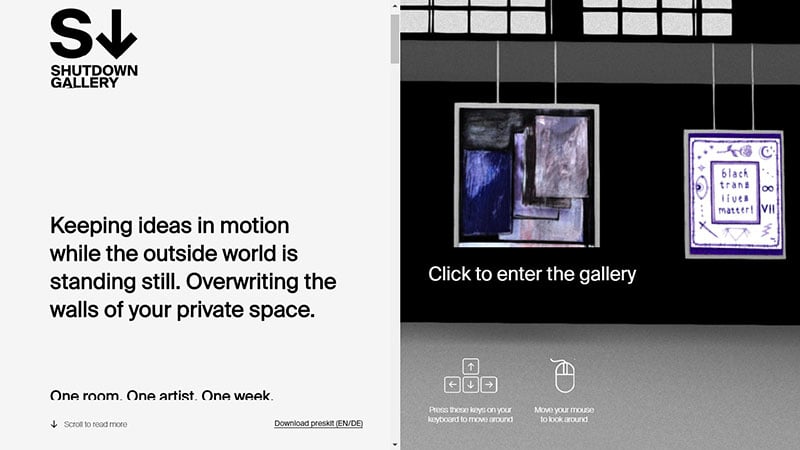
SHUTDOWN.gallery is a contemporary place of visual experience, intending to reawaken cultural life beyond social distancing. It gives a web-based, fully interactive, 360-degree experience, supporting mobile gyro sensors.
Ruben Kuipers
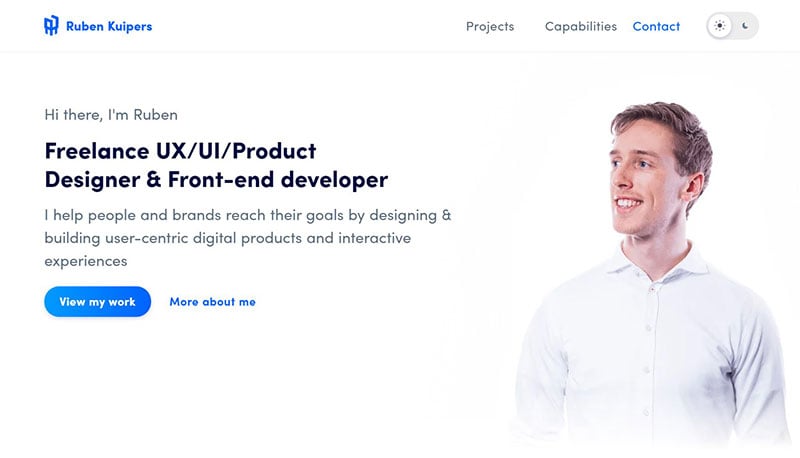
Freelancer Ruben Kuipers has a comprehensive One-Page portfolio with some noteworthy elements; the tech/design skills switch, the integration of the two (quality) testimonials within project thumbs, and the dark mode color scheme switcher changes his image.
Meagan Durlak
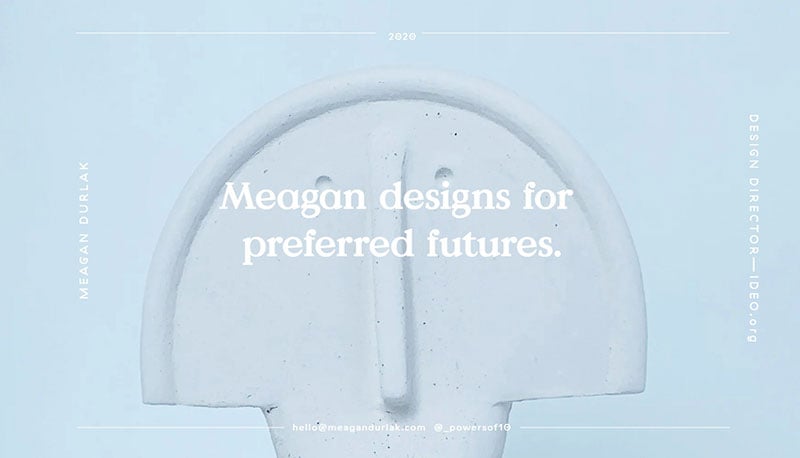
This is a great example of how just a few images or icons can elevate a website into something extra special. Durlak uses illustrations to draw the eye to the most important things about her and then uses a simple color scheme to keep elements consistent down the page.
JetBrains Mono
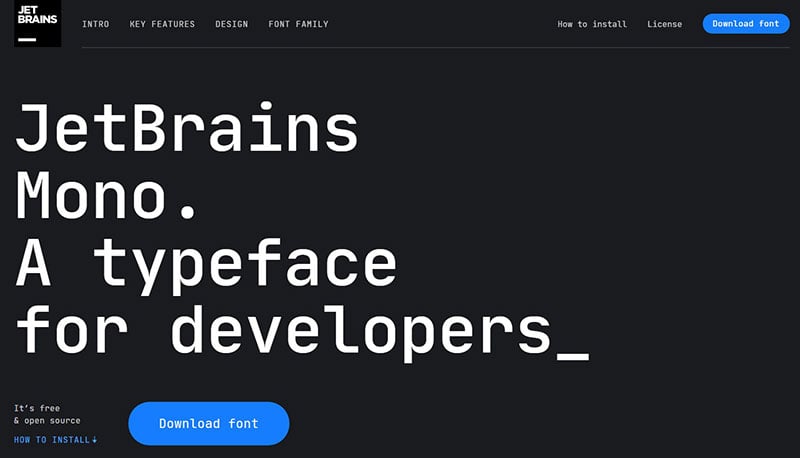
This one page website uses long-scrolling for promoting the free download of the JetBrains Mono typeface for developers. There are many impressive interactive elements demonstrating the true potential of the typeface.
Midi Fighter
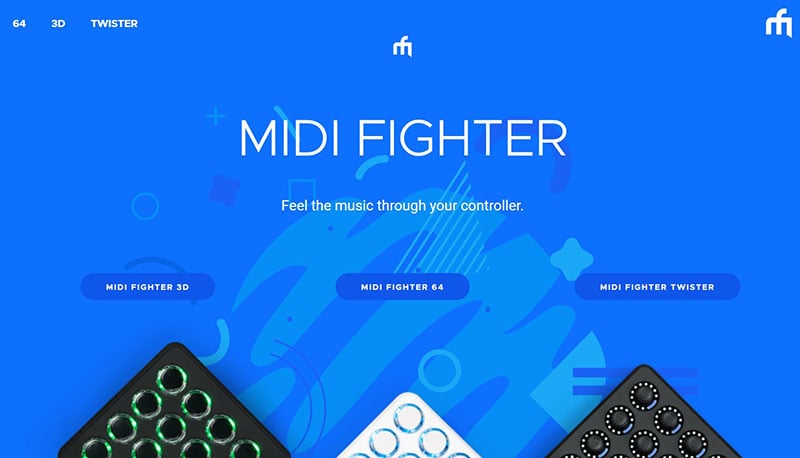
Midi Fighter is a series of controllers for DJs and musicians and features a vibrant One-Pager built using Webflow.
DARE.SEE
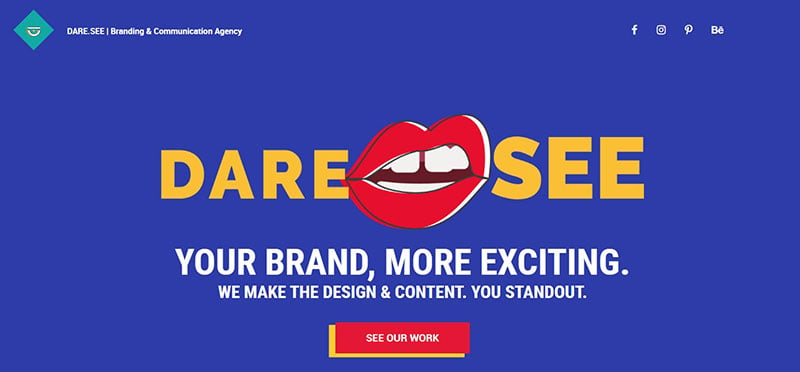
The team section in this One Page portfolio for DARE.SEE branding and communication agency is very appealing.
Steph Jeong Scrapbook ’20
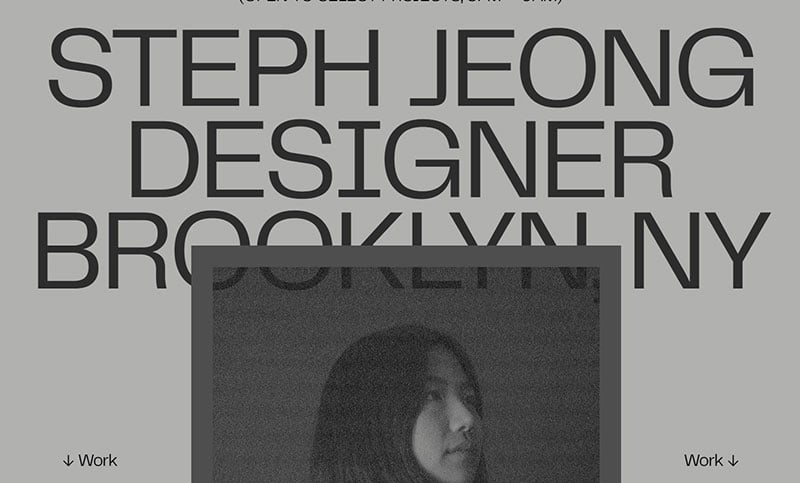
This is the personal website of Steph Jeong, a digital designer based in Brooklyn, NY.
Noel’s Fun Facts
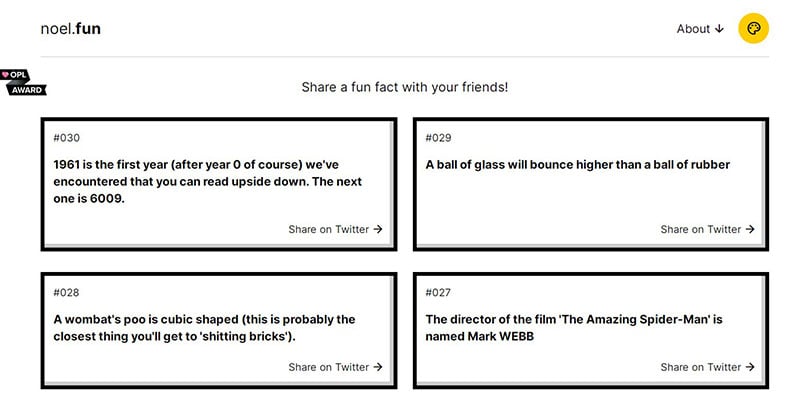
This fun, fact-filled One-Pager by Håvard Brynjulfsen has a great color scheme switcher (originally built by Max Böck), including a Kill Bill, Matrix, and John Wick scheme to name a few. It’s also very interesting to read how the site got the Noel name.
Pedro del Corro
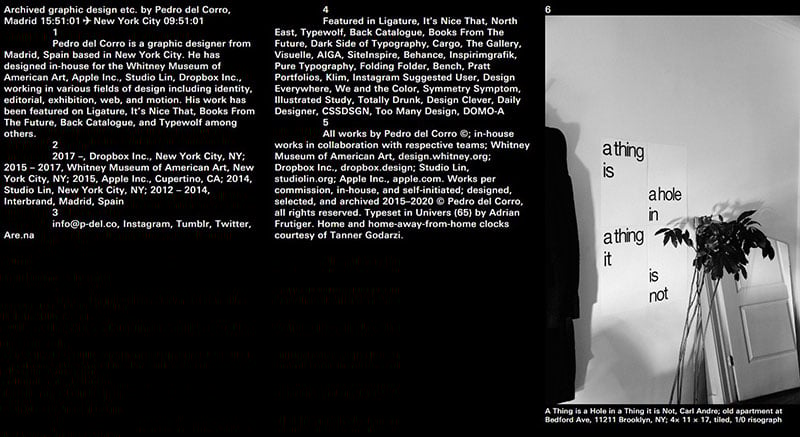
This brutalist One-Page portfolio was built using Cargo for Spanish designer Pedro del Corro now residing in NYC.
Glow
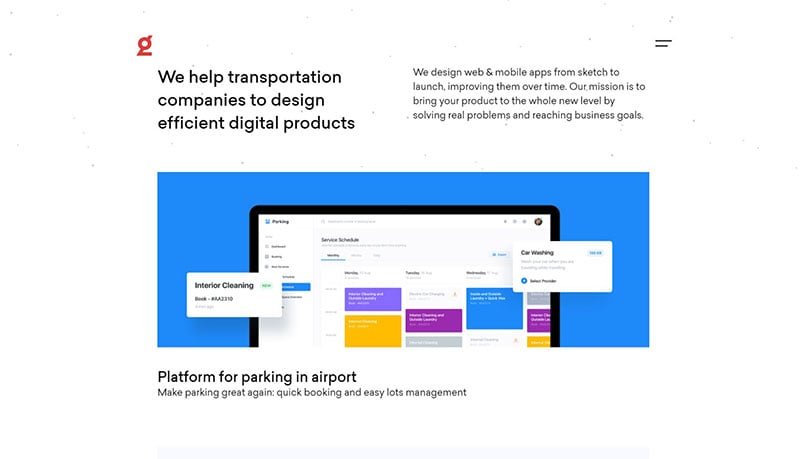
This One-Page portfolio for Glow who specializes in digital solutions for transportation companies has a lovely clean layout.n The footer time and weather is based in their location, Odessa, Ukraine, which is an interesting feature.
ARTËM | Creative Developer

This page is for an Amsterdam based creative developer with a passion for interactive web and mobile interfaces.
SoonLaunch
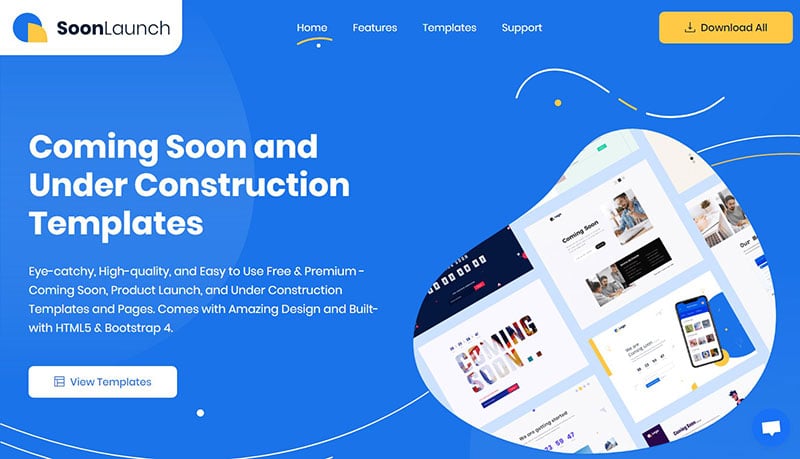
SoonLaunch features a long-scrolling one page website promoting a comprehensive launching soon bundle by the team over at UIdeck.
Choose Home
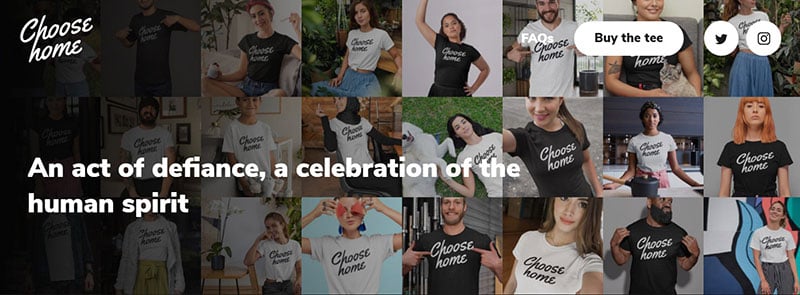
The Choose Home non-profit campaign has a neat parallax effect and zoom of the tees as you begin to scroll this one page website.
Thierry Chopain
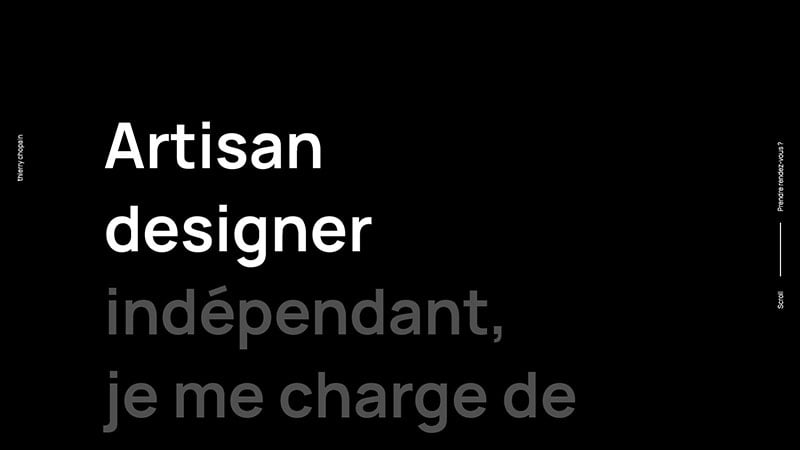
This long-scrolling One-Pager for designer Thierry Chopain features big typography, parallax effects, load transitions, and even a changing color scheme as you scroll.
Uplaunch
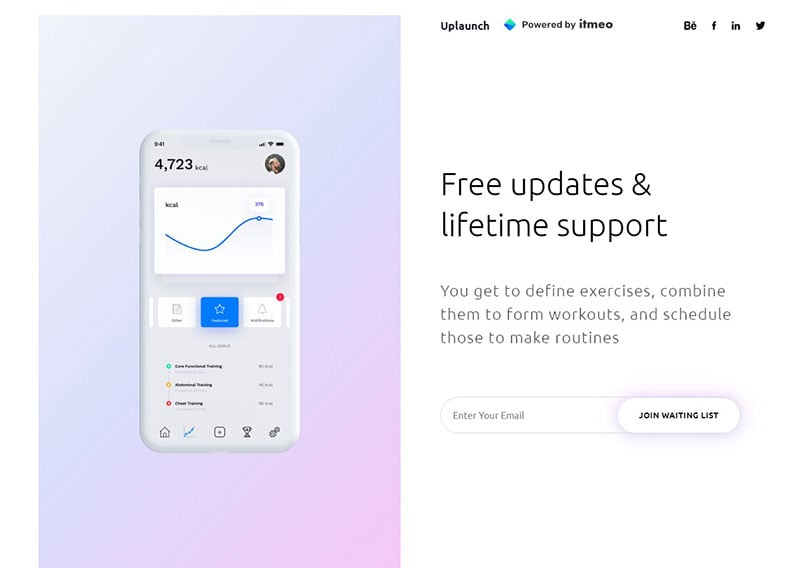
This is a beautifully designed single page website with slick load transitions promoting the Uplaunch HTML5 pack of launching-soon templates.
Olivier Gillaizeau
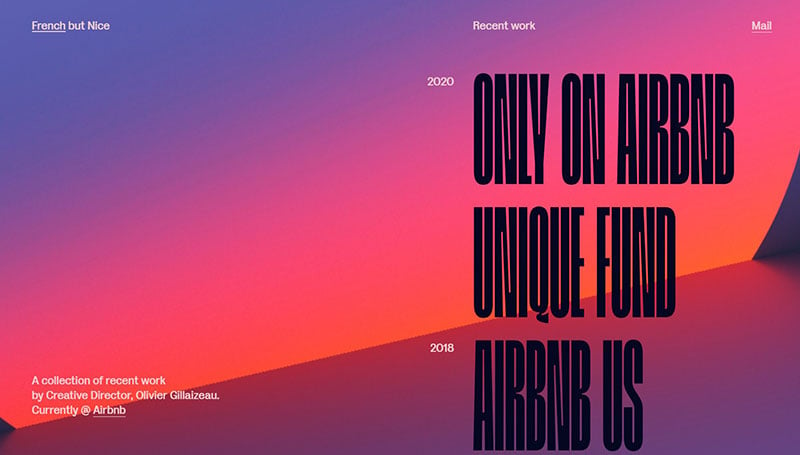
This one page website promotes the portfolio of Olivier Gillaizeau, an American / French designer and creative leader with over 15 years of experience, who lives in San Francisco.
Feijoo-Montenegro
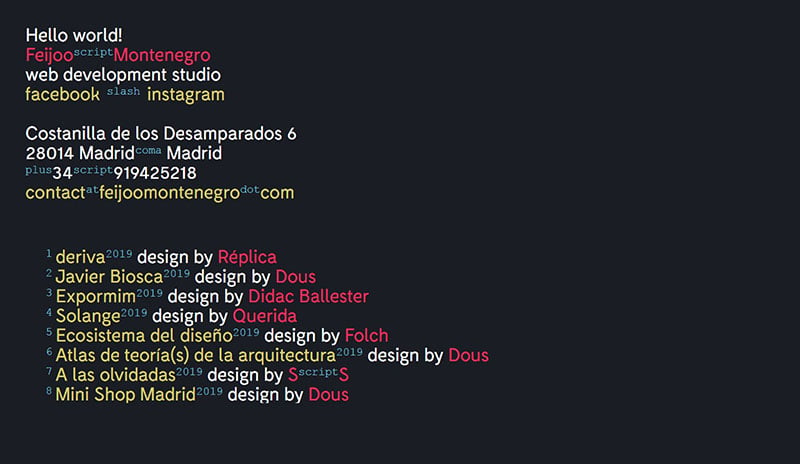
Web development studio Feijoo Montenegro has a minimalist text-only One-Pager, featuring a fun replacement of symbols with words.
Kyler Phillips
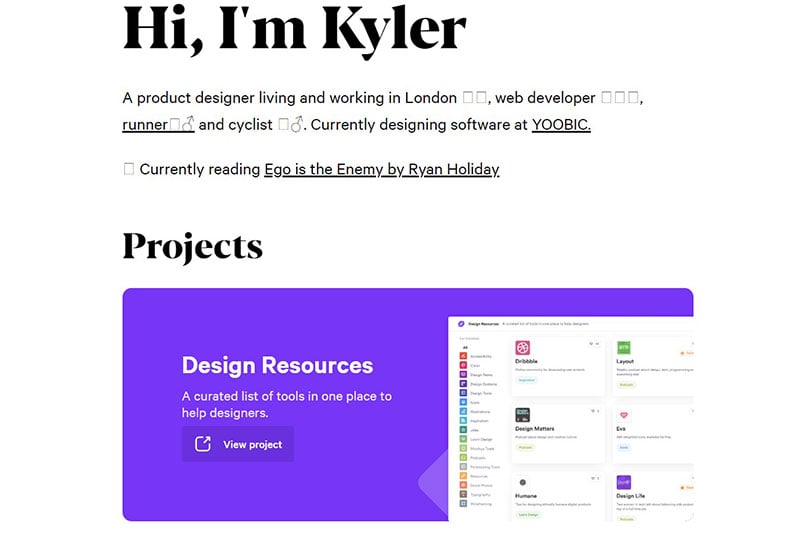
The Single-Page site One Page portfolio for product designer Kyler Phillips features a neat section tracking his 2020 activity as a Covid-19 tracker using the Gyroscope app.
Index Art Book Fair
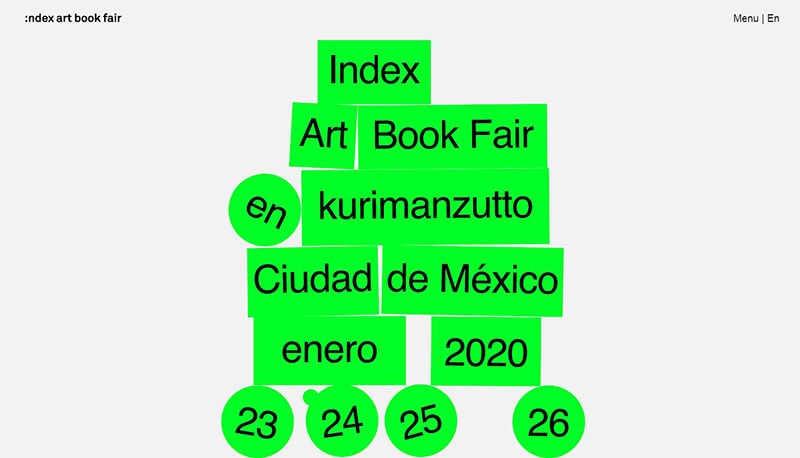
This is a brutalist long-scrolling One-Pager by Romain Granai for the Index Art Book Fair to be held at Kurimanzutto in Mexico City later this month. The initial block pile load transition is a deft touch.
Tupuy
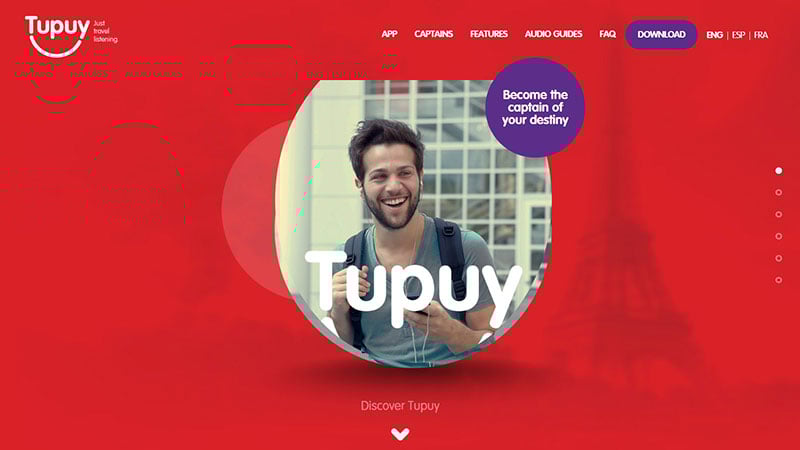
The page for Tupuy, an audio guide app, has an interesting navigation bar. By clicking a link at the top, you are immediately taken to the part of the website that discusses that particular feature.
Cone
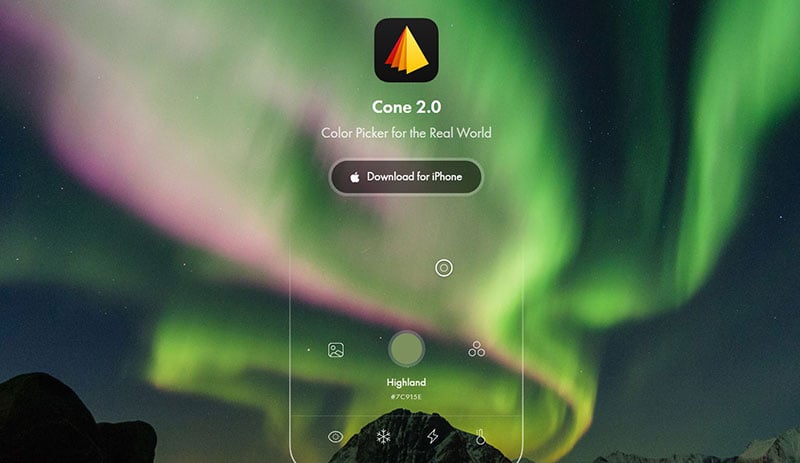
This single page website for the Cone color picker app features an excellent product demo interacting with the header background image.
GOSHA
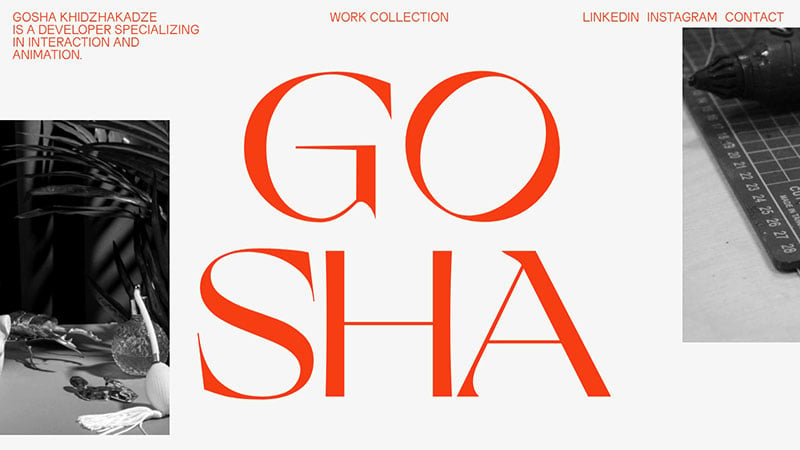
This page is the portfolio of Gosha Khidzhakadze, a developer specializing in interaction and animation.
Nonsense
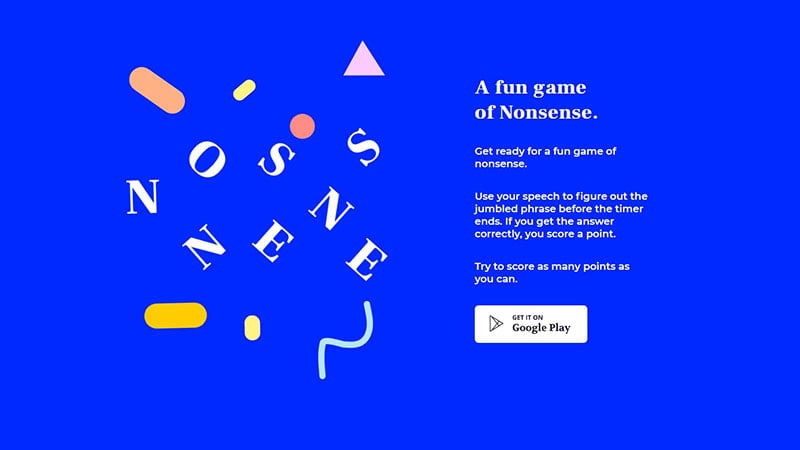
There are neat subtle animations in this minimal One-Pager promoting Nonsense, a fun game involving speech to figure out jumbled phrases.
Faris Kassim
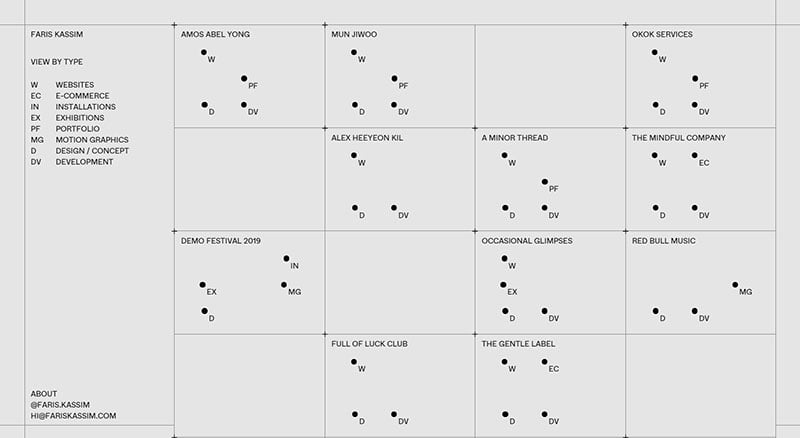
This unique One-Pager for interactive designer Faris Kassim features a minimal data visualization themed portfolio.
Mailchimp’s 2019 Annual Report
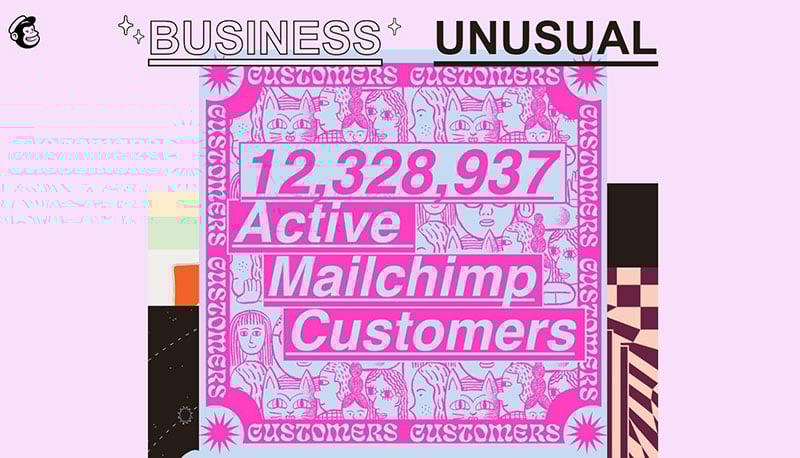
This unique and quite wonderful long-scrolling One-Pager by Mailchimp shares their 2019 year in review. The URL changes as you scroll, allowing the sharing of certain statistics, as well as clicking the stat to share on social networks.
Mutant Labs

It is noteworthy that Mutant Labs make use of trust elements to prove their trustworthiness and skill, by including logos of their clients to establish their credibility to the new audience.
The Uncensored Library
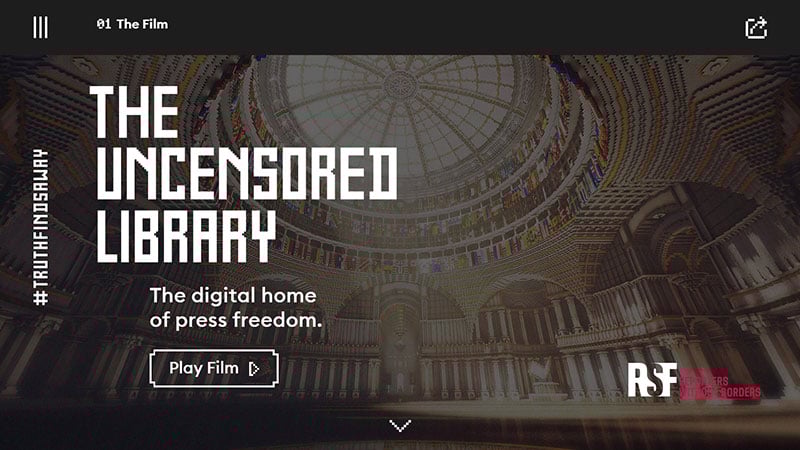
The Uncensored Library is an open library in an open-world game. Using Minecraft as a loophole, it bypasses censorship by republishing banned articles in the game.
Inspireframe
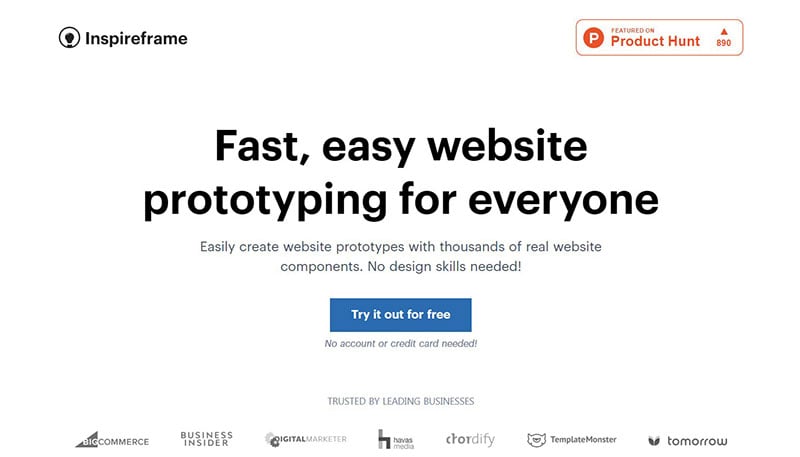
This strong one page website promotes Inspireframe, which is a web app where you can stack UI components to construct your ideal Landing Page concept.
Henrik & Sofia
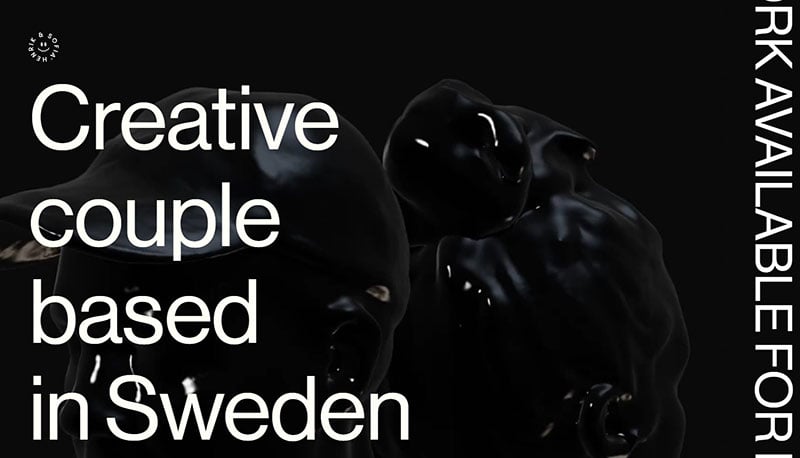
Swedish design duo Henrik & Sofia have a cool spinning 3D background in their long-scrolling One-Page portfolio. The impressive angled device previews alongside projects is also worth checking out.
Kong
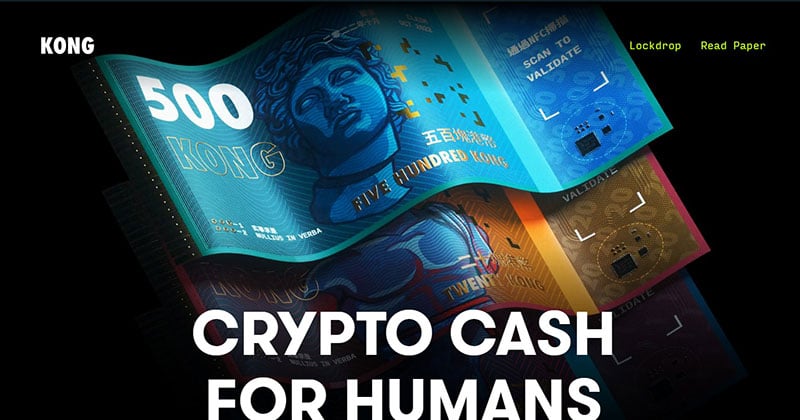
This One-Pager (built using Shopify) demonstrates Kong, a tangible crypto cash, and features a perfect header animation as well as fascinating full-color printing on their circuit boards.
Jonas Reymondin – Portfolio’20
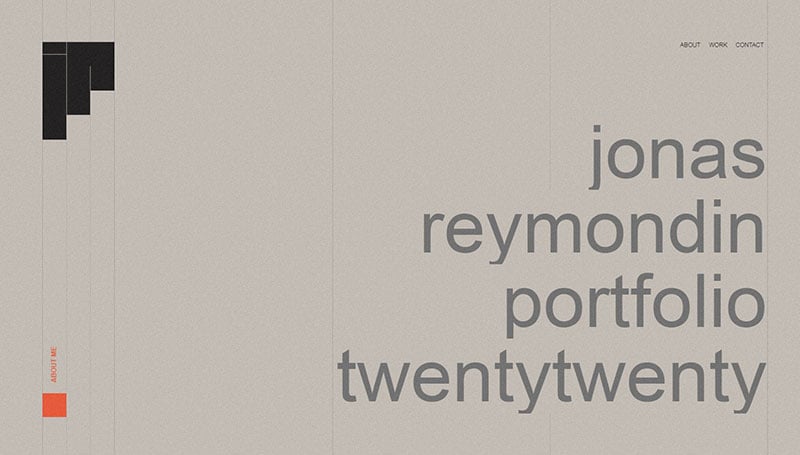
This page is the 2020 portfolio of Jonas Reymondin, a UX/UI Designer and Front-end Developer based in Switzerland. He works at Bebold and is always looking for exciting projects.
Every Last Drop
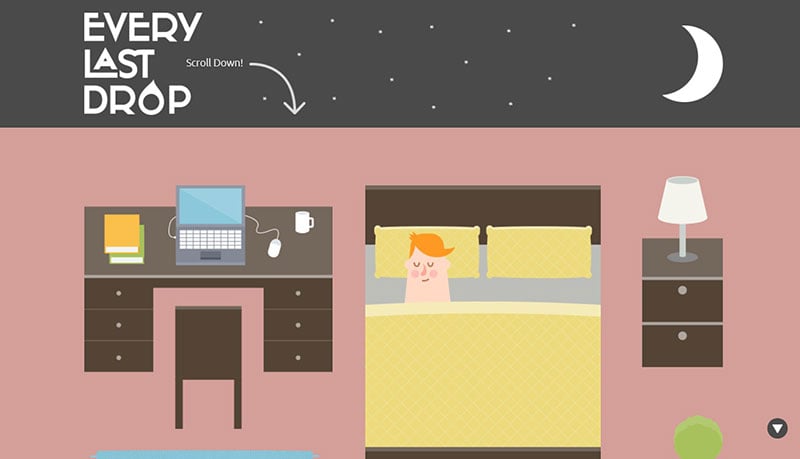
Every Last Drop uses parallax scrolling to take their visitors on a journey using graphic elements and transitions to spark interest on an important issue. They show how to give your page an outstanding sense of life and motion to ignite excitement.
Horia Veselin
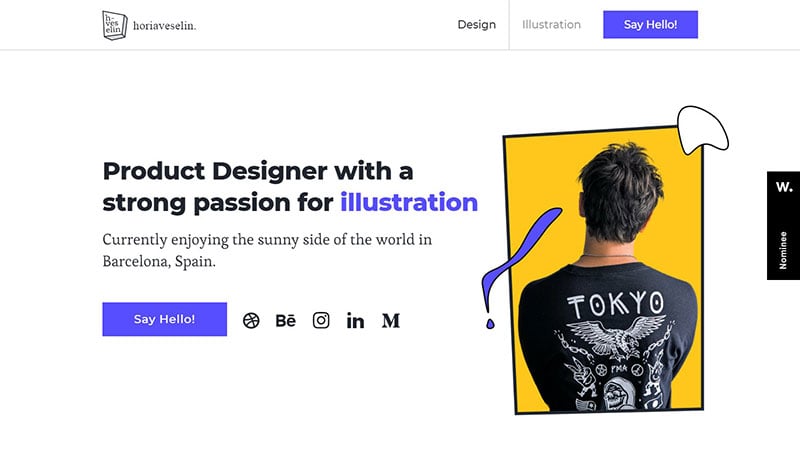
This One-Pager (built using Webflow) for product designer, Horia Veselin features fun parallax effects on a few floating illustrated elements as you scroll.
Niccolò Miranda

The minimalist One-Pager for interactive designer Niccolò Miranda features a lovely pairing of Saol Display and NF Chimaera typefaces.
Simpler Studio
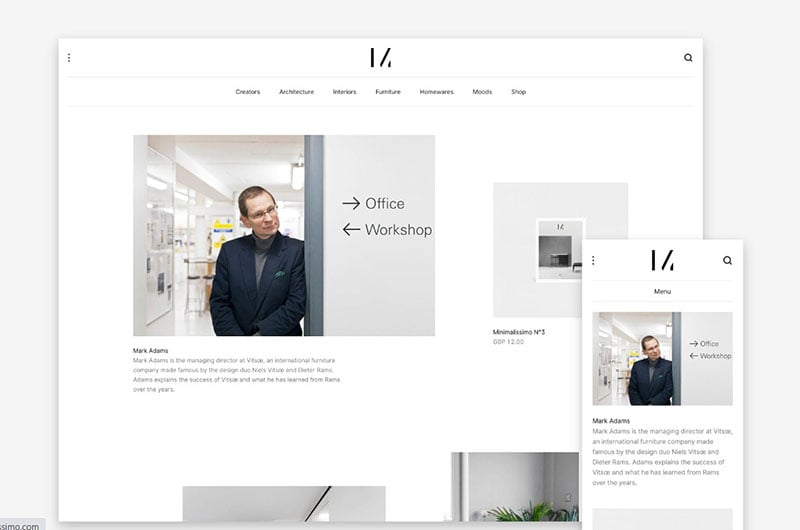
Simpler Studio, a new collaboration between Carl MH Barenbrug (Minimalissimo) and Manuel Moreale (The Gallery) have a minimal long-scrolling One Page portfolio.
Simpler is a virtual studio that proposes a simplified and more effective model for designing and implementing digital platforms.
Wray & Nephew
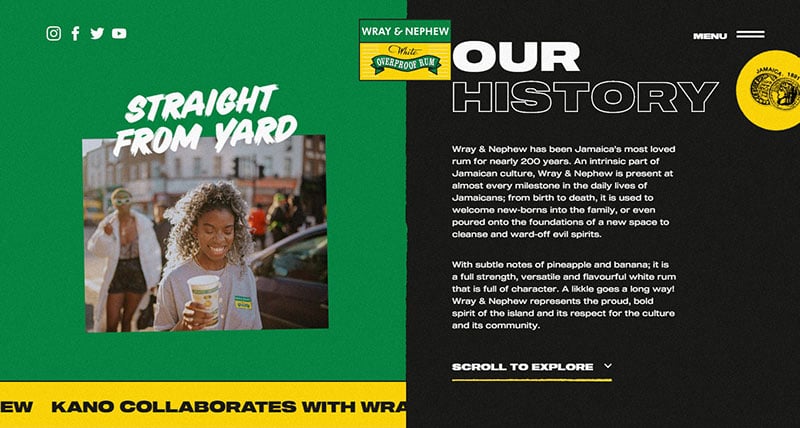
Wray & Nephew has been Jamaica’s most loved rum for nearly 200 years and is an intrinsic part of Jamaican culture. Their page is perfect for their brand.
Smoothly
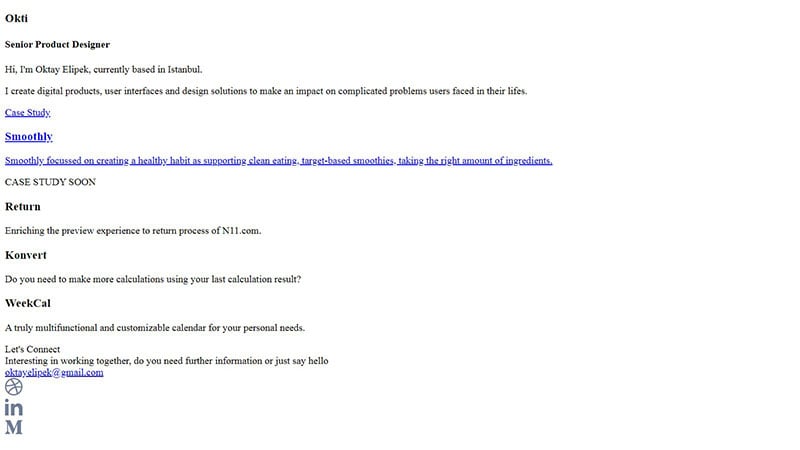
This launching soon page for Smoothly health app features a neat little touch with the blender logo animation (on hover).
Make Your Money Matter
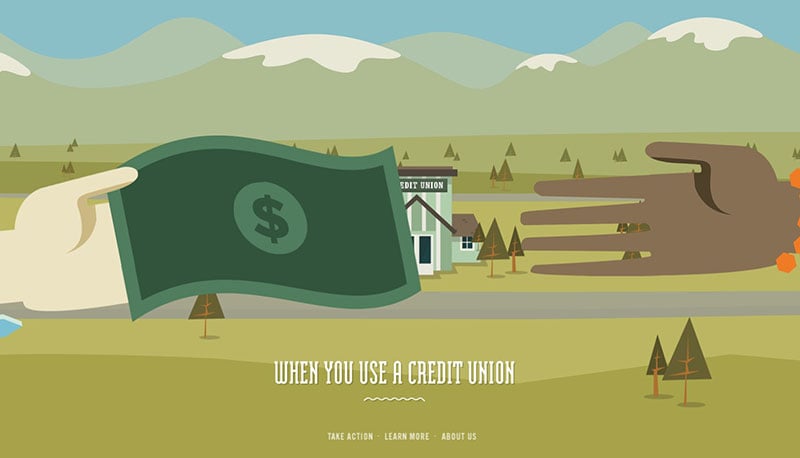
Make Your Money Matter use colorful illustrations on their site to make it more engaging. They effectively expose what happens to your money when you put it in banks. Overall it is a beautiful and informative site with wonderful visual design.
Flowin
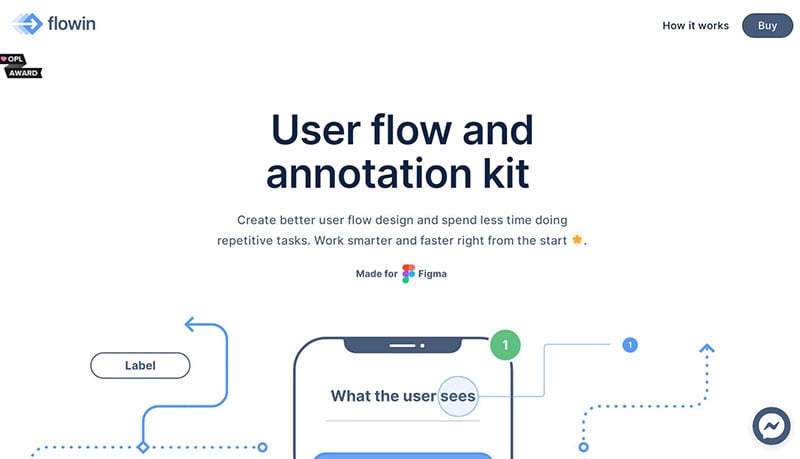
There is a comprehensive product demonstration in this single page website for Flowin, a user flow and annotation kit for Figma. The style-switcher as you scroll near the bottom is really impressive.
COVID-19 Tracker
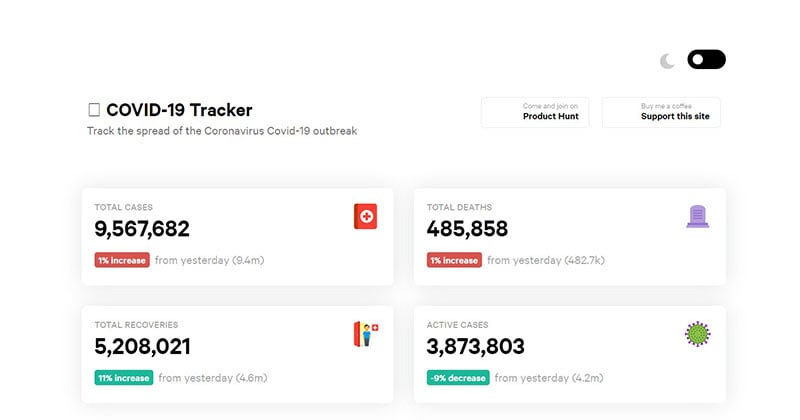
This is an elegant little One-Pager by Kyler Phillips tracking the spread of the COVID-19 outbreak.
Guillaume Beaulieu

This minimal and colorful One Pager for MamboMambo co-founder Guillaume Beaulieu contains an excellent reference to storytelling integrated with a portfolio.
CouCou
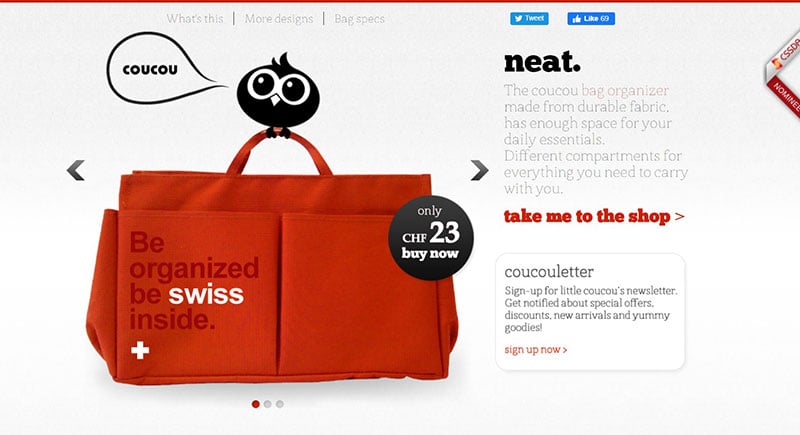
CouCou is an e-commerce website, which clearly displays what they’re selling. They convey their main message immediately and their content is short and concise.
QuarantineTime
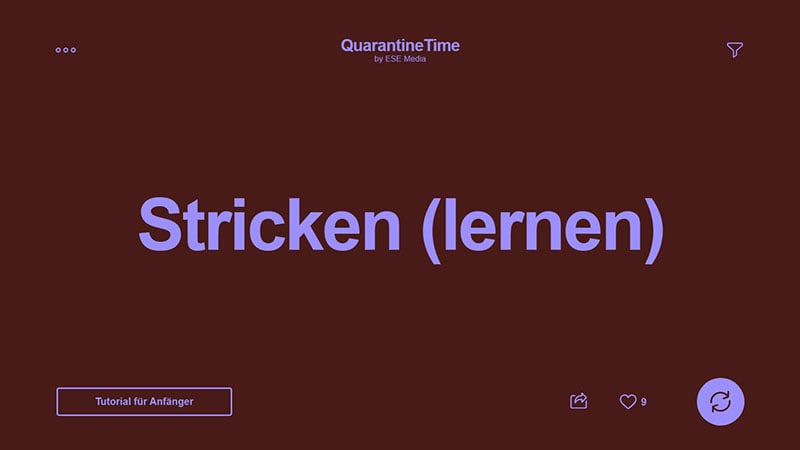
QuarantineTime tackles the issue of boredom during quarantine, by providing suggestions of what to do during your time at home.
HELO
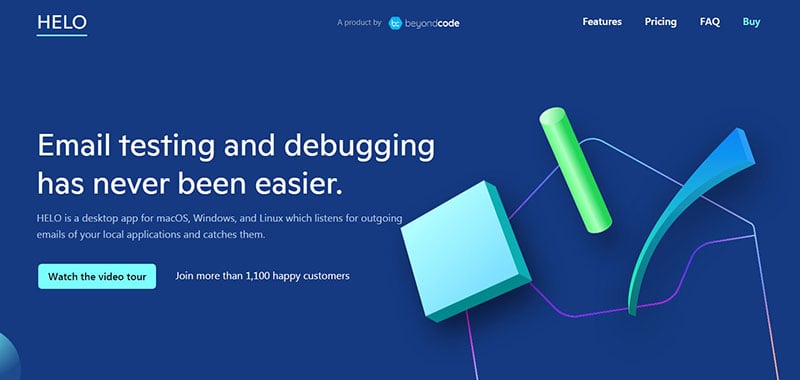
HELO has a stunning one page website design for their desktop app that debugs and tests local emails. The hero floating shapes change on smaller resolutions, which is a very creative concept.
FAQs about one page websites
1. What is a one-page website?
A website that just has one page and presents all of its content there is called a one-page website. Instead of clicking over to other pages, users scroll down the page to reach various website parts. The sections may contain details about the company, its services, a portfolio, client endorsements, and its contact information.
2. What are the advantages of having a one-page website?
One benefit of a one-page website is that it’s simple to use and comprehend. Visitors don’t have to navigate through numerous pages to find the information they require. One-page websites frequently have a straightforward and attractive design, which adds to their visual appeal. They are also less expensive for small organizations and individuals to use because they are simpler to build and maintain than multi-page websites.
3. How do I create a one-page website?
You must select a design, a platform or website builder, and write content for each component of the page before you can construct a one-page website. There are numerous website builders that offer customizable templates, including Wix and Squarespace. Additionally, you’ll need to SEO-optimize your content to raise the search engine rankings of your website.
4. Can I still have multiple sections on a one-page website?
You can access different portions of one-page websites by scrolling down the page, yes. These sections may contain details about the company, its services, a portfolio, client endorsements, and its contact information. It’s crucial to arrange the sections in a logical manner so that visitors may quickly discover the information they require.
5. How do I optimize a one-page website for SEO?
You must make sure that your material is of the highest caliber, pertinent, and contains pertinent keywords if you want to optimize a one-page website for SEO. To arrange your material and make it simple for search engines to crawl your page, use header tags (H1, H2, H3). To connect the various sections of your website, employ internal linking, improve your meta description and title tags, and add alt tags for images.
6. What are the limitations of a one-page website?
The difficulty of organizing a lot of content on a one-page website is one of its drawbacks. A multi-page website might be a better choice if you have a lot of material to provide. Additionally, one-page websites might not have as many design and layout options as multi-page websites.
7. How can I make sure that my one-page website is mobile-friendly?
You must make sure that your one-page website is responsive, or that it adjusts to multiple screen sizes, in order to make sure that it is mobile-friendly. Make sure your website runs quickly on mobile devices, choose a mobile-friendly website builder or template, and optimize photos for mobile. To guarantee that your website appears and performs properly, test it on various mobile devices.
8. Can I add e-commerce functionality to a one-page website?
Yes, a one-page website can incorporate e-commerce features utilizing a platform like Shopify or WooCommerce. The functionality necessary for e-commerce, such as payment processing and inventory management, must, however, be supported by your website.
9. How do I track the performance of my one-page website?
You can use programs like Google Analytics to monitor the effectiveness of your one-page website. Create tracking to keep track of user activity, including page visits, bounce rates, and time spent on the website. Utilize this knowledge to enhance your website’s performance and content optimization.
10. Are one-page websites suitable for businesses with a lot of content?
Businesses with a lot of material could find one-page websites unsuitable because it can be challenging to manage a lot of information on a single page. One-page websites can, however, nevertheless be effective for businesses with a lot of content if the content is presented succinctly and logically. It’s critical to concentrate on the most crucial details and display them in an understandable and navigable manner. A multi-page website, on the other hand, can be a better choice for companies with a lot of material because it provides for greater structure and flexibility.
Ending thoughts on these one page websites
While one-page websites are not ideal for every business site design, they are worth considering for some projects, depending on your main goal. It’s best to explore the pros and cons of using a single-page website based on your needs and decide from there.
A one-page website doesn’t always have to follow the standard long-scrolling format. It’s possible to experiment creatively with navigation or expand different page sections when visitors click on or scroll to them.
The websites on this list are great examples of taking a creative approach to website layouts and making use of different techniques to achieve a unique look and feel.
If you liked this article about one-page websites, you should check out this article about website footers.
There are also similar articles discussing minimalist websites, parallax scrolling, website color schemes, and the cleanest website designs.
And let’s not forget about articles on website animation, coming soon page design, modern website design, and creative websites.