
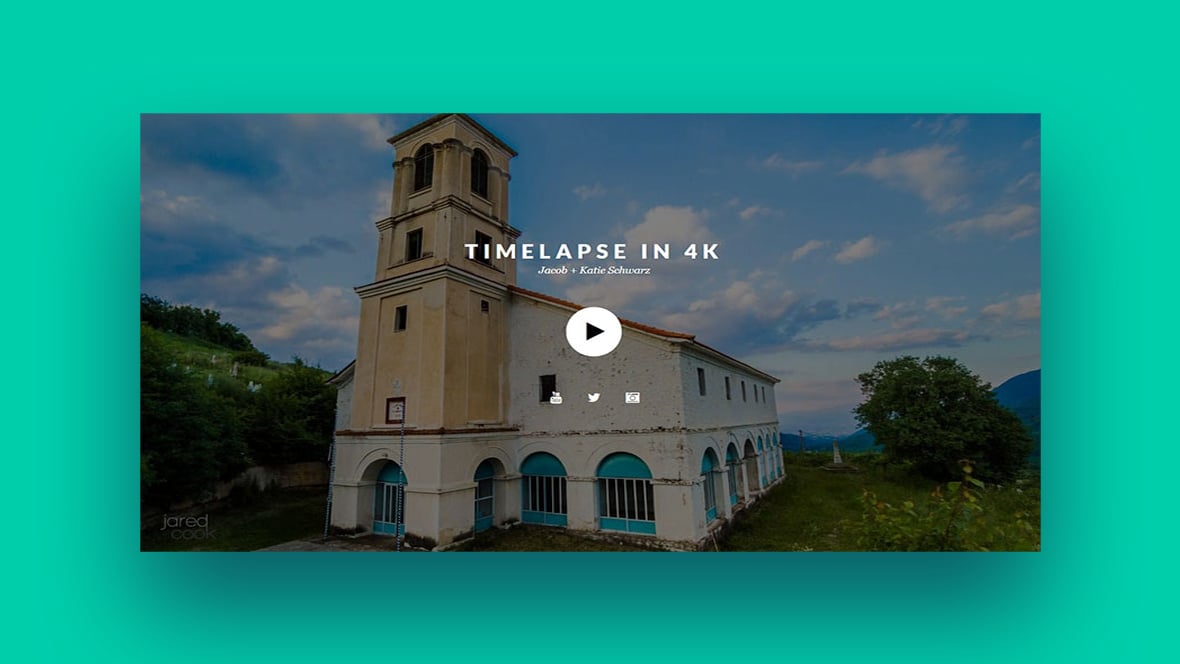
Imagine your website as a stage—every element a potential star in the grand performance for your audience. Central to this spectacle is the video slider, a dynamic storyteller whisking viewers from one scene to the next with seamless elegance.
In the digital arena where attention is gold, the video slider commands the spotlight. It elevates ordinary narratives into captivating visual experiences hooking visitors from the first frame. Often, it’s the decisive factor between a fleeting glance and a memorable encounter online.
This article unfolds the secrets to crafting immersive digital encounters. We’ll explore exemplary video sliders; those silent narrators that can turn the tide of user engagement on your digital canvas. By the final curtain, you’ll be equipped with actionable insights to conjure that same magnetism on your platforms.
Dive in as we dissect the anatomy of successful sliders: from responsive video widgets that adapt fluidly to any screen, to interactive video displays that respond to the slightest user prompts. Plus, seize the keys to seamless web development with sliders that load swiftly, enhancing not just aesthetics but also your SEO ranking factors.
Learn below more about this topic in this article created by our team behind Slider Revolution.
What is a Video Slider?
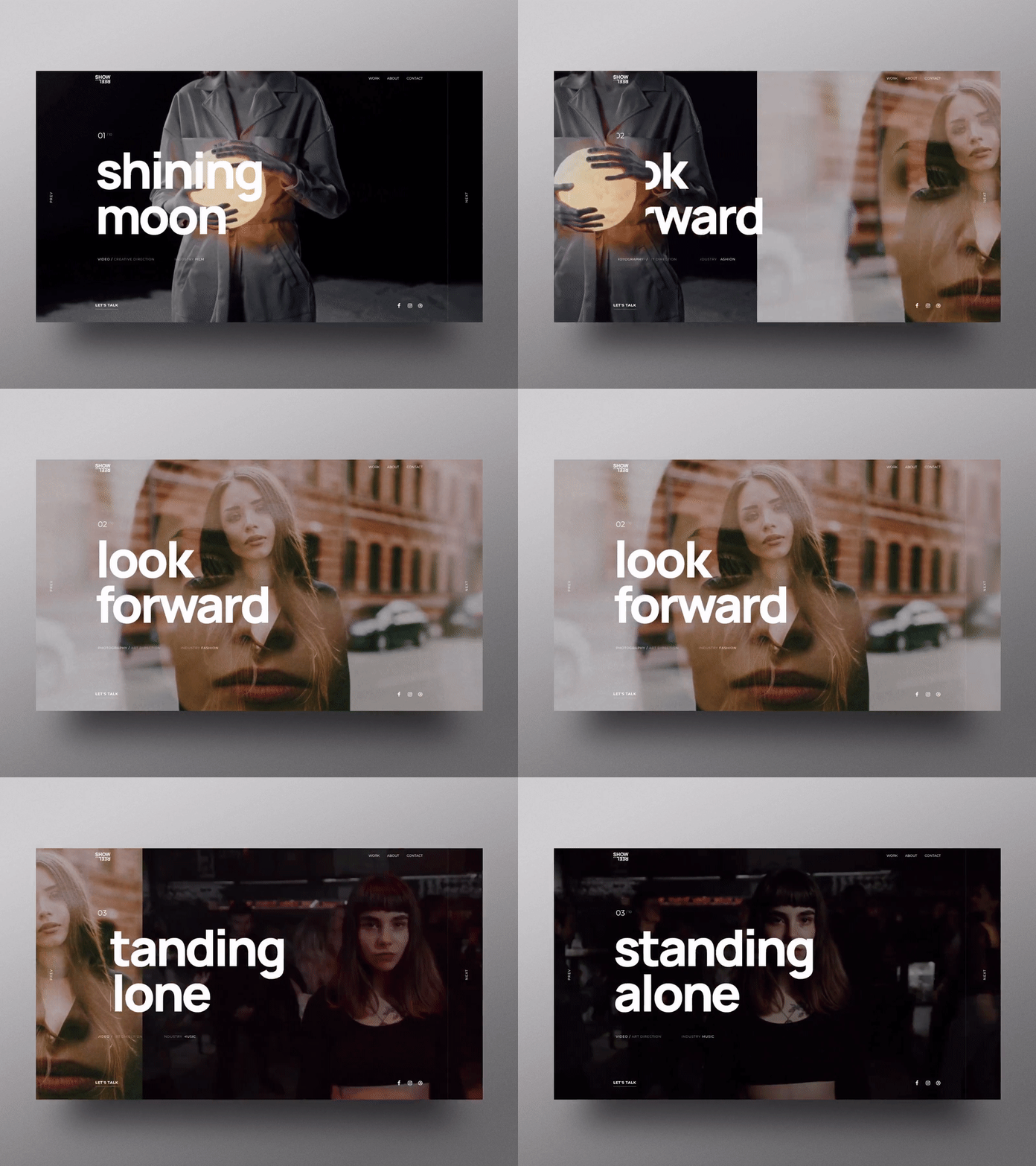
A video slider is a slideshow on your site that displays videos in the form of a carousel or slideshow. There are sliders for different types of content – images, videos, portfolios, and other graphics.
Web designers can display their videos or editing skills with a good video slider that shows their portfolio. It is helpful to add videos in a way that viewers can see it on a single page, which saves you space, time, and reduces the need for loading times.
In addition, it adds an exciting, dynamic element to your homepage to make it more attractive. A video slider contains videos instead of images or other types of content, so you can add Youtube or Vimeo videos to the slider.
A slider is perfect if you want to add mostly visual content to your site, and used properly, will make your site more functional and easy to use.
The Perks of a Video Slider
It’s normal to be skeptical of a video slider because if it’s poorly incorporated it can ruin the functionality of your website.
However, properly done, a good video slider is an excellent addition to your website. Here are the main reasons:
Instant Attraction

We are attracted first to visual elements and moving visual elements are even more attention-grabbing. A good slider can become the focal point of your website.
Great for Demonstration

A slider is very useful for demonstrating your skills, previous work, or your USPs, so customers will know the main benefits of using your services in a very exciting way.
They Add a Great Visual Layer

If you have extensive CSS or JavaScript knowledge you can create exciting visual elements for your main website. However, a video slider can do all of that while also displaying your videos or the content that you want to share with your visitors.
You can easily customize the video player so that it only works when you want it to. You can set it to work automatically, or you can adjust it in such a way that it only works when the customer wants.
Best Video Slider Practices – Examples
Not everyone can create a great slider that also works with the functionality of the website. So, for your inspiration here are some of the best examples of how a video slider has been used by various companies to enhance their websites.
Templates
Magazine Slider

The first example is the Magazine Slider Revolution which offers various layout options for incorporating static content with videos or HTML5, which is a useful feature for blogs.
Vimeo Stream Slider
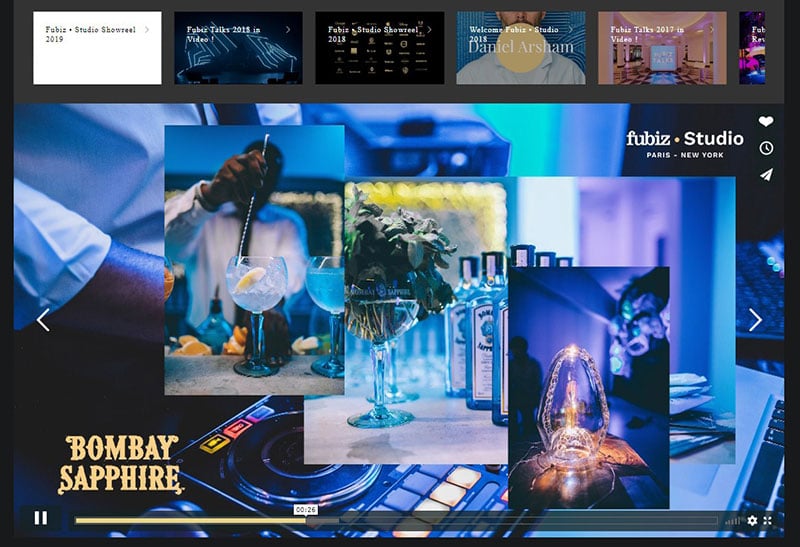
This example nicely demonstrates how to add Vimeo videos to your slider.
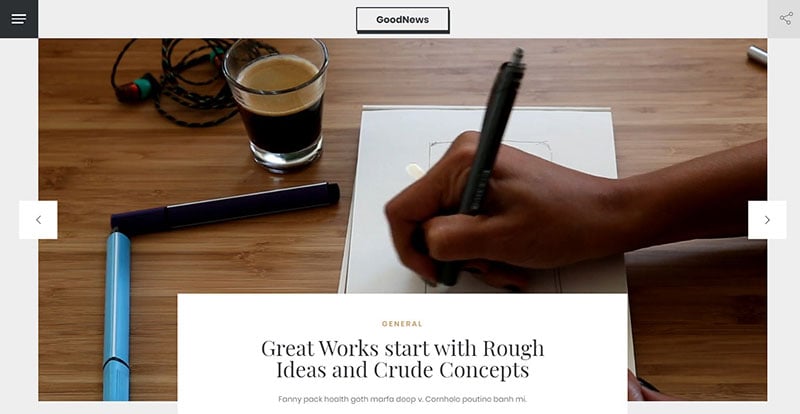
GoodNews Template slider
Premium 4K YouTube Slider
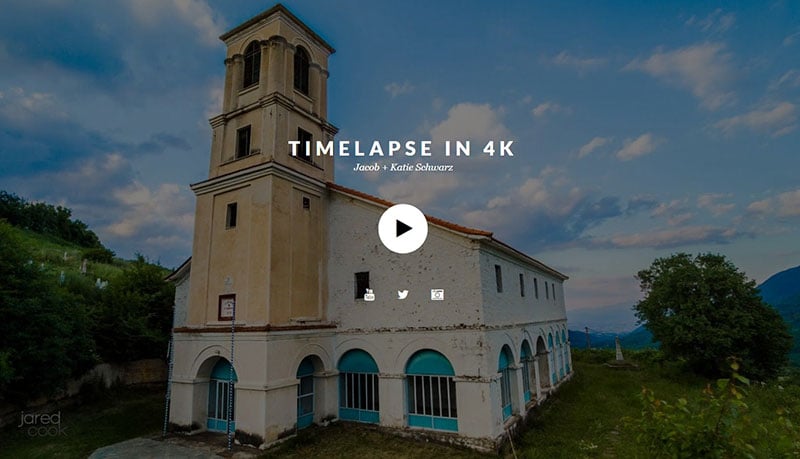
This excellent video slider adds 4K Youtube videos to your website.
Media Carousel Autoplay
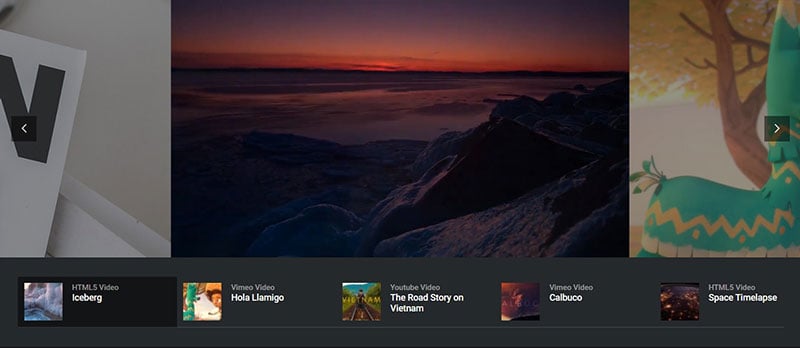
This is a very versatile template: adding videos, images, Youtube, Vimeo, HTML5 content, and more.
Vimeo Hero

The Slider Revolution WordPress Builder is perfect for adding Vimeo content.
YouTube Stream Slider
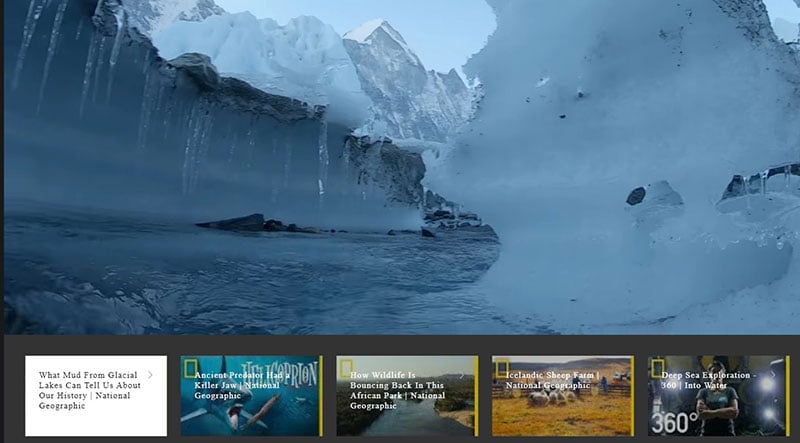
Once you set up the slider, Slider Revolution will add content from your Youtube video channel straight to the slider.
Web Agency

Your message will stand out with this slider template.
Tech Journal Slider

Make your website or blog stand out by adding the latest news or content straight to your blog.
Websites
Here are some websites that use video sliders.
Viacom
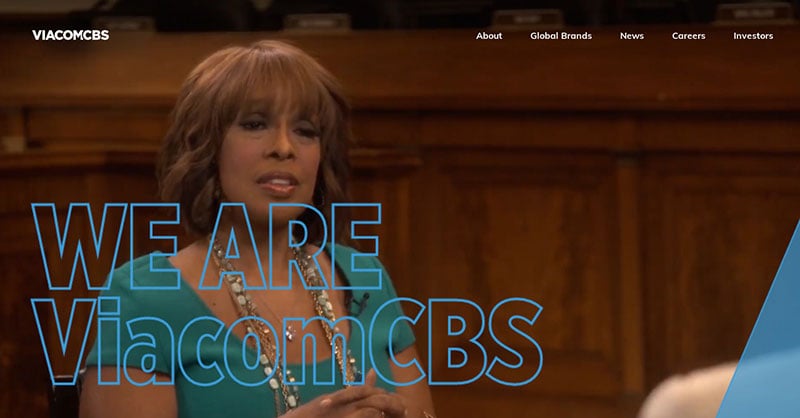
Viacom’s video slider adds some impressive and exciting transitions. The user can navigate the slides in a very interesting way, by either allowing the slider to move the videos on its own, or you can click the pink button to see what comes next.
The English Bus

English bus tours are a popular choice for those travelling to England, and showing videos of how the tours are done entices the potential traveller. This homepage slider displays videos of tour buses travelling through the well-known tourist spots and the beautiful English countryside.
Airbus Ventures

The first video introduces the company, then the video in the background presents you with features and interesting facts about the company. When you’re finished watching, you can simply scroll and navigate through the site however you want.
NOWNESS
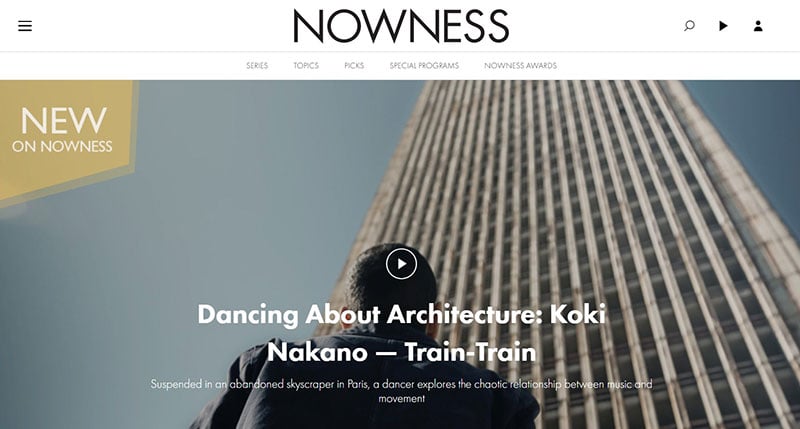
This very chic, award-winning video slider design shows three different videos, as well as offering various messages that you need to know about.
Wind Channel

The use of animations make this slider unique. There is also a timer that lets you know exactly when the next part of the slider is to be displayed.
FAQs about video sliders
How Do I Integrate a Video Slider onto My Website?
Crafting a digital masterpiece, a video slider’s integration often begins with a choice—plugins for platforms like WordPress make installation effortless. For custom builds, HTML5, JavaScript, or a JQuery video slider library weave the functionality into the fabric of your design, ensuring compatibility and responsiveness.
Can Video Sliders Be Responsive and Mobile-Friendly?
Responsiveness is non-negotiable; a stellar video slider should flow like water—adapting to any container. CSS3 and media queries dress sliders in a flexible outfit, allowing them to dance gracefully across devices, from desktop theaters to the palm-sized stages of smartphones.
What Are the Best Practices for Video Slider UX/UI Design?
In this hierarchy, user experience reigns supreme. Auto-play videos are attendees’ delight but should be introduced with mute controls. A touch-enabled slider invites an interactive encore. Meanwhile, transition effects mustn’t overstay, maintaining rhythm without stealing the show.
How Do I Ensure My Video Slider is Accessible?
An inclusive performance widens your audience. Ensure video sliders have keyboard navigation, and descriptive alt text follows every act. Closed captions and transcripts should accompany spoken content. Let’s create a stage where all can relish the performance.
Will Video Sliders Affect My Website’s Page Speed?
Like any rich media, video sliders tread a fine line. We balance visual splendor with performance ethics. Compressing video files, leveraging browser caching, and considering lazy loading ensures the slider’s charisma doesn’t exhaust the patience of page visitors.
How Do I Choose the Right Video Content for My Slider?
The script is as crucial as the stage. Choose video content that echoes your narrative. Let each slide be a chapter, thematic, relevant, punctuated by clear, distinct SEO entities, ensuring coherence. Your brand’s storyline should echo through each frame.
Are There SEO Benefits to Using Video Sliders?
When the spotlight hits, make it count. Video sliders carry the potential to engage, reducing bounce rates. However, ensure they load swiftly and are labeled with SEO-friendly tags. It’s this delicate balance that makes them a friend to search engines, and thus to your visibility.
What Video Slider Plugins Are Most Recommended for WordPress?
WordPress’s repository is a treasure trove with gems like Slider Revolution and LayerSlider reigning supreme. Seek plugins that harmonize simplicity with advanced features, and prioritization of SEO ranking factors will have your slider basking in the warm glow of user satisfaction.
Can I Customize Video Sliders to Match My Branding?
Absolutely. Like a chameleon, a video slider should embody your brand’s palette and tone. From the customizable CSS video slider styles to unique transition effects, these digital artisans are at your behest, eagerly awaiting to don your brand’s colors.
How Do I Track the Performance of My Video Slider?
Analytics is the compass guiding this voyage. Integrate tracking codes, keep a keen eye on engagement metrics, and observe how visitors interact with your video slider. Adapt, refine, and evolve—let data illuminate the path to an unforgettable user journey.
Conclusion
As the curtain falls on our exploration of video slider examples, it’s clear these versatile narrators hold the power to transform a mere visit to your website into an immersive journey. Whether through a media scroller housed in the prime real estate of a homepage or an interactive video display, we’ve seen how these elements captivate and inform.
We delved into the mechanics—how responsive video widgets enhance user experience and witnessed the allure of video carousels in action. What remains is the application of this wisdom.
Harness these insights to elevate your online presence. Remember, there’s no one-size-fits-all solution, but rather a dynamic palette waiting for your unique brushstroke. Think of your video content slider not just as a tool, but as part of your brand’s evolving narrative. Boldly script your storyboard, and let your video slider amplify the voice of your digital identity—it’s time for your brand to take center stage.
If you’re looking to create professional video sliders, then choose Slider Revolution. It’s the number one choice for WordPress websites.
If you enjoyed reading this article about using a video slider in web design, you should check out this article on how to add a slider in WordPress.
We also wrote about similar topics like using the particle effect in web design, using a hero slider, adding an image slider, a homepage slider (see the pattern here?). But also about the Ken Burns effect that we use in some of our slider templates, as well as WordPress themes with sliders included, WordPress video background, website sliders, product carousels, and slider animation examples.





Hi, why can’t I hear the video audio in the background?
Hi,
video audio is a really tricky thing sometimes. We have just released a FAQ article covering this topic:
“Handling Sound and Control Quirks on Audio & Video Layers”
https://www.sliderrevolution.com/faq/sound-control-audio-video-layers/
If this article cannot help you please contact our support team at https://support.sliderrevolution.com , thanks!
Cheers, Dirk @ Slider Revolution
The video slider seems broken – videos hiccuping where upon initial load the pause/play/pause/play/pause/play/pause/play dynamic is happening. Similarly the sound is inconsistent on the videos as I advance – sometimes there’s sound, sometimes there’s no sound until I pause and then then unpause the videos.
The same behavior is observed here https://www.sliderrevolution.com/templates/wordpress-vimeo-gallery/
I have created a ticket with the support team and haven’t heard back. Could it be an update to either Vimeo or WordPress/PHP that’s causing the issue?
Hi there,
Thanks for your message. Yes, I’m able to see the issue you mentioned and I’ve forwarded this to a developer for further investigation. If you wish to follow up with the status of the report, you can this link https://www.sliderrevolution.com/design/video-slider/#comment-20734 on the ticket that you’ve opened.
Cheers, KC @ Slider Revolution