

Navigating the norm in a typical top-to-bottom online world can feel as predictable as your morning coffee ritual. But imagine, for a moment, a digital universe that unfolds side-to-side, presenting a tapestry of content in a single, sweeping panorama: horizontal scrolling website examples shatter conventional boundaries, propelling us into a realm of unexpected narrative flow.
The very essence of web design thrives on creativity—an inexhaustible horizon where user interface and exquisite storytelling collide. It is this pursuit of the unexpected that ushers in a fresh perspective on how we interact with the digital canvas.
Venturing through this article, expect an unveiling of the web’s hidden sideways gems. From parallax effects that add depth to stories to touch swipe navigation permitting a tactile journey, you will encounter the empirical evidence of horizontal layout’s strength in spurring engagement.
Delve into the realm where CSS transitions and JavaScript libraries meet artful design.
By its conclusion, you will not only have witnessed a showcase of horizontal scrolling website marvels but also grasped the nuances that cement their stature in the echelons of innovative UX design.
When to Use a Horizontal Scrolling Website

Horizontal scrolling can make a webpage more appealing and memorable. Horizontal scrolling is best suited to websites that contain a lot of visual content.
A horizontal layout can help to present image content in a better way than vertical layouts. It also creates a better user experience.
The following types of websites look good with horizontal scrolling:
- Portfolio websites
- Catalog websites
- Online galleries
- Displaying projects
- Displaying interactive maps
Benefits of the Horizontal Scroll
- Provides optimal use of screen space with the widescreen monitors common today
- It provides a unique and exciting way for users to interact with a website
- Provides a more conducive flow to storytelling
- Works well with large typography
Practical Suggestions for Horizontal Scrolling Web Design

Using good design practices can make a horizontal scrolling website look its best. It further helps to create a great user experience.
More planning is necessary when creating a horizontal scrolling site. This is because designers are less familiar with this style of navigation.
Keep these points in mind while designing a horizontal site:
- Keep the website organized and simple
- Provide key information. For example, the services or products provided and contact information
- Make sure that there is a visible and understandable menu
- Many users are not used to scrolling to the side.
Add indicators that communicate to users that the page scrolls sideways. Indicators include arrows or showing part of an image so that the visitor has to scroll to reveal the rest
- Use parallax effects that add to the experience
- Users do not want to use a horizontal scroll bar. Most people use a mouse wheel or arrow keys.
For the best user experience, horizontal websites should tap into these mechanisms
Amazing Examples of Horizontal Websites
Home Société
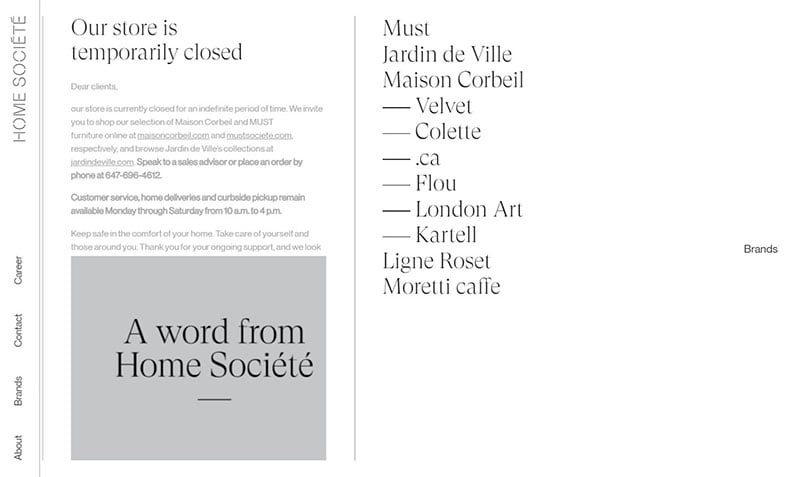
This website uses arrows and displays part of its title to indicate that the page scrolls to the right. It also has a visible and understandable menu for ease of navigation.
It is a good example of combining images and written content on a horizontal website.
Eugenia Durante Portfolio
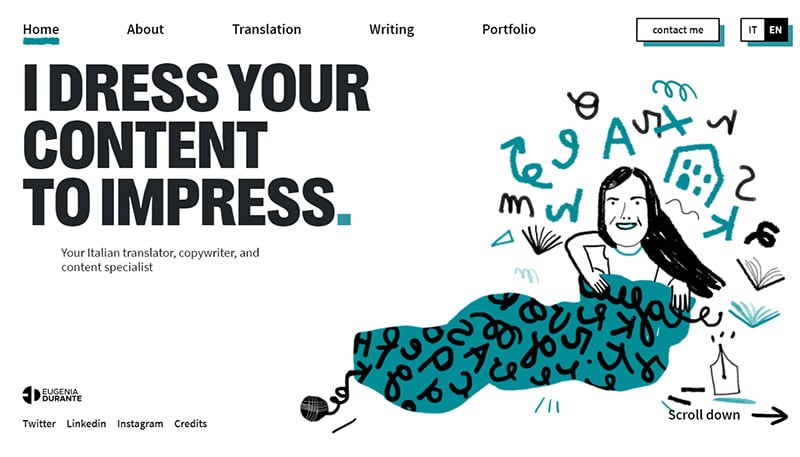
This website for Eugenia reveals the writing services that she provides. The horizontal scroll accommodates the large typography well.
Ballerina

Ballerina uses parallax effects and animations to create a memorable website. The horizontal scroll contributes to the unforgettable design.
The navigation seems to go in a circle, allowing users to scroll through the website over and over.
Elfletterig
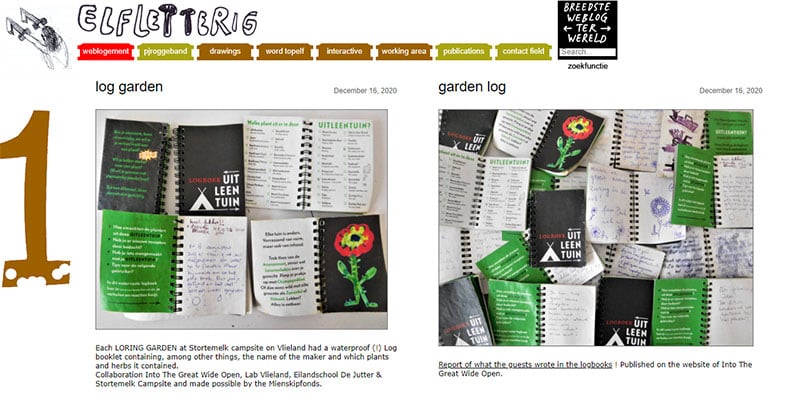
Elfletterig takes advantage of horizontal scrolling to display its many project pictures. These images fit much better on a horizontal website than they would on a vertical one.
Alex Flueras Photography

This portfolio website uses a horizontal layout to display a large amount of visual content. A menu helps users navigate it with ease.
Users can use the horizontal scroll bar or their keyboard arrow keys to scroll.
Six Socks Studio

After users choose an option from the menu, the site showcases some of the completed projects. The homepage includes parallax effects to encourage user interaction.
Great Armenians
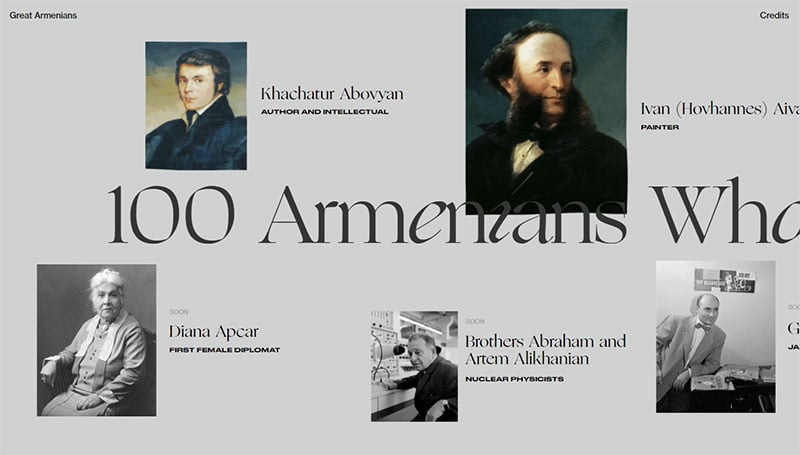
Great Armenians is a gallery of one hundred Armenians who changed the world.
The website uses horizontal and vertical scrolling to take its visitors on a journey. A “back to the top” button is helpful for those who do not want to scroll through all the content again.
Nemesis Group

The Nemesis website is a great example of an organized and clean horizontal website. It uses large typography and whitespace in a way that is pleasing to the eyes.
Another feature worthy of imitation is the menu that is always displayed on the top of the page.
D. Potfer Studio
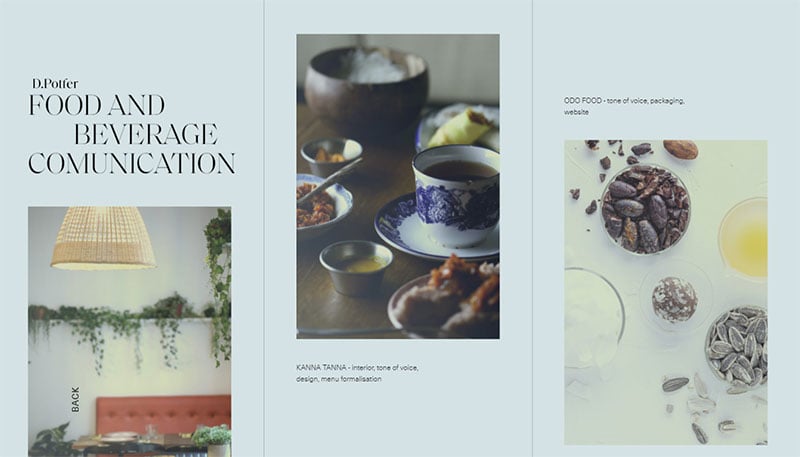
This portfolio site uses a horizontal design to display its striking image content.
Deepondé

This website welcomes its visitors with a video. Using the mouse wheel, visitors can scroll through the products of the website.
Zand.tech
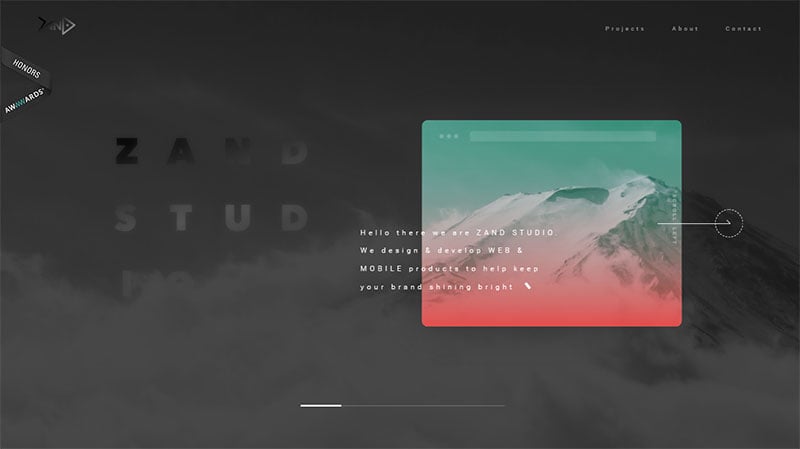
This site features several good design elements that make it appealing. One element is the scroll bar that indicates where a user is on the website.
Another is the arrow that communicates to users to scroll left. The site also has a constant menu on the top of the page.
Jason Love
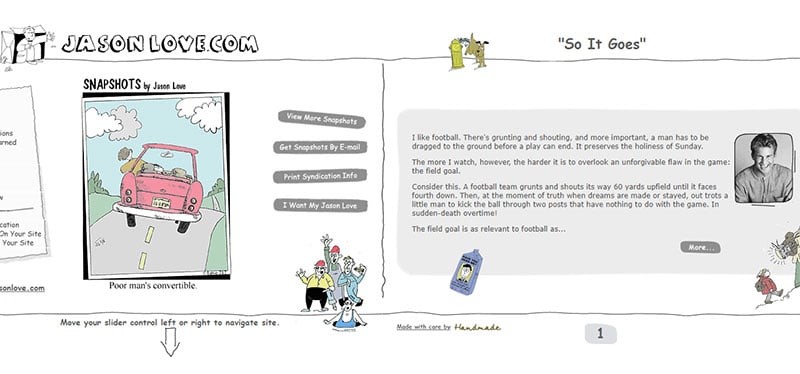
Jason Love displays interactive content that works well with a horizontal scroll. Visitors can scroll left and right, and it includes entertaining and unique elements.
Virtual exhibition SSDC2020
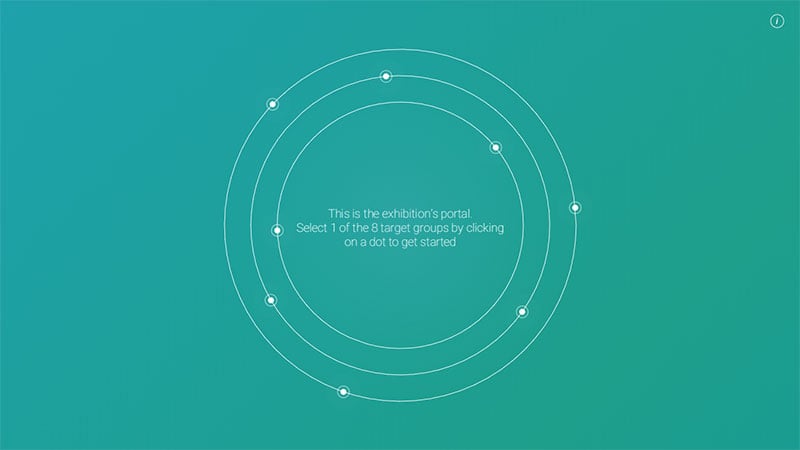
This horizontal scrolling website contains a lot of video content that looks good in a horizontal format. The design is appealing and clean using a solid background color with a white accent.
Maecenas Studio
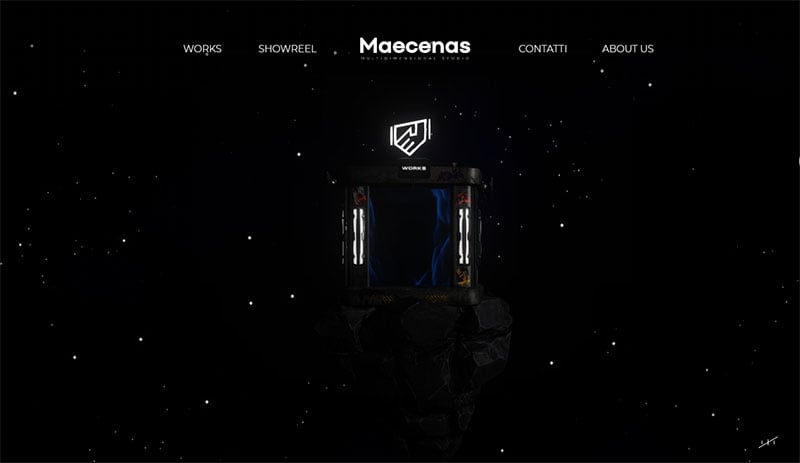
Maecenas Studio combines vertical and horizontal scrolling. It presents its projects as if the visitor is turning the pages of a book.
Bbb.cat
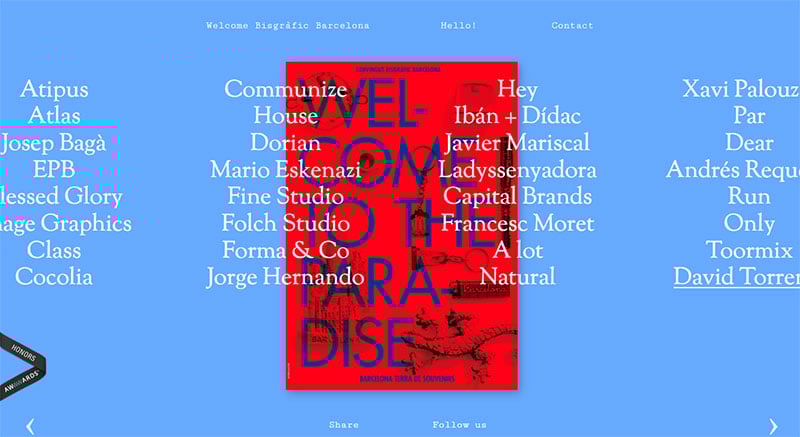
Artists welcomed the opening of a studio by designing posters. Users can scroll through the posters on this webpage.
Vooban
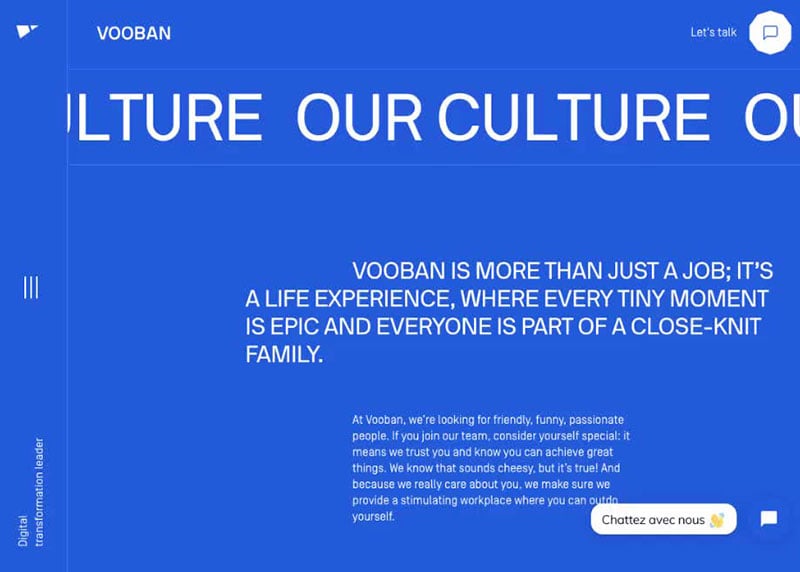
On every page of Vooban.com, there are horizontal scrolling sliders. Adding sliding elements is a great way to include more content without overcrowding the space.
Kwok Yin Mak
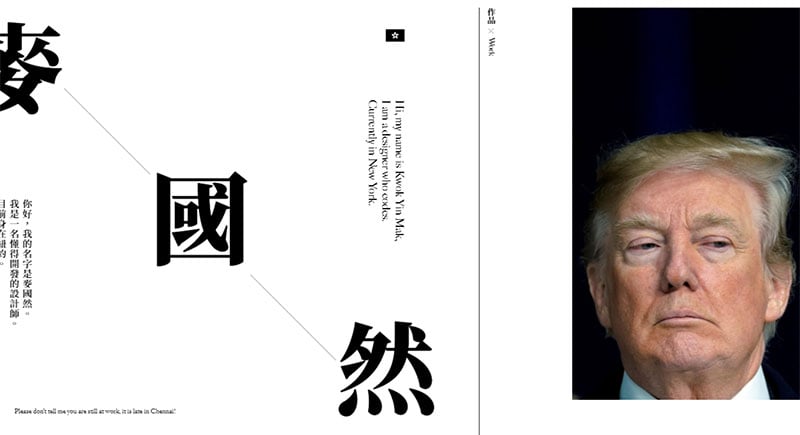
Kwok Yin Mak tells a story of his work in graphic design. The site is organized but displays a lot of information.
Typography Principles

This website is all about typography and emphasizes font principles with examples.
Gasnor

Gasnor uses a horizontal slider in its otherwise vertical site to display data. This slider helps convey the idea of moving forward in time and contributes to the weight of the message.
Museo de la desinformación

This site displays a unique design idea for a breadcrumb menu on horizontal webpages. It is a line of dots that represent each section of the webpage.
The dots turn to checkmarks after a user visits that section.
Peak’n Film

Peak’n Film is a classic example of when to use a horizontal website. The layout allows visitors to direct all their attention to the stunning images.
Belward Tree Films
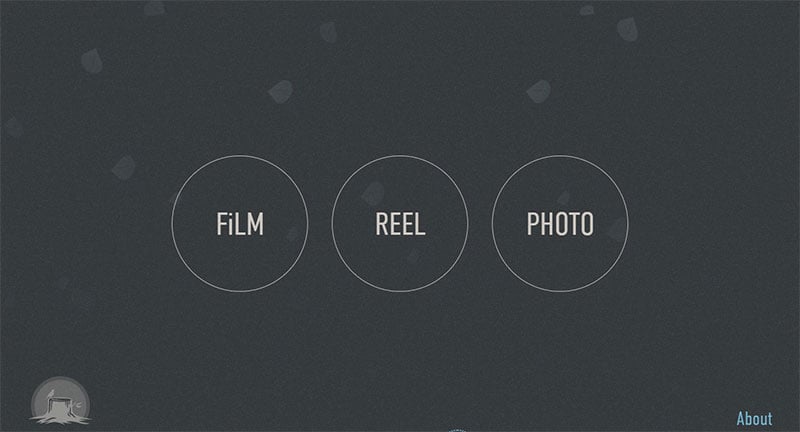
Belward Tree Films makes the best use of screen real estate to display its photos and videos.
Stas Yaruchin’s Site
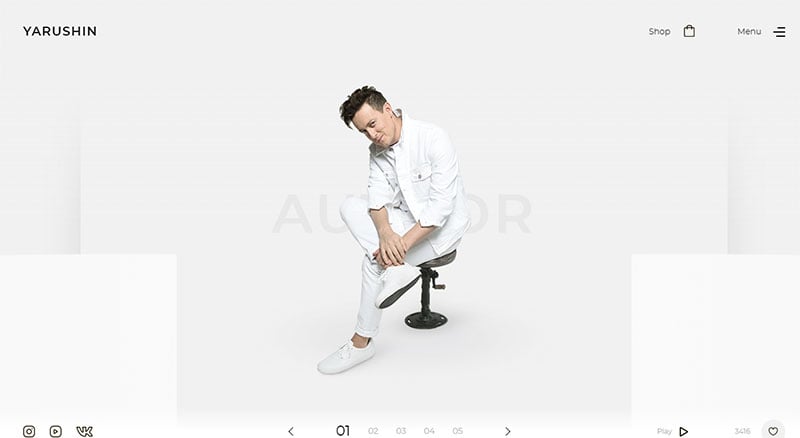
Stas Yaruchin’s horizontal scrolling site introduces the artist and provides information about his upcoming events. On the homepage, visitors can listen to a sample of his music and scroll through pictures of him.
Buildinamsterdam

This horizontal scrolling website features striking image colors, parallax effects, and a navigation arrow.
Spiritus
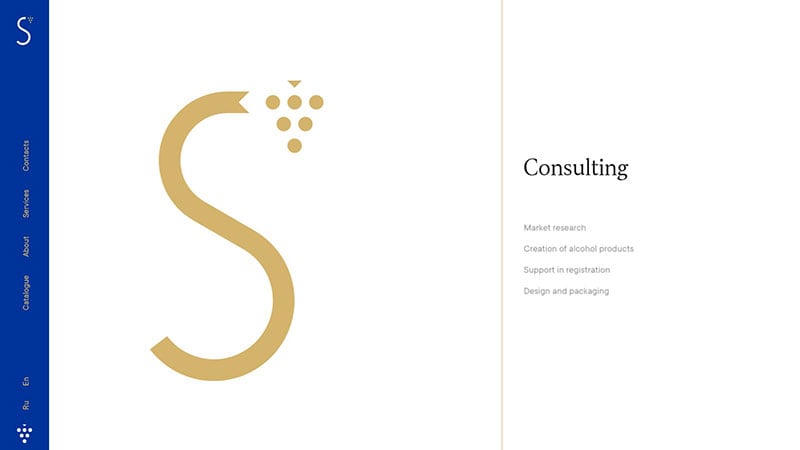
Spiritus maintains a clean and simple look that is appealing to visitors. It has a constant navigational menu and includes interactive elements.
Foam Talent Digital Exhibition

This horizontal scrolling website displays photography exhibitions from nineteen different artists.
Rumble

Rumble showcases its sound design and music composition projects. Cool elements include a navigational arrow that doubles as breadcrumbs, and a menu that scrolls horizontally like the website.
Christie Tang
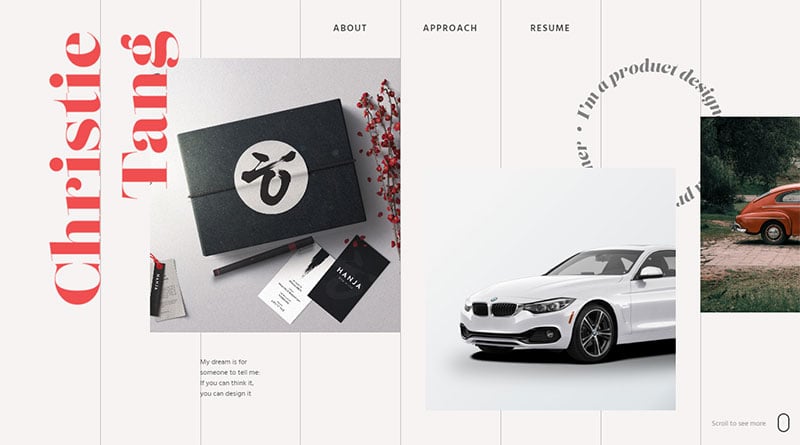
Christie Tang’s portfolio web page allows users to glide through her latest projects. After the seventh project, the scrolling switches from horizontal to vertical.
We Shoot Bottles
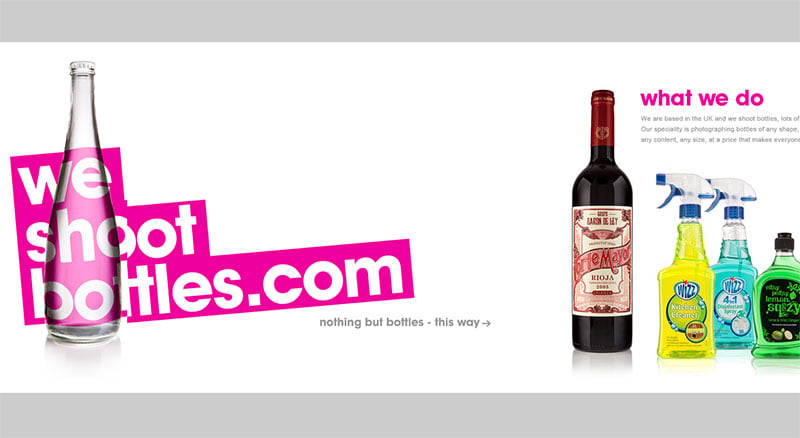
This UK-based group specializes in taking pictures of bottles. This short webpage showcases their work.
Studio—BA®

Studio-Ba includes many parallax, interactive, and animated effects to wow their guests.
FAQs about horizontal scrolling websites
Why are horizontal scrolling websites gaining popularity?
The resurgence of horizontal scrolling taps into a desire for differentiation and narrative depth. It’s a stylistic nod to creative freedom, challenging the vertical navigation norm. This layout can turn a simple web design into a story, capturing attention with its distinctiveness and offering a more immersive user experience.
What challenges do horizontal scrolling websites present for users?
Horizontal layouts can sometimes clash with natural reading patterns, prompting usability concerns. Accessibility and website usability take a front seat here. Users unaccustomed to sideways navigation may find it disorienting—key reasons why thorough user-testing and balancing innovation with familiarity become critical.
How do horizontal scrolling sites affect mobile user experience?
The fluidity of touch-screen devices lends itself well to horizontally structured content, enhancing mobile user experience. Nonetheless, developers must ensure responsive web design practices to maintain usability, regardless of device. Careful consideration to touch swipe navigation is paramount for ease of use and engagement.
Can horizontal scrolling be SEO-friendly?
Traditionally, SEO strategies favoured the vertical, but search engines have evolved. Now, unique and engaging sites like those using horizontal scrolling can triumph—if they maintain structured, quality content. Employing LSI keywords and SEO entities contextually ensures horizontal doesn’t hinder discoverability or crawlability.
Are horizontal scrolling websites good for storytelling?
Absolutely, it’s like unwrapping a narrative scroll, each swipe a new chapter. Interaction design principles enable creators to craft an engaging user interface design that guides visitors through a story with kinetic energy and purpose. Each movement augments the tale—a compelling medium for digital storytellers.
How do you implement horizontal scrolling using CSS and JavaScript?
Harness CSS3 transitions and transforms for a smooth visual experience, while JavaScript scrolling libraries offer control over the scroll mechanics. Balance is key—ensure a seamless user interface design that synchronizes with interactions, avoiding a disjointed or jarring experience for website scrolling patterns.
What are the best practices for designing a horizontal scrolling website?
Prioritize a responsive web design and intuitiveness in your interface design. Make navigation a clear and easy discovery; optimize for various devices and screen sizes; utilize CSS and animations for a fluid journey. Consider accessibility standards to accommodate all users.
How does horizontal scrolling impact site performance and load time?
Performance hinges on optimization. Horizontal websites packed with graphics may burden page load times—use optimization techniques to combat this. Streamlined code, compressed images, and considerations for content loading will ensure your scrolling tale is as quick as it is captivating.
What’s the future of horizontal scrolling in web design?
Innovation never sleeps; horizontal navigation may very well blossom as designers push boundaries. The key? Balancing whimsy with practicality. Future web design trends may see more hybrid approaches—horizontal for storytelling, vertical for informational depth, building a web landscape rich with variety.
How can horizontal scrolling enhance eCommerce website design?
Consider infinite scrolling websites in eCommerce: they can transform crammed product listings into a curated visual adventure. Horizontal scrolls can elevate the shopping journey into an experiential narrative, spotlighting items in a cinematic showcase, capturing the essence of user experience within the flow of commerce.
Conclusion
Stepping beyond the bounds of convention, the exploration of horizontal scrolling website examples becomes a foray into the avant-garde of design. Picture a tableau of content, elegantly unfurling across the screen in a side-scrolling ballet that defies expectations. This journey has underscored the gravity of an often-overlooked format, rooted deeply in creativity’s rich soil.
The horizon brims with potential—each swipe, a silent narratologist, each scroll, a seam in the canvas of digital storytelling. In this space, web artisans architect experiences that are as memorable as they are navigable.
As breaths of fresh air in a rigid vertical landscape, these examples seed inspiration. They beckon builders and dreamers alike to re-envision the scroll, to choreograph a user’s passage through the elements of parallax effects, responsive web design, and user interface design.
Carry forth this baton of knowledge—let it illuminate your canvas, as you paint scrolling vistas that captivate, inform, and enthrall, one horizontal narrative at a time.
If you liked this article about horizontal scrolling websites, you should check out this article about unique website designs.
There are also similar articles discussing food website design, best nonprofit websites, WebGL examples, and how to start a web design business.
And let’s not forget about articles on how to get more web design clients, how much web designers make, contact us pages, and website headers.





Wow, this looks amazing. Can this be applied to individual blog posts rather than an entire website?
Thanks,
Brian
Hi Brian,
absolutely! You just need to find the right WordPress theme ( https://codeless.co/horizontal-scroll-wordpress-themes/ ) or plugin ( e. g. Slider Revolution ) for you that features this functionality.
Cheers, Dirk @ Slider Revolution
Hey is there any way I can make something similar on Slider Revolution?
Hi,
maybe some of our templates like https://www.sliderrevolution.com/templates/wordpress-photography-slider/ or https://www.sliderrevolution.com/templates/travel-blog-carousel/ would roughly fit in that article too.
Cheers, Dirk @ Slider Revolution