
Imagine your digital persona, encapsulated in a series of well-crafted pages—a virtual mirror reflecting your professional essence. That’s the strength of an effectively designed portfolio website. Amidst the ever-expanding digital cosmos, such a personal realm isn’t just desirable; it’s an indispensable testament to your craft.
Within this article’s landscape, you’ll navigate through a curated collection of portfolio website design examples. These serve not merely as inspiration but as waypoints guiding you to crystallize your online identity.
Your journey here transcends the mere act of admiring creativity; rather, it equips you with the strategies and tools essential for cultivating your professional showcase.
You’ll emerge conversant in responsive portfolio templates, enlightened on engaging the user experience (UX) design, and empowered to weave your visual identity into the very fabric of a digital portfolio worthy of your work.
Accompany us through these pages, and unearth the blueprint to manifest your virtual exhibition—a beacon to illuminate your abilities to the world.
Portfolio website examples to check out
Vault49
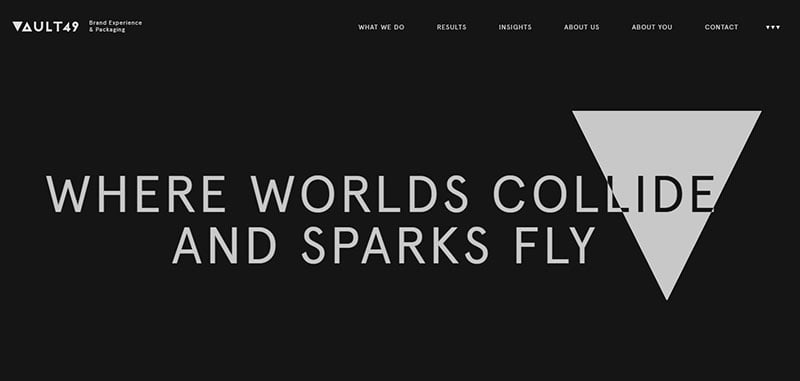
The first of these design portfolio examples is for an agency that specializes in branding and packaging design.
Modern Portfolio Website
Patrick Miller
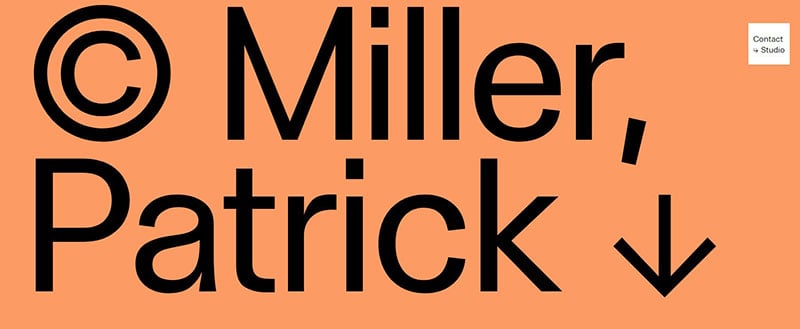
Patrick Miller’s website is so minimalistic and efficient that we had to include it in this cool portfolio websites article.
Laura Bize
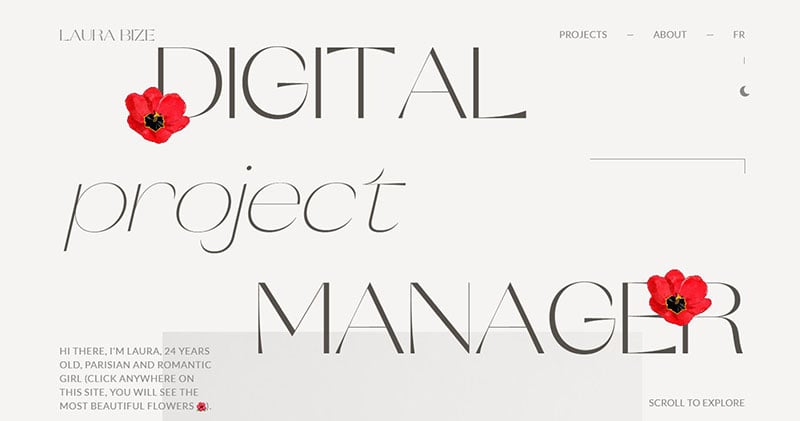
A Digital Project Manager portfolio. It features some of the owner’s experiences in a floral theme.
Rolf Jensen
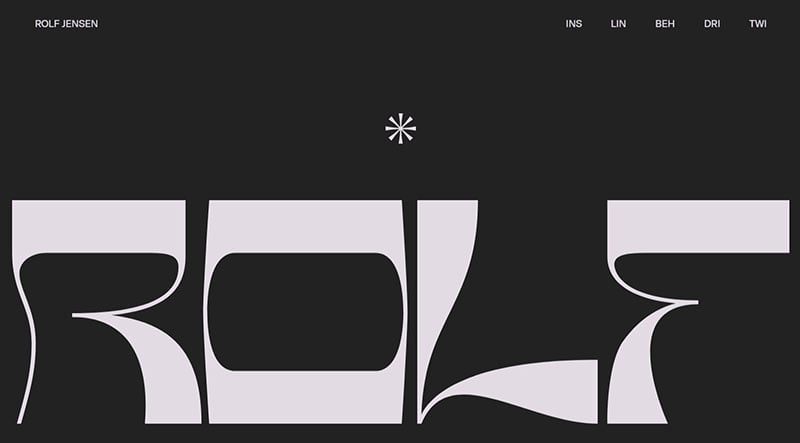
This website by Rolf Jensen, an experienced creative director at GoDaddy, links to his social media accounts and highlights his achievements. Simple and efficient.
Lauren Herda
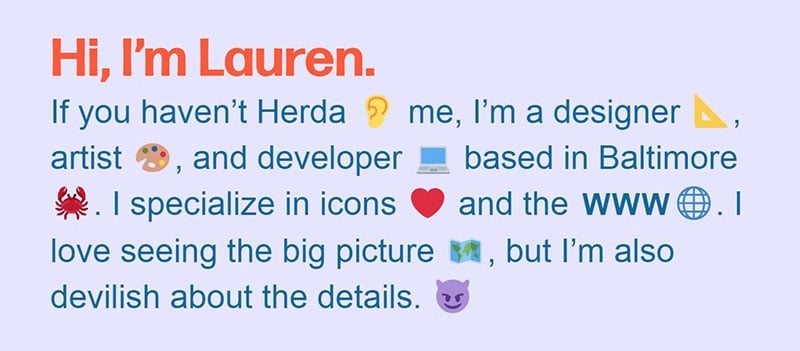
This page starts with a personal greeting to the visitor. It is designed to get to know Lauren better and introduce you to some of her work. At the bottom of the page, there is a parting message for the viewer.
Collaboratorio
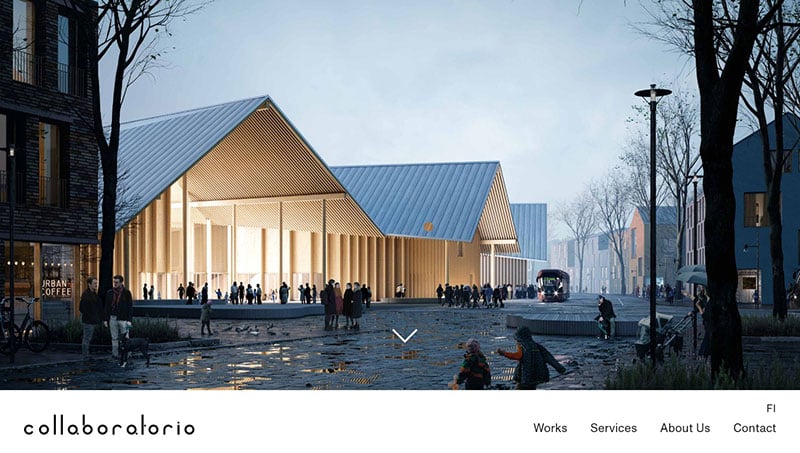
Collaboratorio presents itself as a Helsinki based international architecture bureau. It has been in business since 2016.
Michael Wang
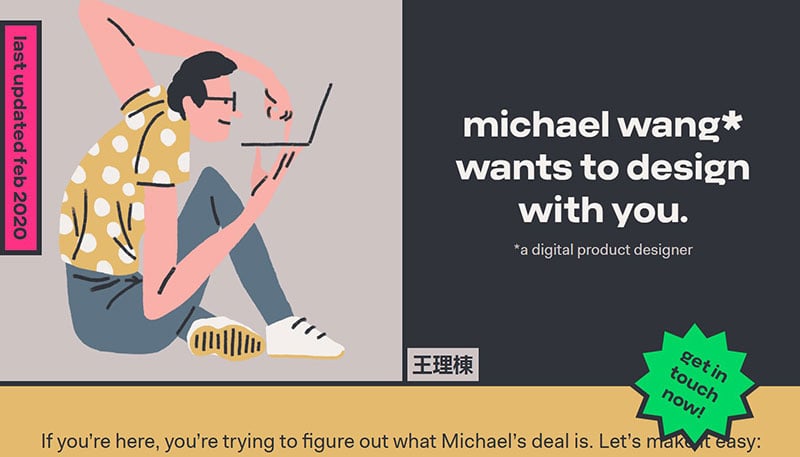
This website may help you to get to know this designer by showing off his design style.
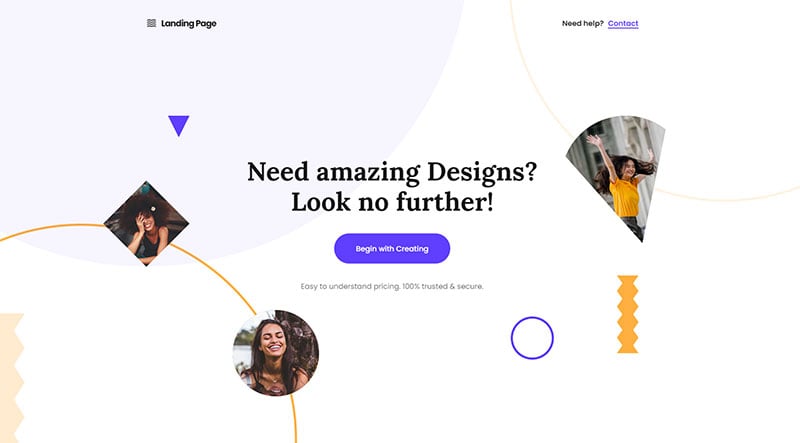
Landing page builder
FilippoInzaghi.com
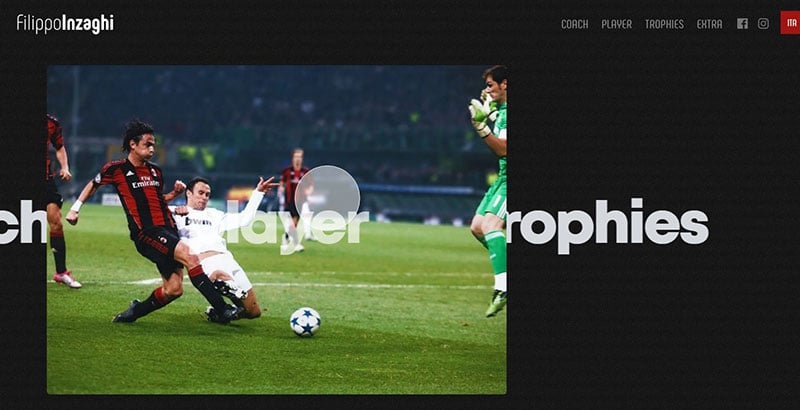
Famous football managers also need a website. This is Filippo Inzaghi’s official website and highlights his skills, values, and achievements.
Tina Smith
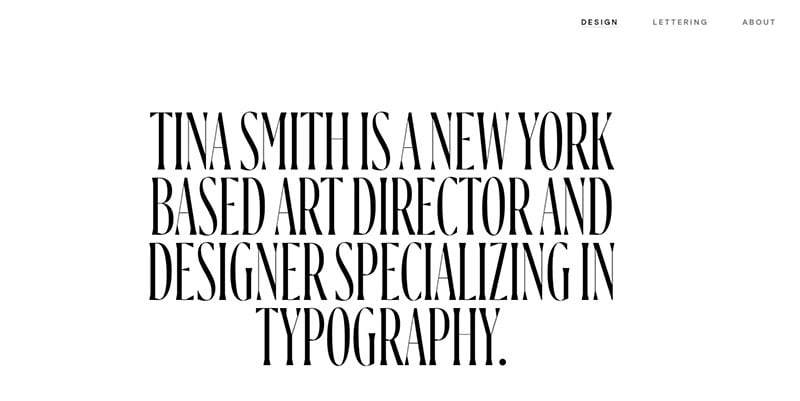
Another one of these cool portfolio websites is from Tina Smith. Tina is a New York-based freelance art designer and director. The portfolio showcases her broad experience, her art direction, typography-driven branding, and editorial design.
Owlsome studio
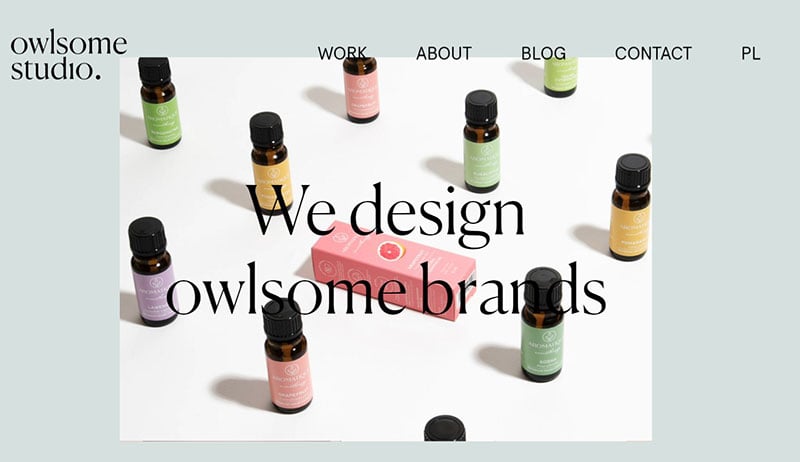
This Polish creative design studio focuses on branding, packaging, and art direction. They specialize in lifestyle, beauty, and health applications.
Emily Nguyen
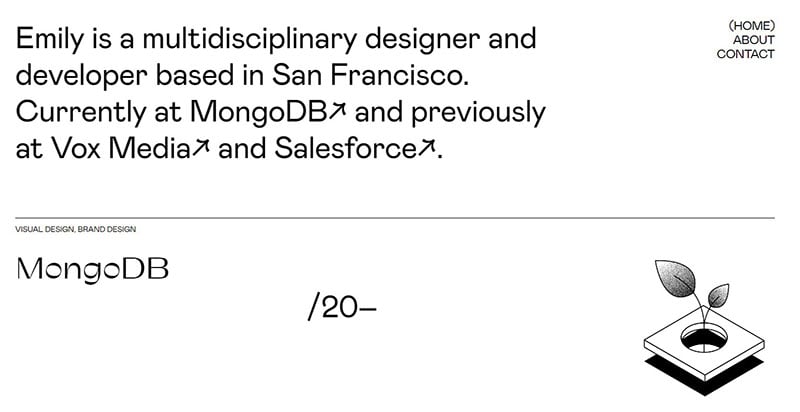
Emily Nguyen currently works at MongoDB. She is a multidisciplinary designer and developer from San Francisco.
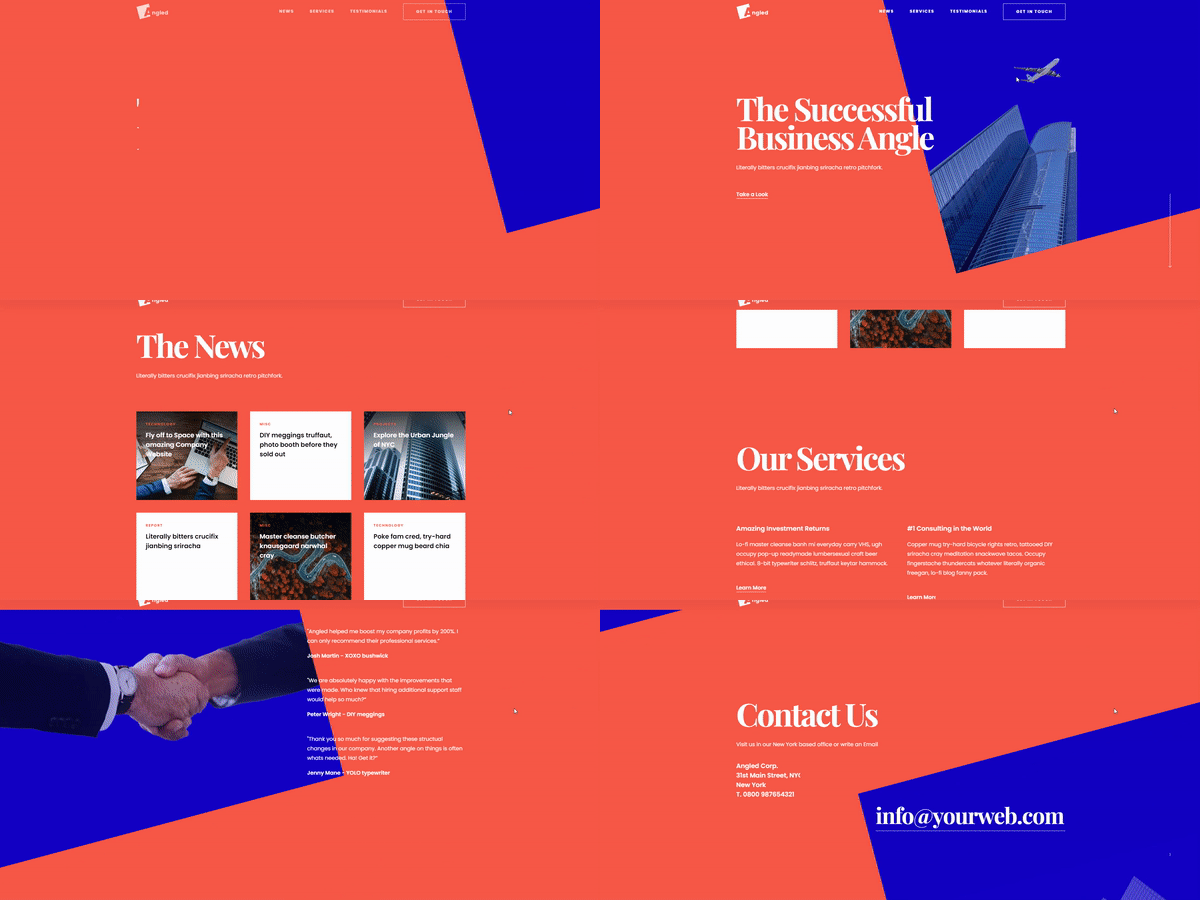
Angled business website
Christina Vanessa
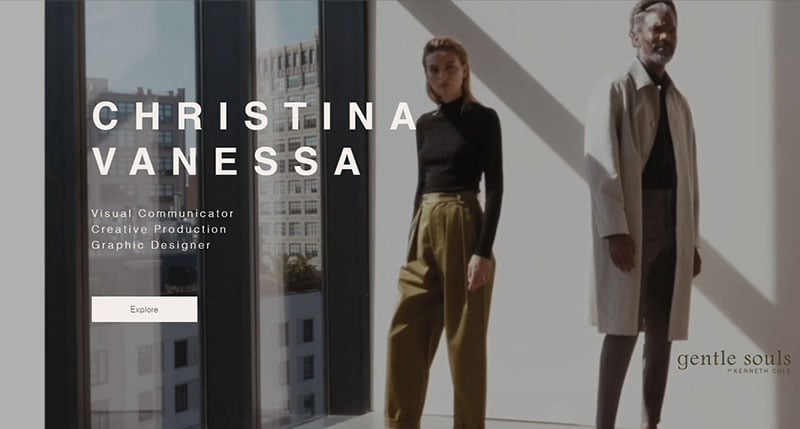
Christina describes herself as a visual communicator, creative production, and graphic designer. The first page of her portfolio shows some of her best creative work and highlights her sense of aesthetics in a large looped video. Her name and description are visually present above the video.
Portfolio of Alexander Beck
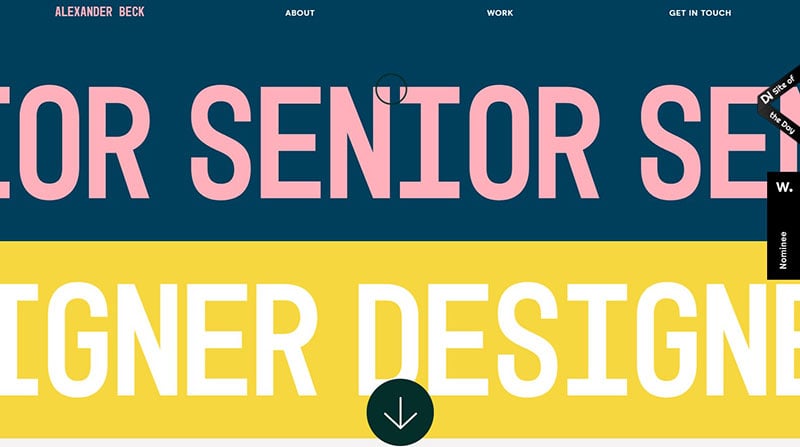
This is a colorfully designed website by Alexander Beck. It showcases his professional background and work experiences. It also features some of his doodles.
Petr Bilek
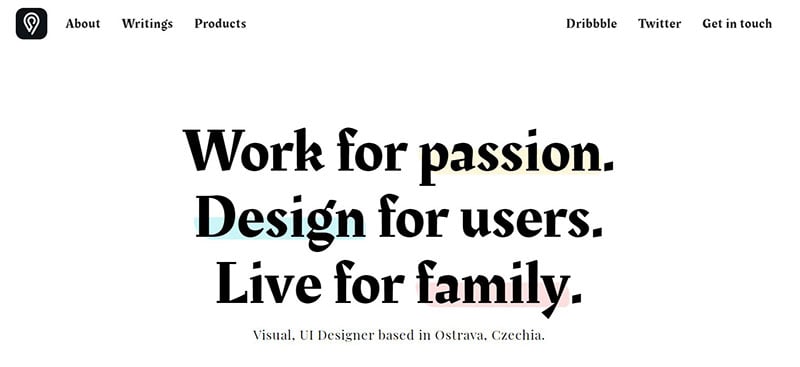
Petr is a visual and user interface designer. He focuses on experience design for brands and startup companies. He offers Adobe XD, Figma, and Webflow solutions.
Luka Zaric
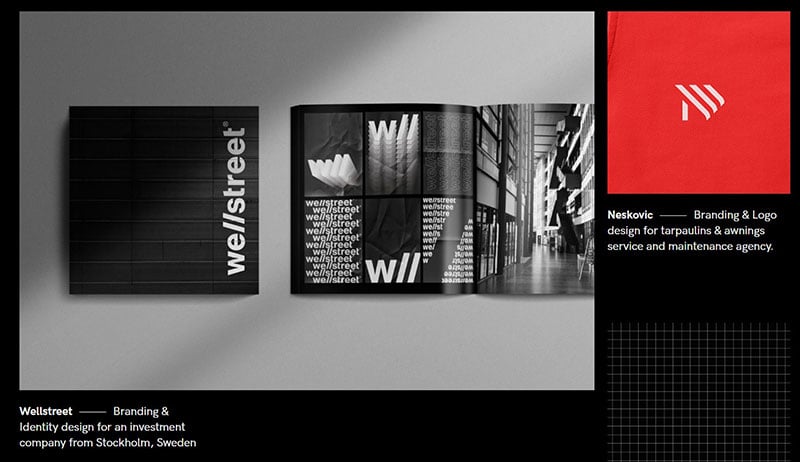
It is usually practical to use a domain name for a personal website that includes the first and last names. Luka Zaric has not done so. Instead, he combines his first name with the three letters PSD.
Every designer will immediately recognize this acronym, which refers to the extension of an Adobe Photoshop file. It playfully highlights Luka’s line of and his specialization. It also gives a personal touch, with a reference to his highschool nickname.
More cool portfolio websites below.
Content blocks light website
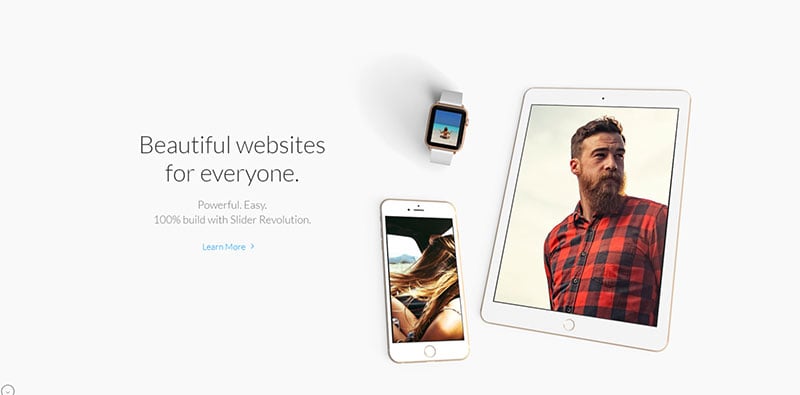
Piter Moreira
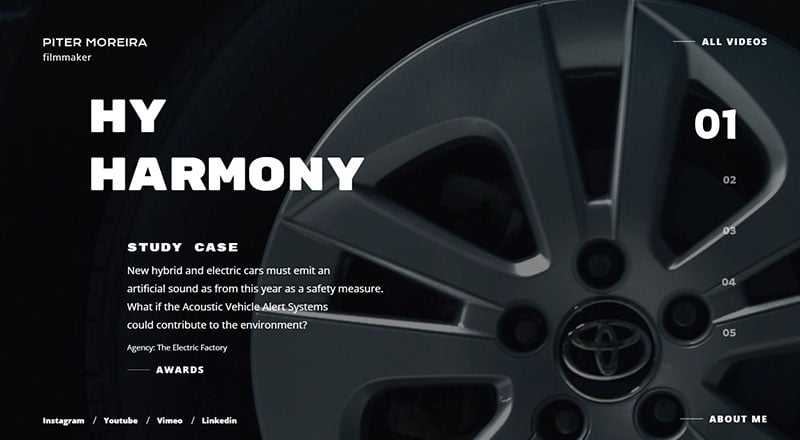
The online portfolio of director and filmmaker Piter Moreira.
Nelson Balaban
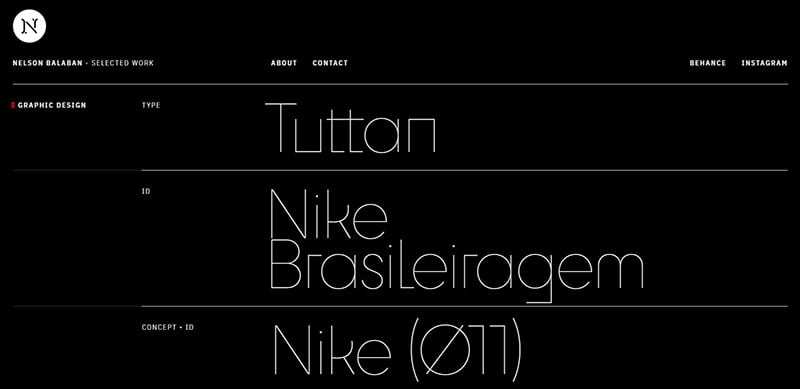
The web portfolio Nelson Balaban, a graphic designer, illustrator, and art director.
Sylvain Boutoille
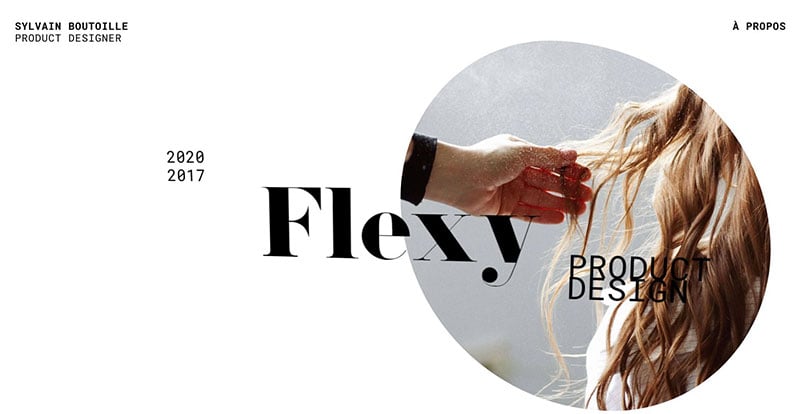
The website by the Parisian product designer Sylvain Boutoille.
Patrick Bernatz
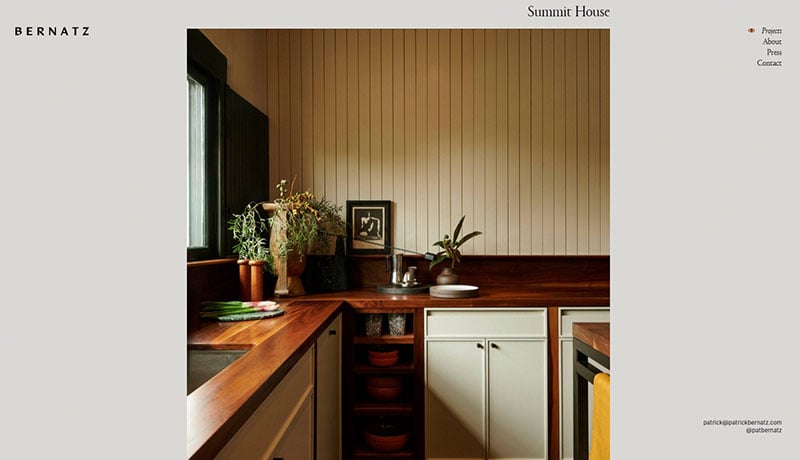
The portfolio of Patrick Bernatz, an interior and architectural designer from Los Angeles.
Greg Christian
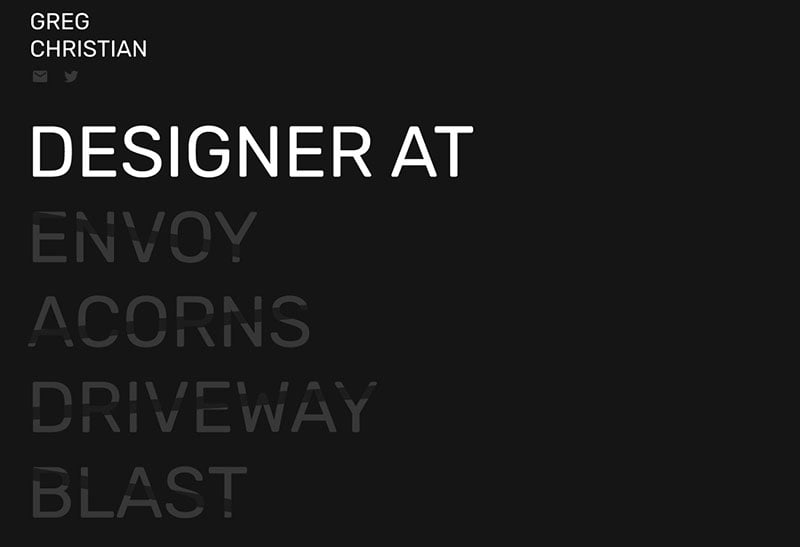
Greg Christian’s has a modern resume presentation, far from traditional in style. From the start, it focuses on his current company, projects, and location. It’s simplicity and clean design is very effective and captures attention.
Sheldon Stenning
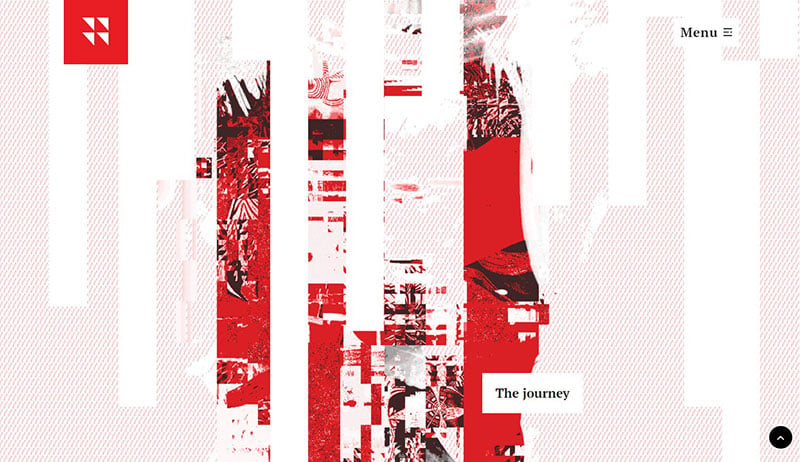
According to the opening page, this is not the site of “just another visual storyteller”. Vancouver-based Sheldon Stenning’s portfolio is beautifully designed and has a musical undertone.
Barbara Dragan
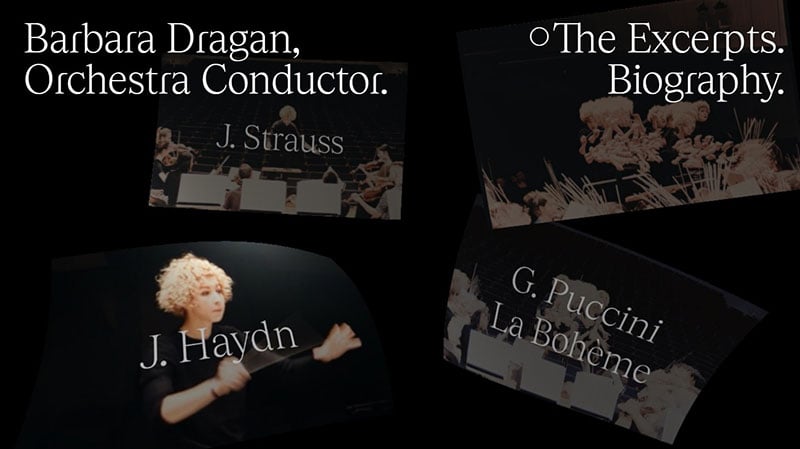
Barbara Dragan presents herself with this website. She is an orchestra conductor, who has won various awards and fellowships.
jessbayer.com
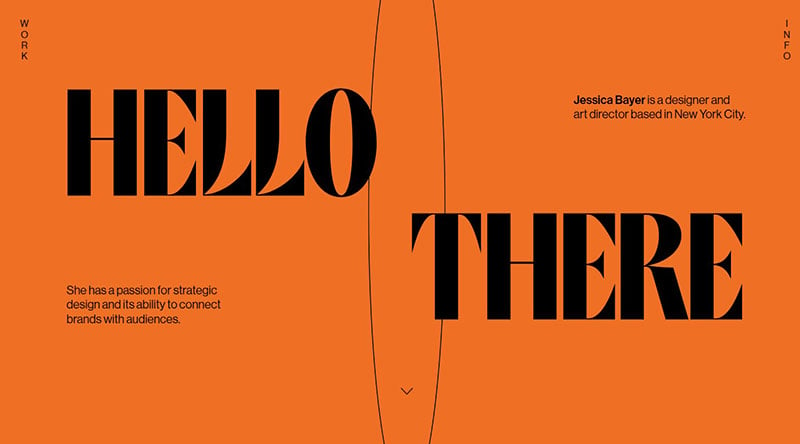
This is the website of Jessica Bayer. She is a designer and art director from New York City. She loves strategic design and how it connects brands with audiences.
Sophie Brittain
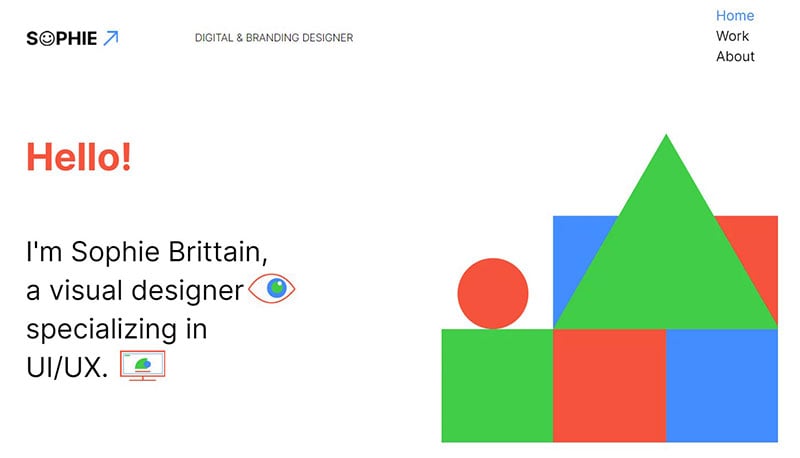
Yet another one of these cool portfolio websites is from Sophie Brittain. Sophie is a visual designer specialized in branding and UI/UX design. Her UX portfolio website is a demonstration of her skills in both areas. She has developed her own visual language. The site is composed of just blue, green, red, and lots of white spaces. It is defined by geometric shapes and vector line icons.
think bear
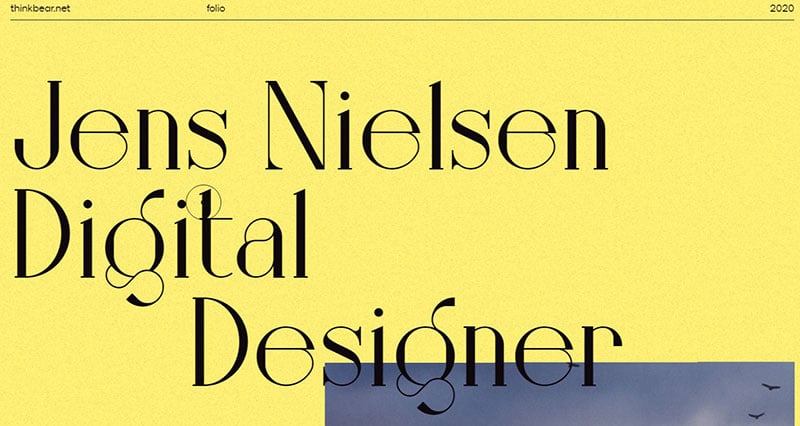
This is Jens Nielsen’s personal portfolio for a digital designer.
STUDIOS Architecture
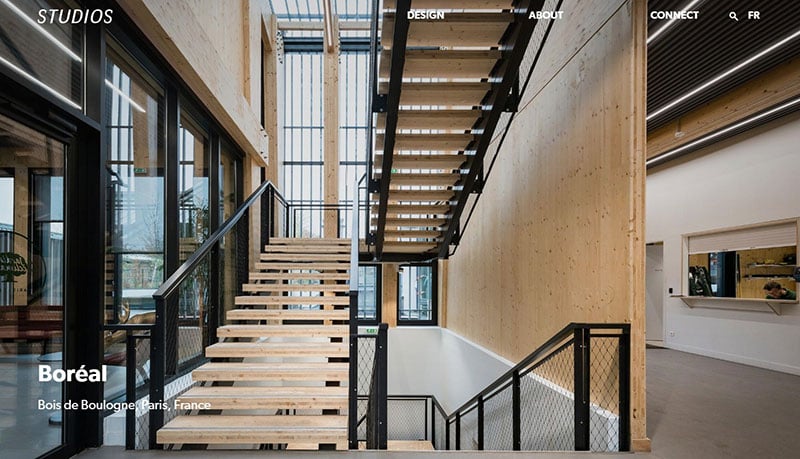
According to their headline, they push boundaries so their clients can too, and their site expresses this well.
Marta Ferri
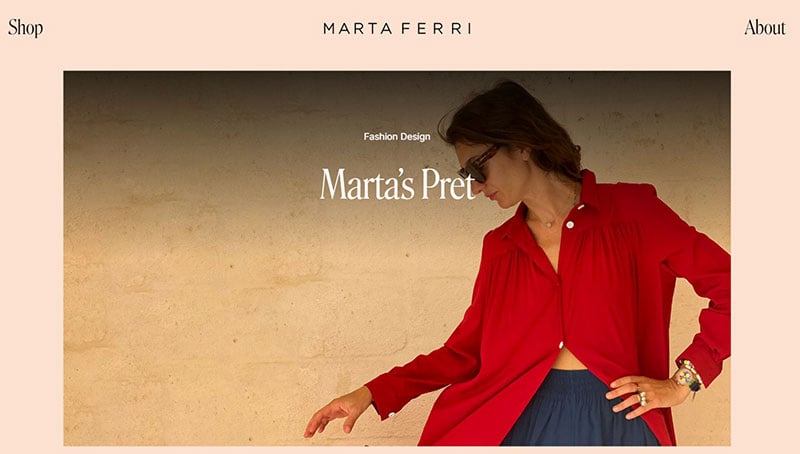
Website for Marta Ferri of Atelier Marta Ferri. She specializes in bespoke tailoring and creative design.
Vorrel Prendergast Jr
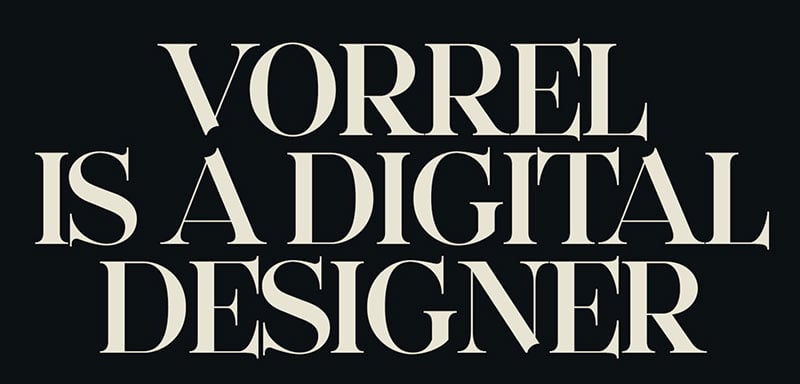
Digital designer Vorrel Prendergast Jr. presents himself on this web design portfolio. His expertise is in mobile and web design, UX, and branding.
Marco Almeida
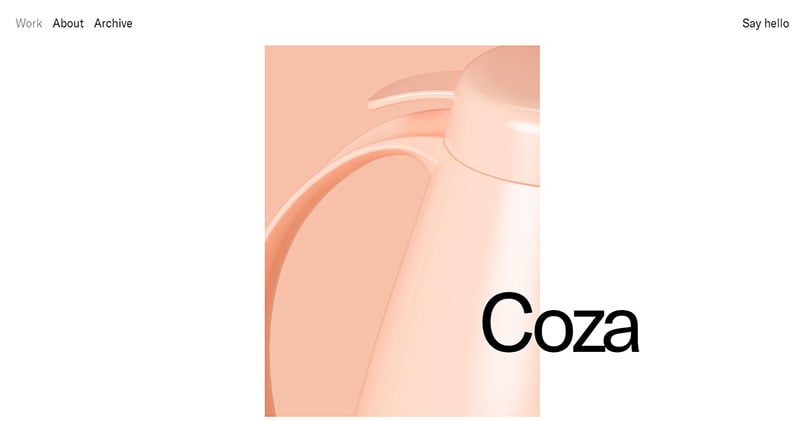
Marco Almeida’s mission is to shape Globoplay’s future. He is a designer from Rio de Janeiro.
Making Websites Better
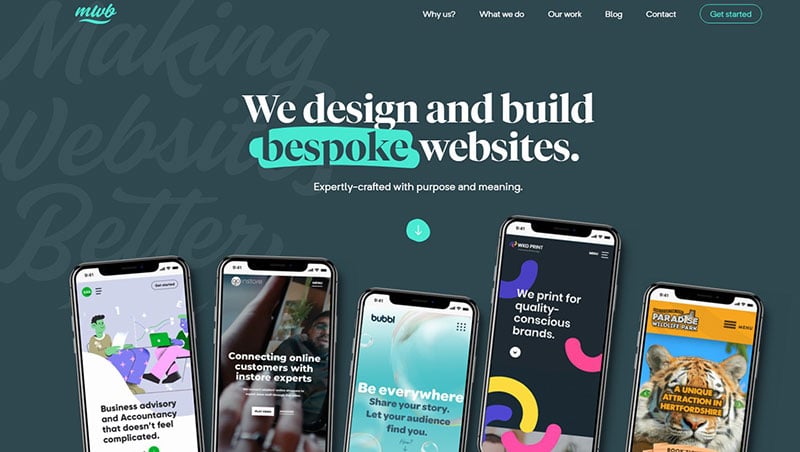
This is an agency portfolio for Making Websites Better. They do this with React.js, Gatsby, and Forestry. It’s a neat web design portfolio that we just had to include in our article.
Pierrick Calvez
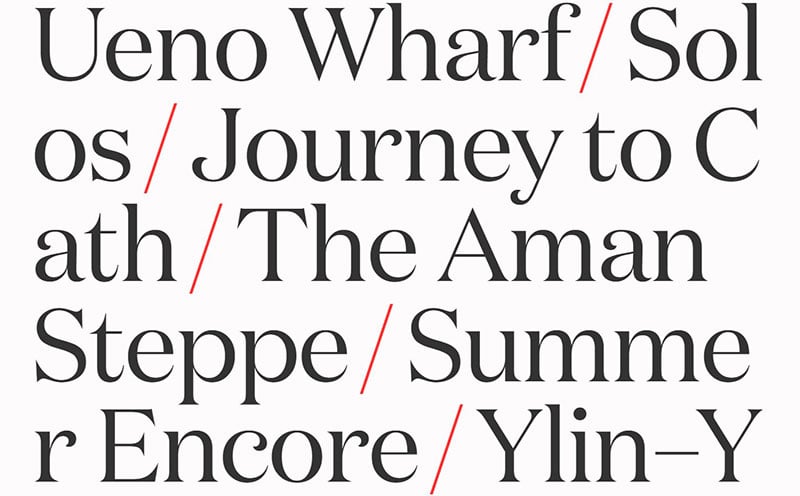
Pierrick Calvez’s portfolio presents himself and some of his artwork on his minimalistic and well designed portfolio website.
Dan Machado
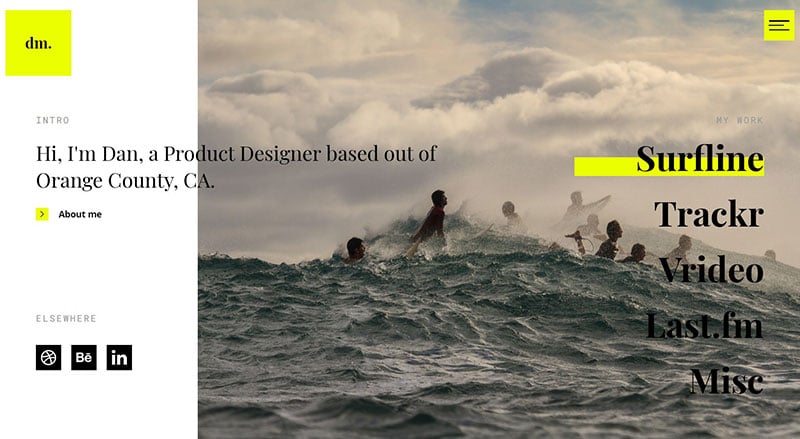
Another example of cool portfolio websites is from Dan Machado. Dan’s site is a great inspiration for those who want to use imagery and video in their portfolio. Dan is a multidisciplinary designer. He features some eye-catching images on his homepage. There are links to some of his projects, which showcase his methods and some of the final products.
illo.tv
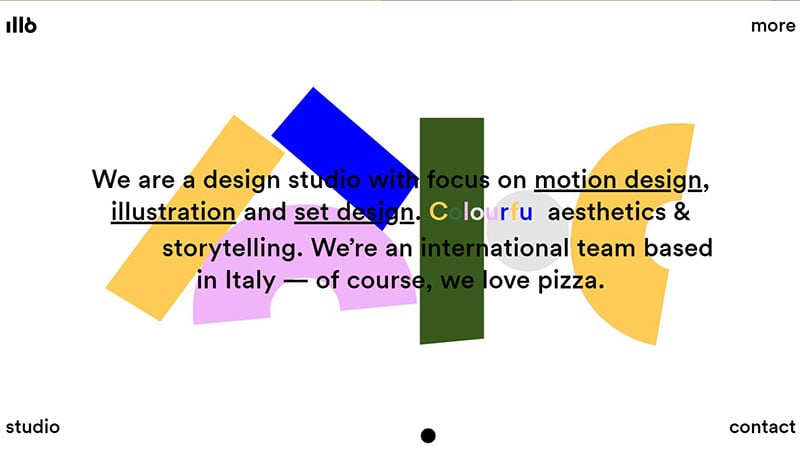
This website makes creative use of geometrical shapes, desk swaps, and is mainly color-guided. They describe themselves as a design agency that uses colorful aesthetics and cleat storytelling.
Wendy Ju
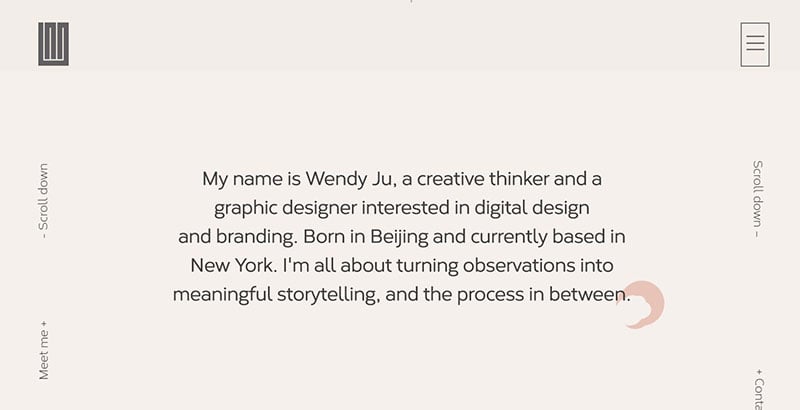
This personal professional website opens with an animation. It sets the tone and introduces the rest of the site. It presents the world of designer Wendy Ju. Her multicultural background is emphasized by the welcoming “Hello” in both English and Mandarin. The animation is clean and simple, and the site demonstrates the author’s minimalist style.
Nikolas Type
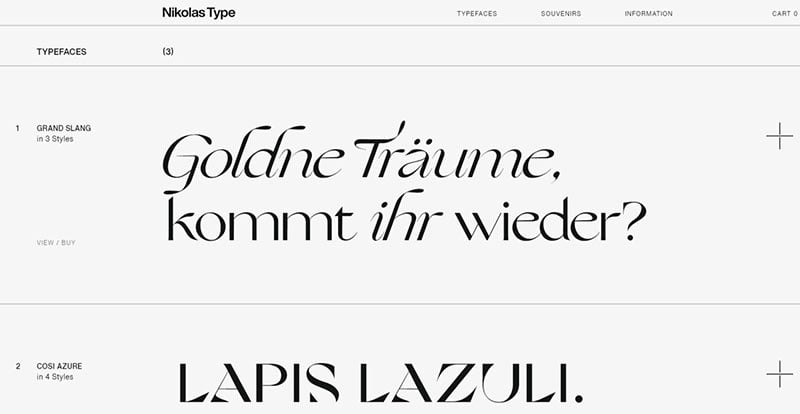
Nikolas Type is made by Nikolas Wrobel. He is a font designer for digital and printed applications. The page shows various creations, which can also be purchased.
Sophie Dkf
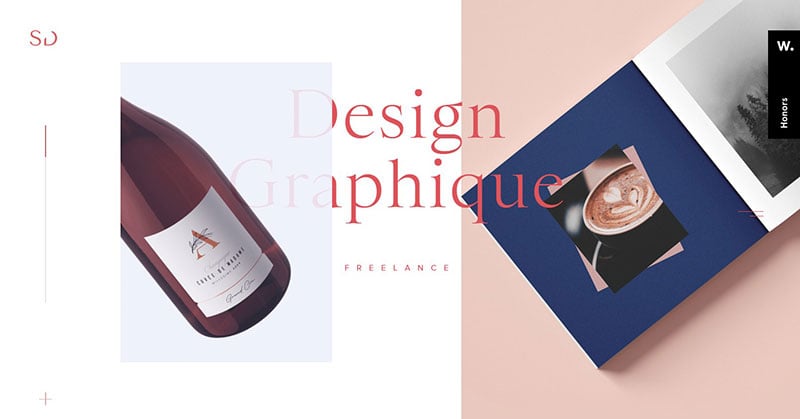
Freelance art director and graphic designer portfolio of Sophie Dkf.
Theresa Baxter
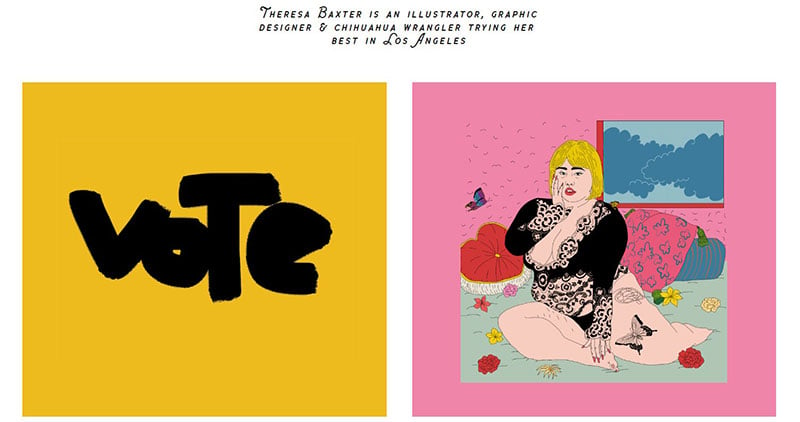
Theresa Baxter is a talented graphic designer and illustrator based in Los Angeles. She presents herself through her work in an interesting and unpretentious manner.
Nancy Bui
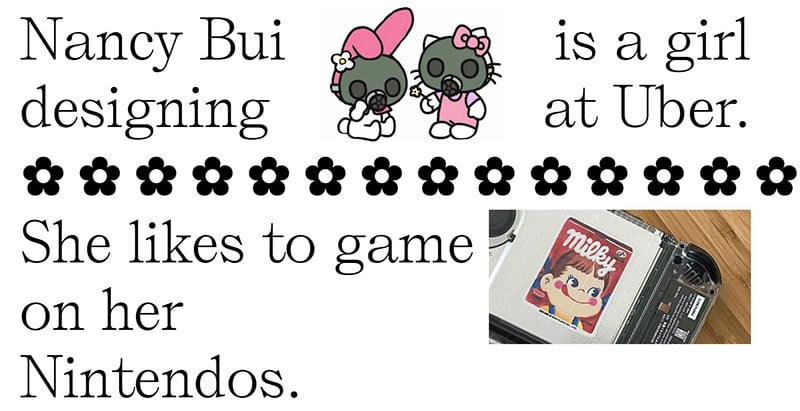
This portfolio is for a designer working at Uber.
Salomon Ligthelm
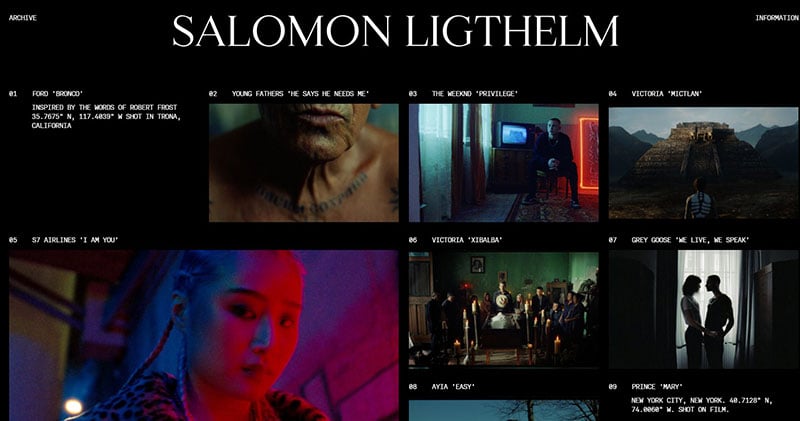
New Yorker Salomon Ligthelm is a self-taught director and filmmaker. His international background is a major theme in the work appealingly presented in his portfolio website.
Mark Hurrell
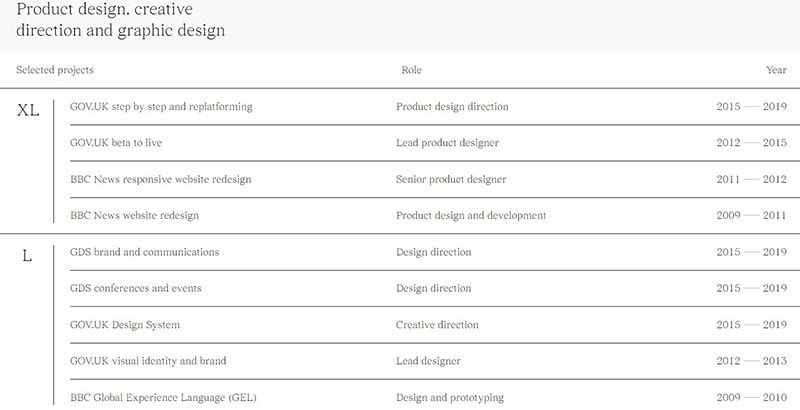
Mark Hursell is a web and graphic designer, who uses technology to create new designs and products. He is the mind behind the design of the gov.uk website, a project which he led from 2012-2019. Check out his minimalistic web design portfolio.
Wemakefab
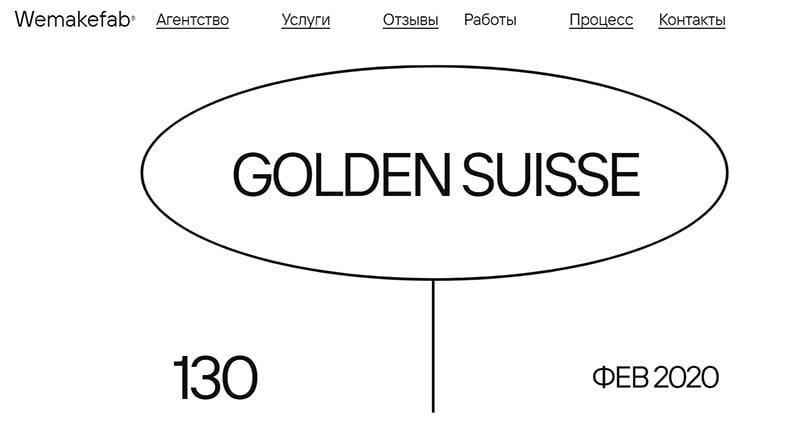
This is the presentation website of a digital marketing agency. Can you get more minimalistic design portfolio than this?
Antoine Barrès Portfolio
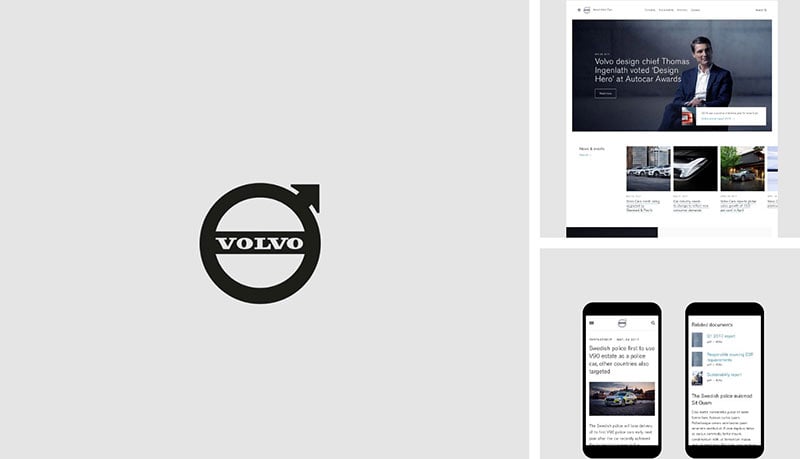
This design portfolio is for a freelance Paris-based art director and product designer.
Valentin Semes
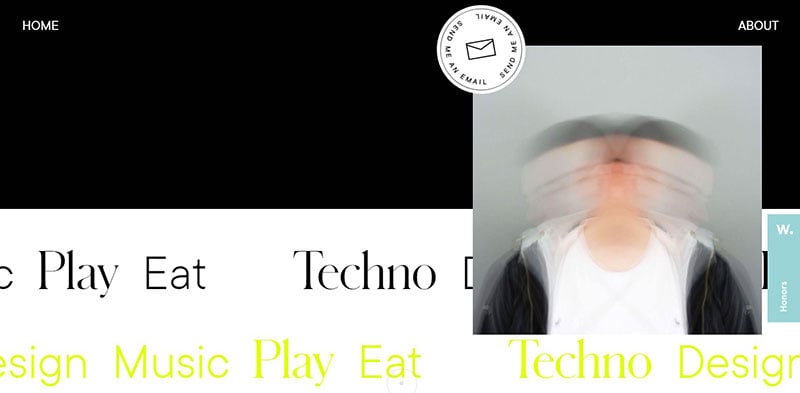
The portfolio of Valentin Semes helps you get acquainted with this young Belgian digital designer.
Salon Bon Vivant
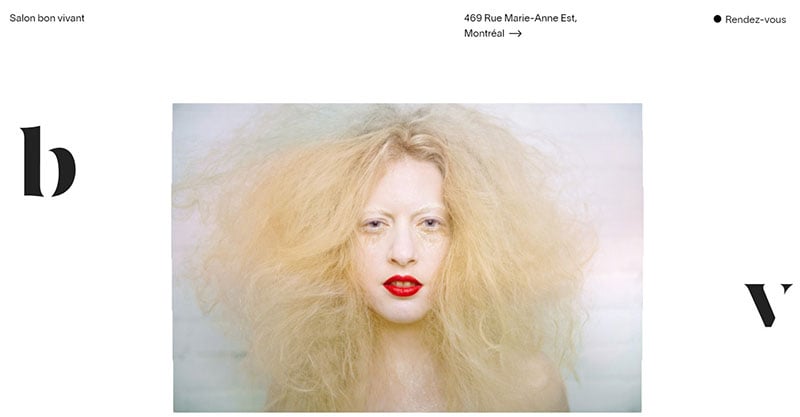
Salon Bon Vivant is owned by stylist and colorist David Landry. This visionary has twenty years of experience and is the recipient of multiple hairstylist awards. He was trained in New York and is inspired by art, music, and traveling.
Nathan Sanders
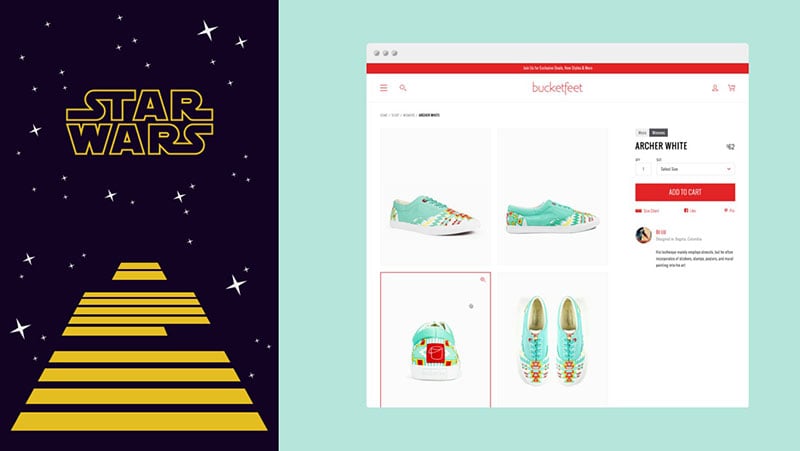
When entering this design portfolio, it is obvious that Nathan Sanders is an illustrator and Star Wars fan. He demonstrates that you can have fun creating your website. Nathan shows a very personal website, showcasing his fun personal and professional projects.
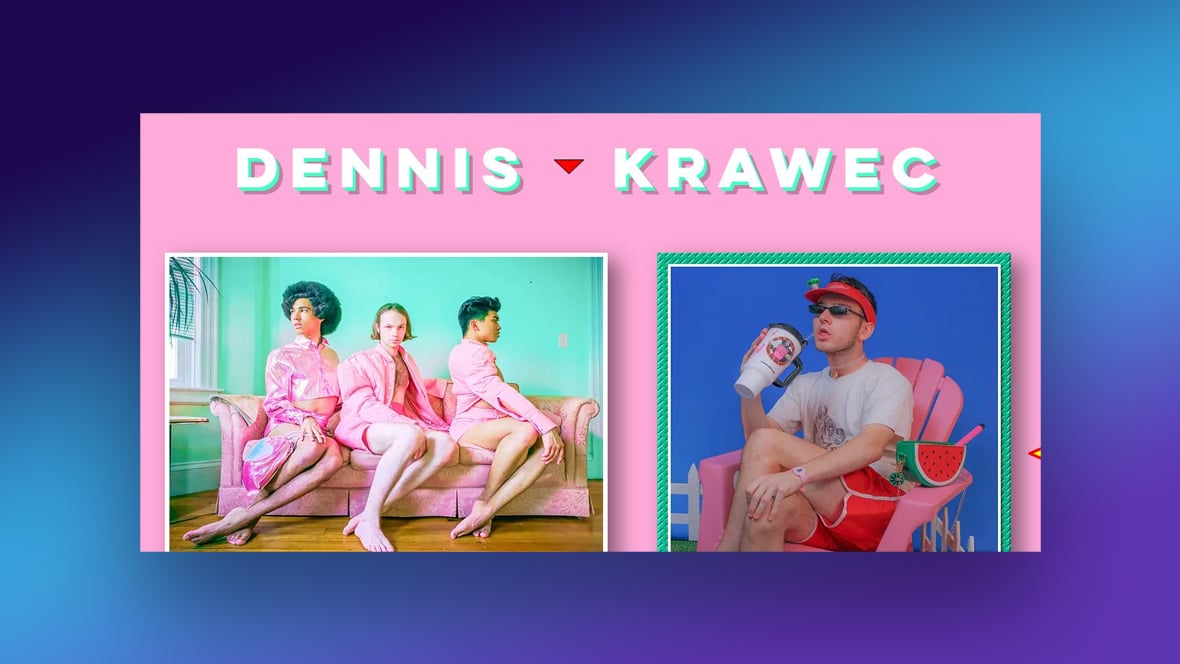
Dennis Krawec
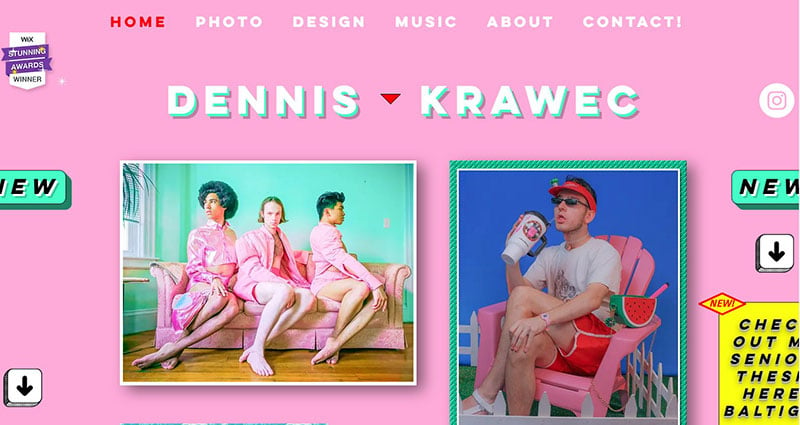
Designer Dennis Krawec blends the 80s and pop culture with extravagant designs from the early days of the internet. This is a memorable, bold, and eye-catching design portfolio.
TWKS
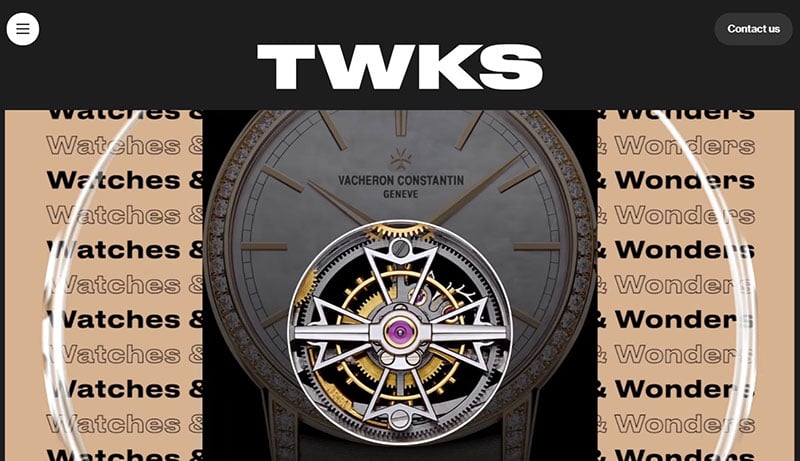
The TWKS portfolio site opens with big and bold fonts. TWKS works to bring talents and ideas together. This agency’s branding and design portfolio makes an impressive impact.
Ahmed Yasser
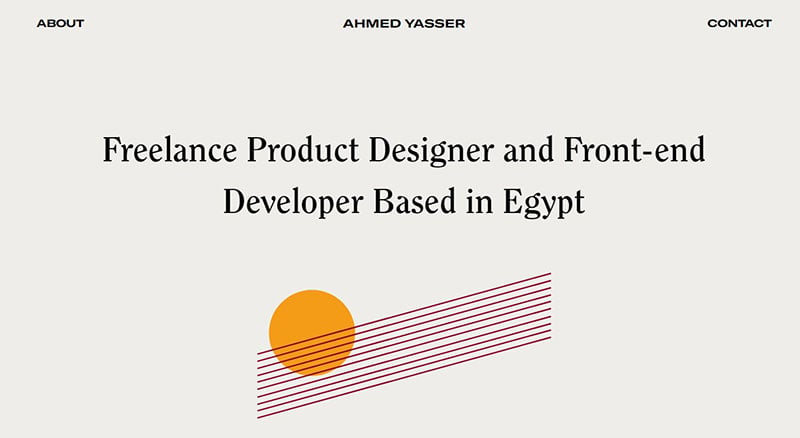
Not exactly a web design portfolio but close. This website presents a freelance product designer and front-end developer from Egypt.
MILL3
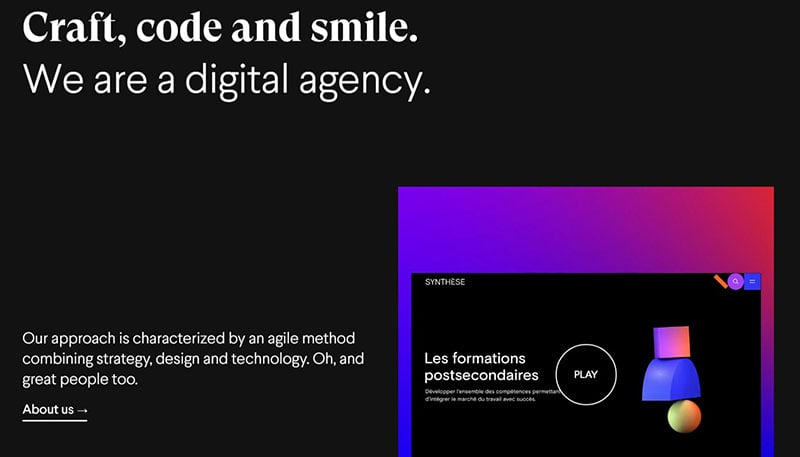
MILL3, from Montreal, creates digital products by focusing on the strategy, design, and development. This is an interesting take on a web design portfolio approach.
CRI$$
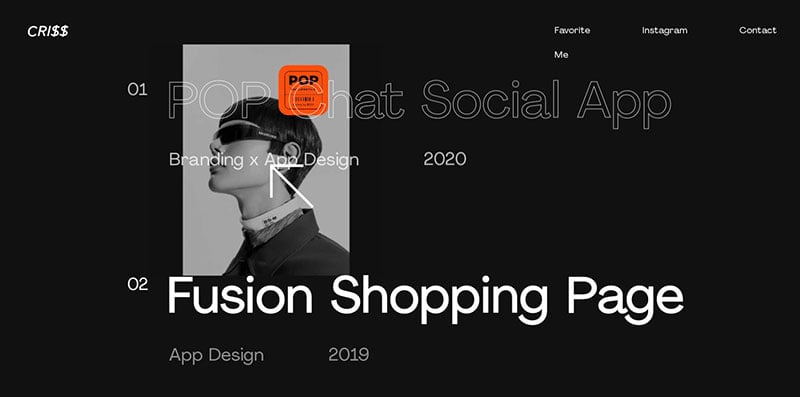
Cri$$ presents himself on his design portfolio as a designer of unique and quality web/app experiences.
DuallStudio
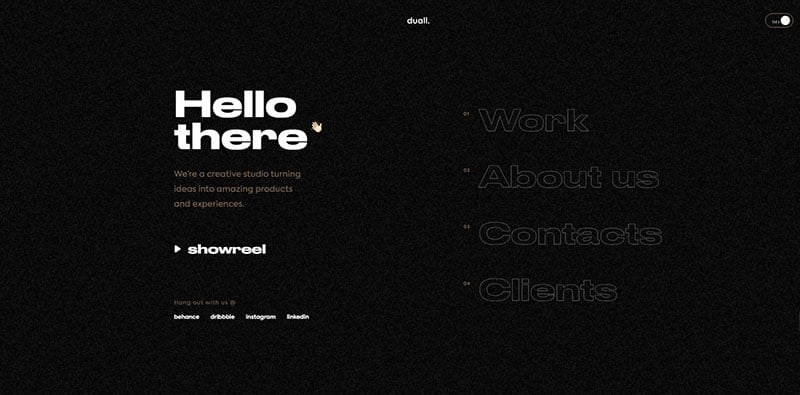
This Portuguese company is the creator of stunning digital products. This is one of the minimalistic design portfolios from our article.
Canyon Trail
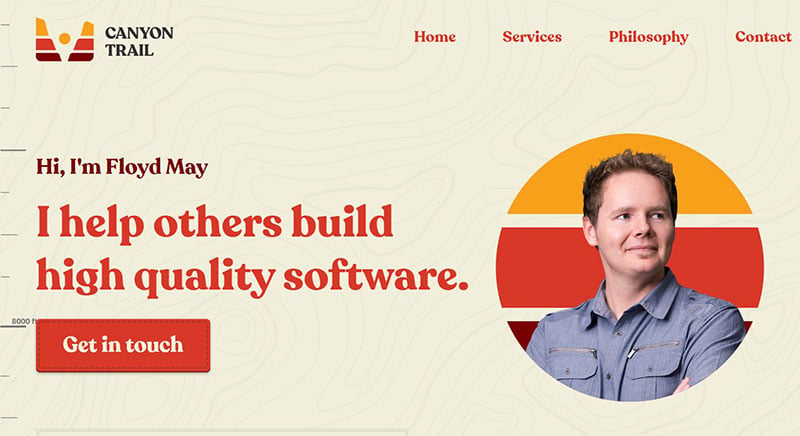
Canyon Trail, owned by Floyd May, has a trekking and climbing themed website. The company assists organizations in the development of their software needs.
Mark Appleby
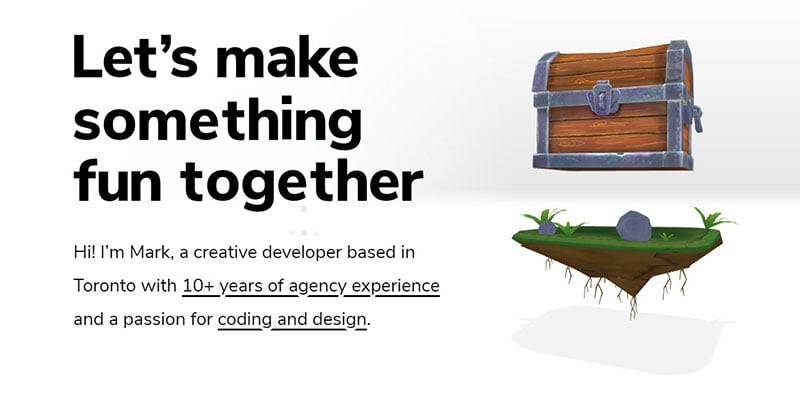
This site introduces Mark Appleby, a creative developer from Toronto. He has more than ten years of experience in coding and design.
Cathrine Understrup
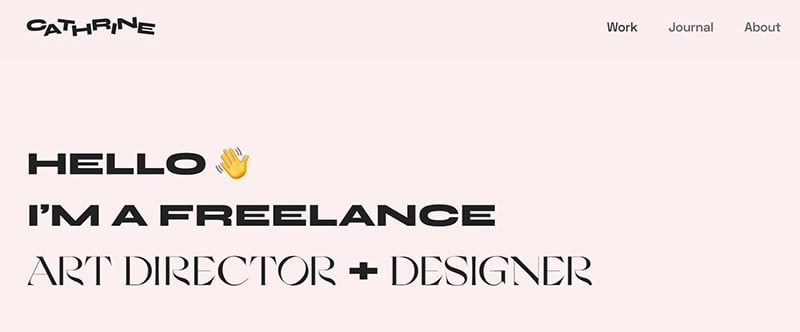
Catherine is an art director and designer from Copenhagen. She works in advertising and graphic design. Her specialization in tactile and visual design is reflected in her presentation.
Alex van der Lit – Portfolio
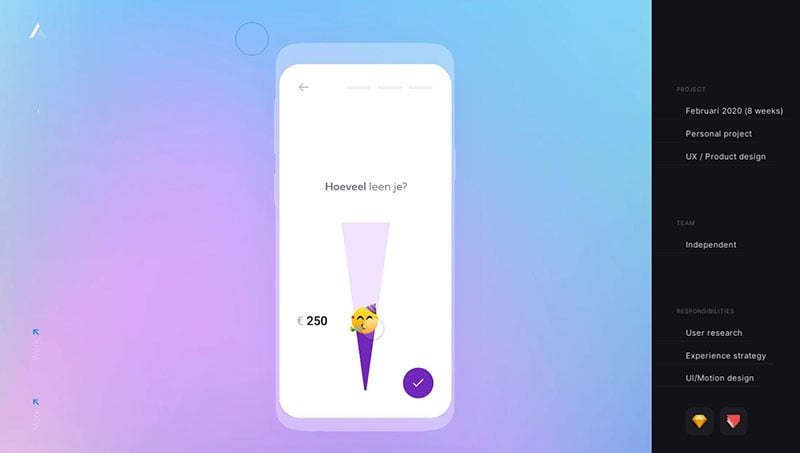
Alex van der Lit is interested in cursory behavior on websites. This fascination led him to design his portfolio page on the principles of meaningful motion.
Yu Rong
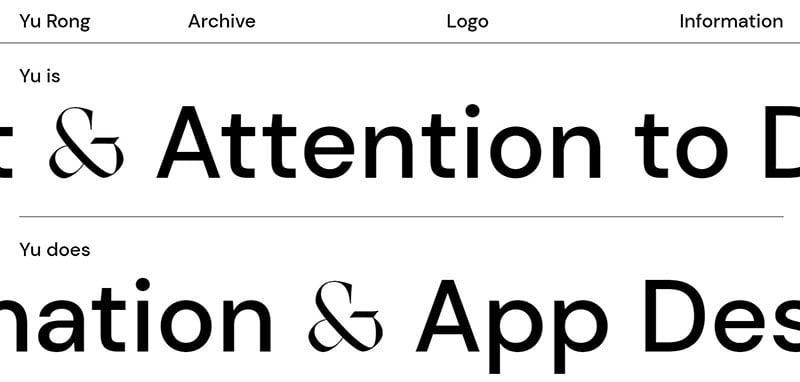
This is a page by branding and interaction design expert, Yu Rong, who currently works at AKQA in San Francisco.
Chris Wilcock
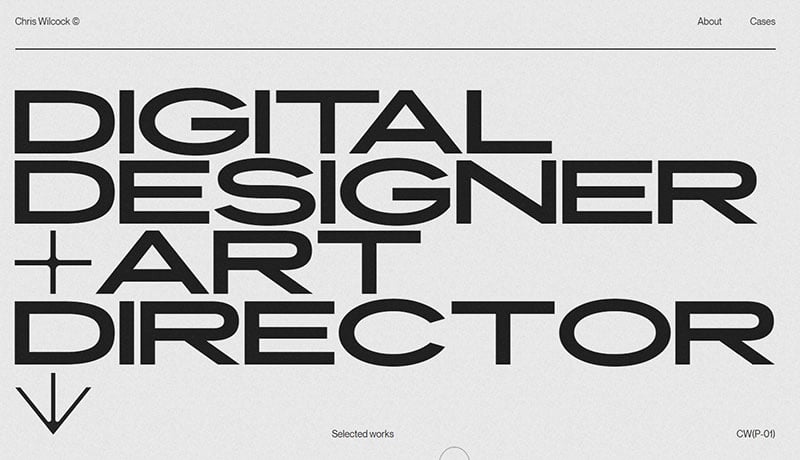
This is a portfolio page for a designer and art director.
Studio Bagaz’
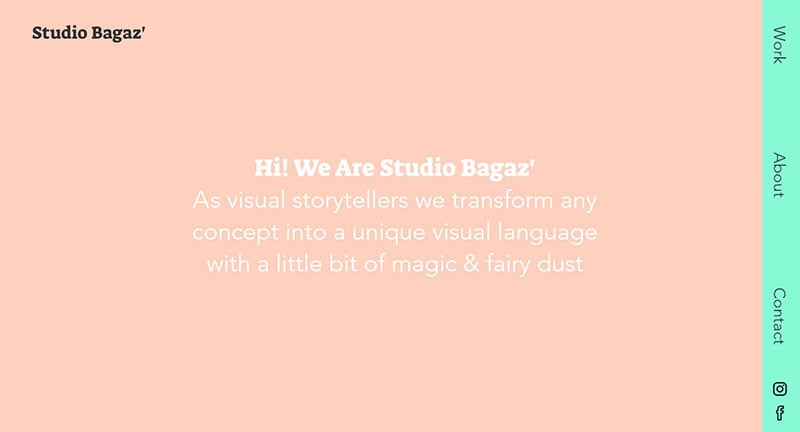
At Studio Bagaz’ they love crisp aesthetics and their portfolio reflects that philosophy. Sophisticated simplicity, organized structure, and plain but stylish website navigation demonstrate this very well.
Grace Danico
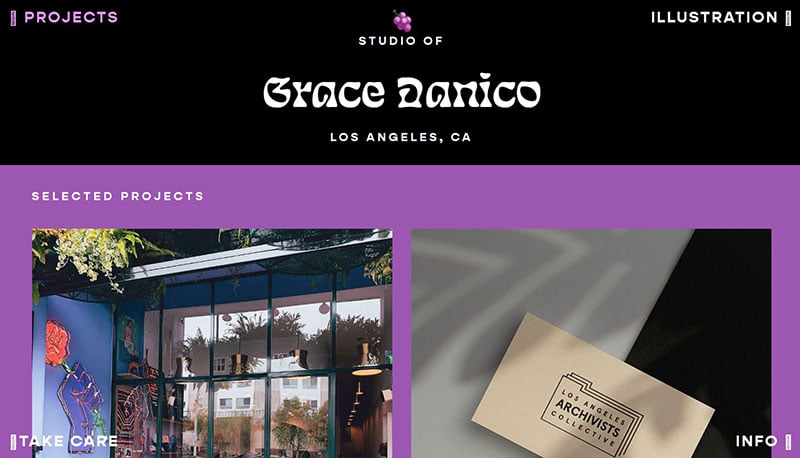
There are many sides to Grace Danico. She is a DJ, freelance illustrator, designer, and archivist from Los Angeles.
ANTIGIF
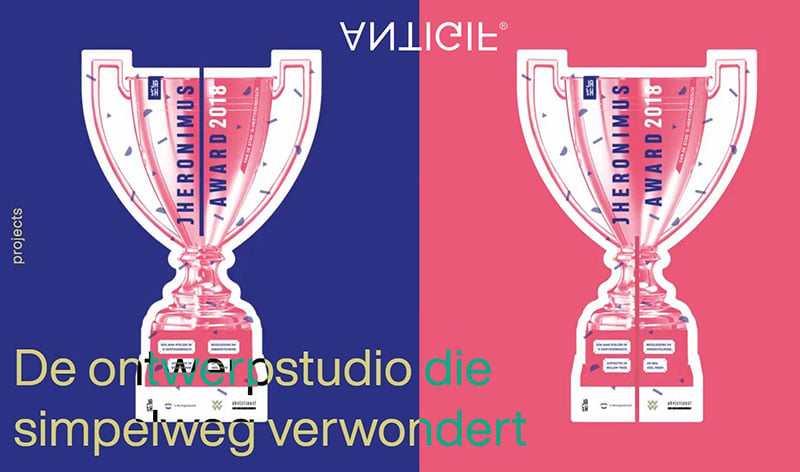
The focal point of graphic design studio ANTIGIF is identity and branding.
Emanuele Milella
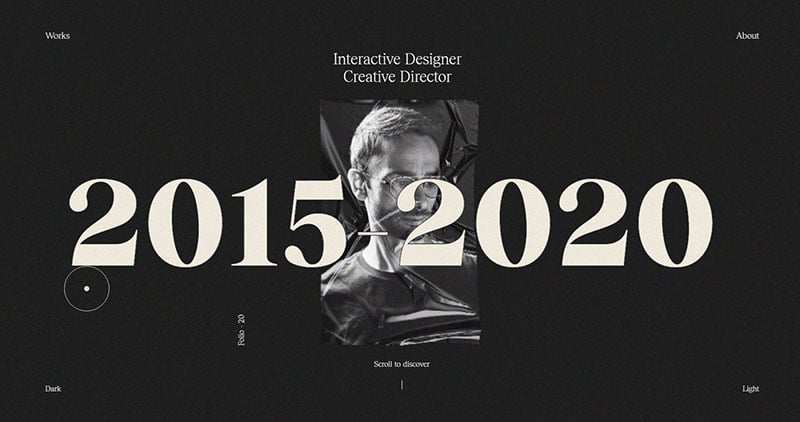
This is the professional website of Emanuele Milella, a creative director and interactive designer. Logically, this portfolio site focuses on web interfaces and interactive design. He presents his approach, from initial stages to the final product, and it deserves its place in this design portfolio examples collection.
Baruch Pi
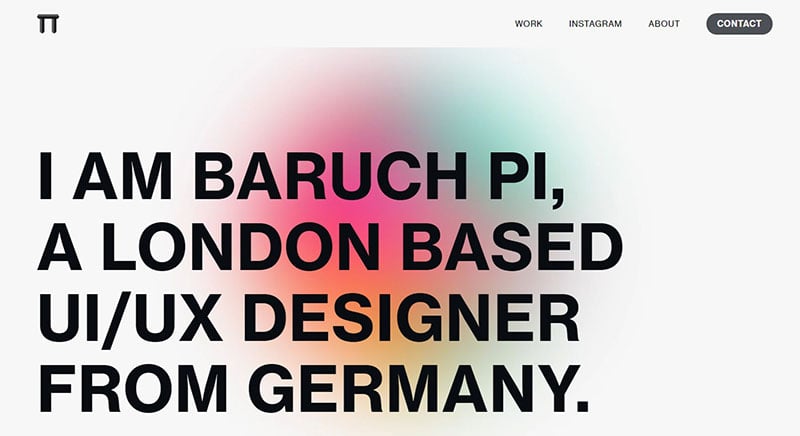
Baruch Pi’s is a London-based freelance interface and interaction designer, originally from Germany. The screenshot gave that away too.
Raoul Gaillard
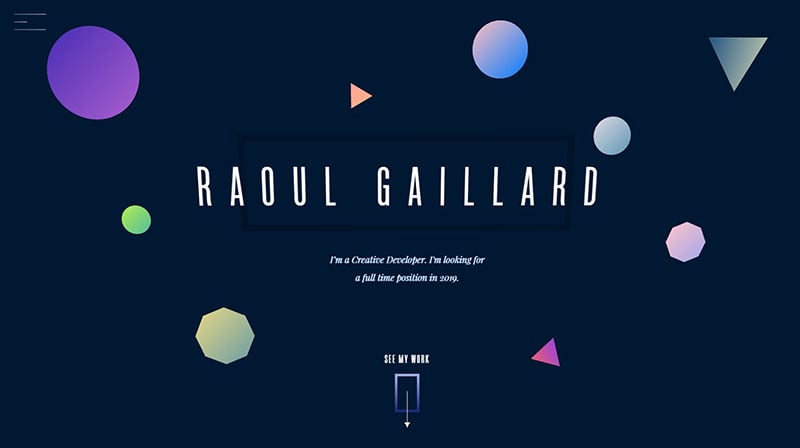
A web design portfolio sounds boring so this is Raoul Gaillard’s creative developer portfolio.
Bien Joué
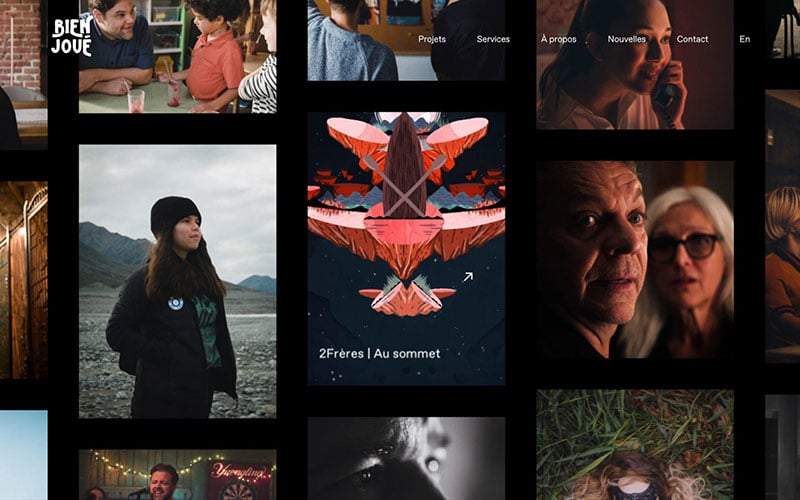
In their own words, Bien Joué designs impactful content for all digital platforms.
Shiyuan Ye
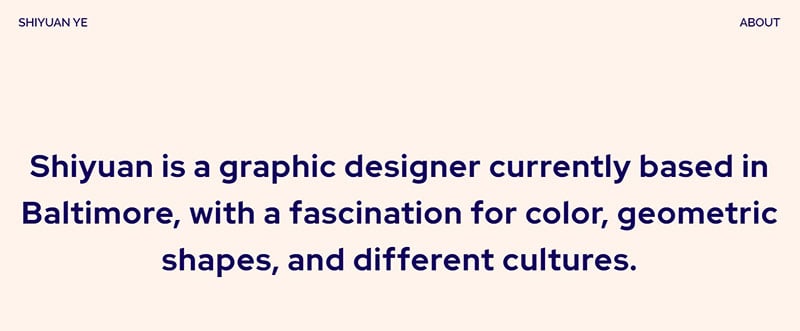
Shiyuan Ye’s website combines the elements of playful, chic, and professional. This is reflected in the design and in the introduction that she provides. Movements and interactivity are seamlessly integrated into the design.
àtrio digital agency
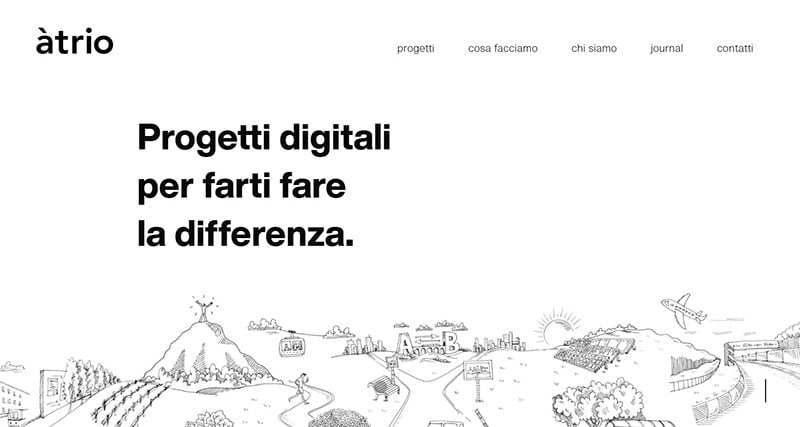
Àtrio is a digital creative agency from Treviso, Italy. It develops digital projects that center around constructing profitable relationships.
Stefano Peschiera
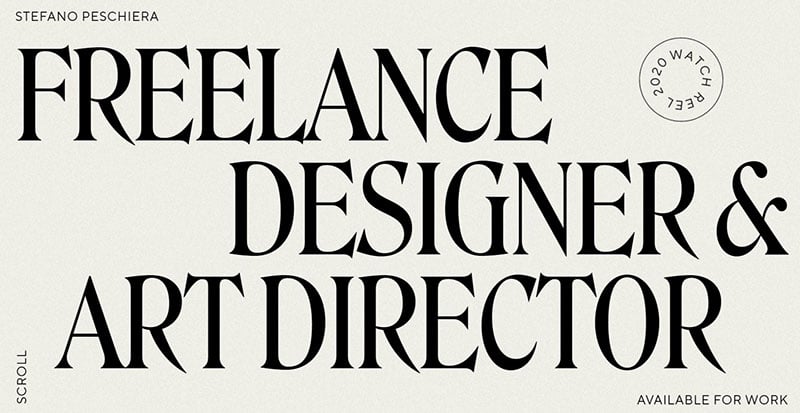
The digital landscape changes constantly, which is a challenge for many companies. Stefano helps brands to catch the customers’ attention, and businesses to communicate more effectively and achieve their goals.
Viguier
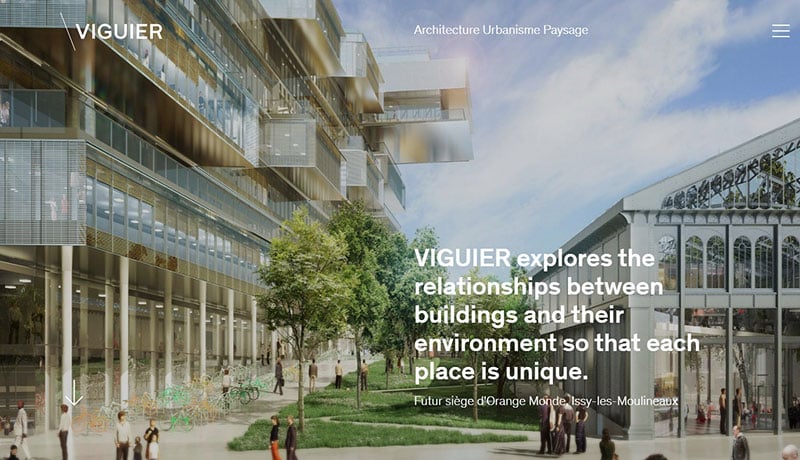
The agency portfolio of an international Paris-based architecture studio named Viguier. It specializes in landscape design and urban planning.
Timothée Mahuzier
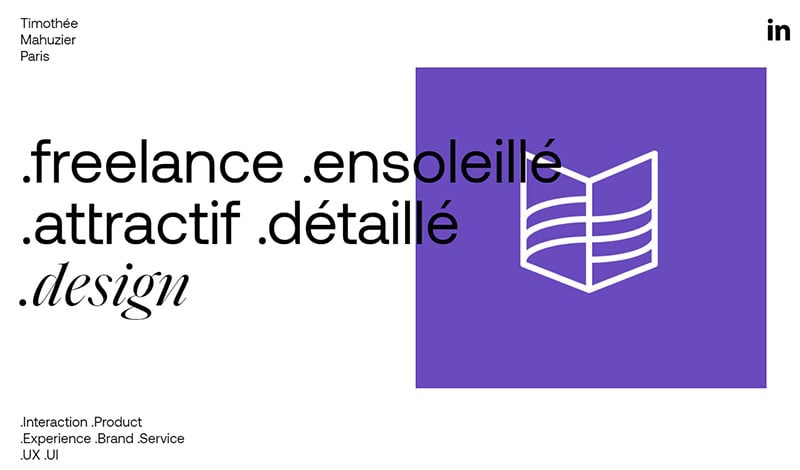
Freelance web designer? No, but rather a freelancer interaction and product designer. On his homepage, Timothée Mahuzier expresses love for design, with the human being at its core. Digital applications are developed with a central design in mind, resulting in an intense experience.
Indicius
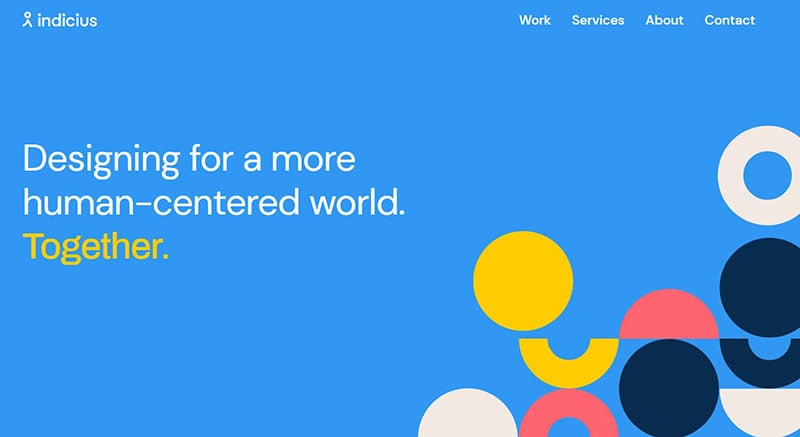
Jan Patawa
Jan Patawa is a Czech-based industrial designer who now works at BRAINZ Studios as a designer and creative director.
Kevin Mortensen
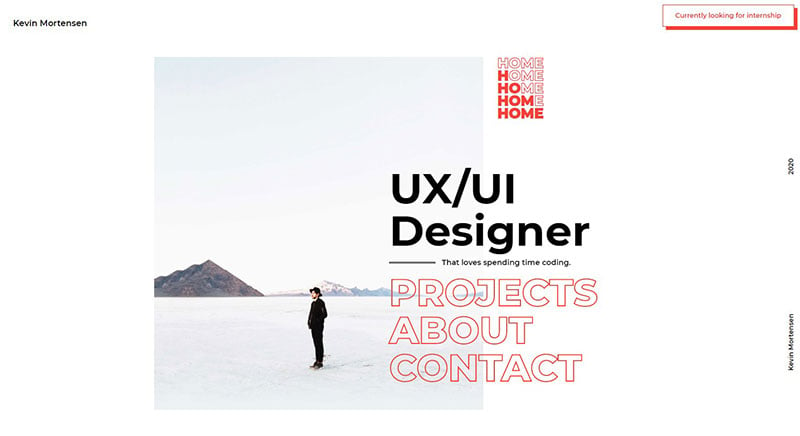
This is the website of a UI/UX Designer with a passion for coding.
Ajayns
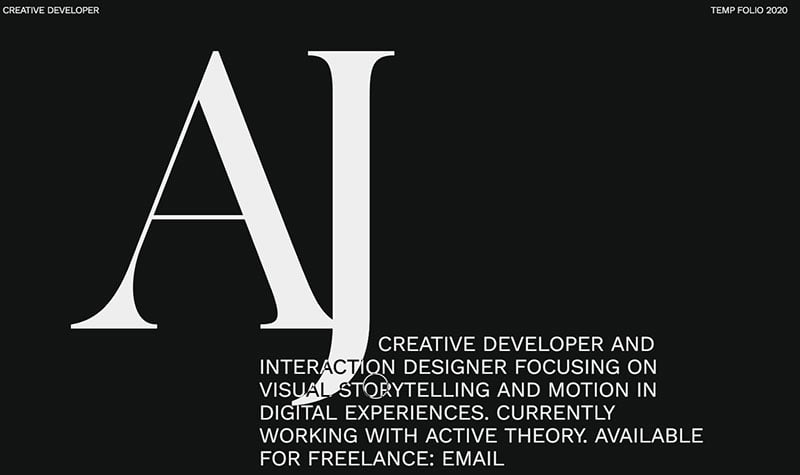
The portfolio site of AJ, who is a freelance interaction designer and creative developer.
Brando.ltd
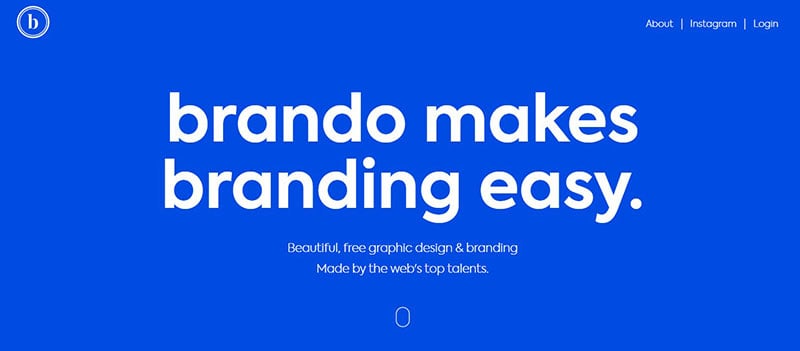
Brando is a design studio with a philosophy. They believe they have an improved way of creating amazing graphic designs. This helps the client to save time on searching for designs, images, colors, fonts, and videos for their branding projects.
Patrick David
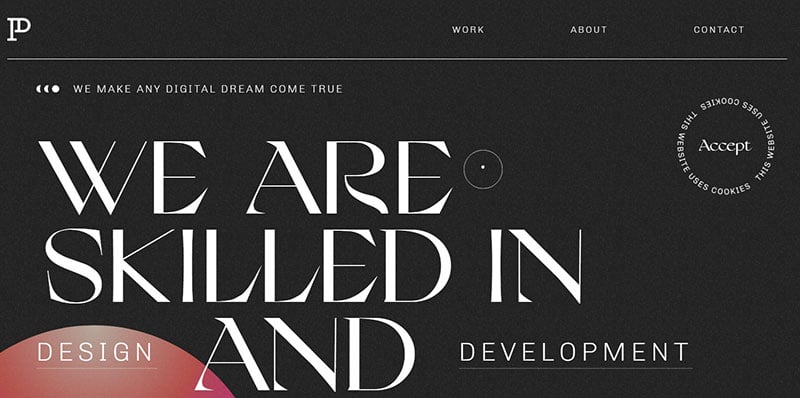
The design agency, led by Patrick David, tailors its products to the needs and requests of the customer. They specialize in building and operating integrated digital strategies. This is yet another one of the minimalist web design portfolio examples from the article.
Ajeeb
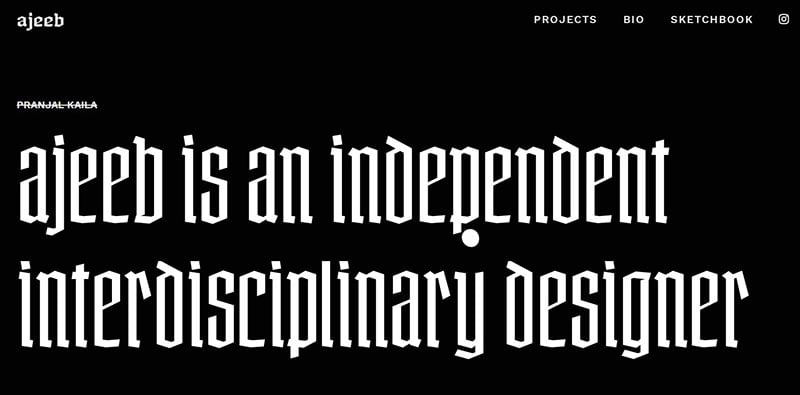
The portfolio of Ajeeb, who is an interdisciplinary designer from India.
Ehsan Noursalehi
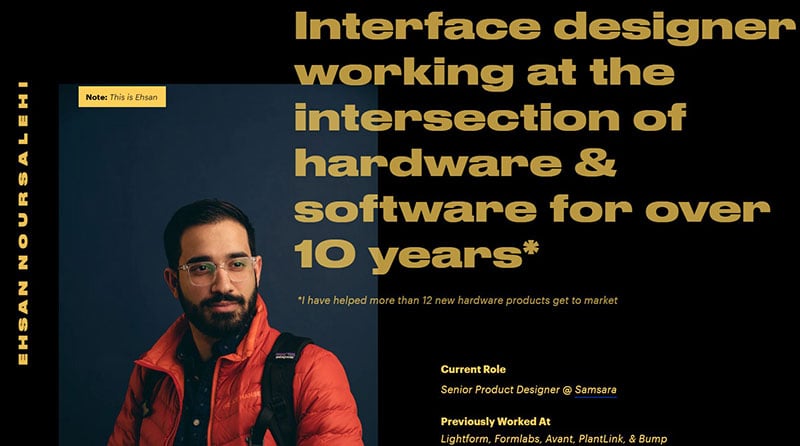
This is the presentation website of Ehsan Noursalehi, who describes himself as a multi-disciplinary product leader and designer. He has ten years of experience working with software and hardware.
Sonya Mudvex
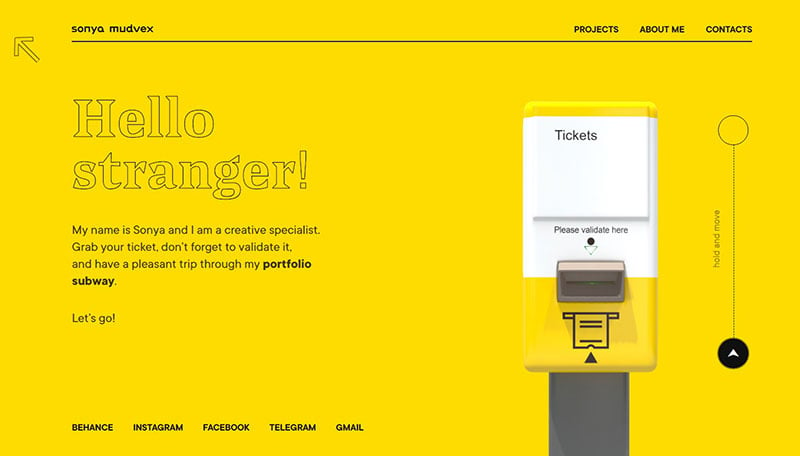
As a creative specialist, Sonya Mudvex specializes in copywriting, branding, and concept development. Take a look at her website and how she uses white space.
Sasha Agapov
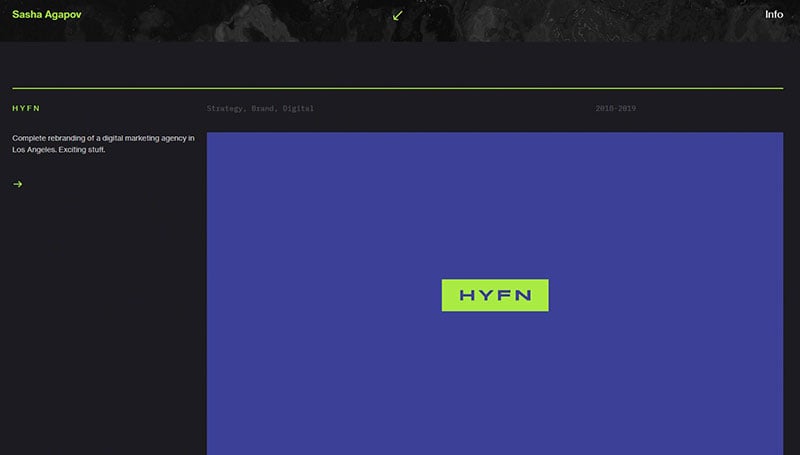
The portfolio site of a Los Angeles-based designer and creative director.
Allan Coutachot
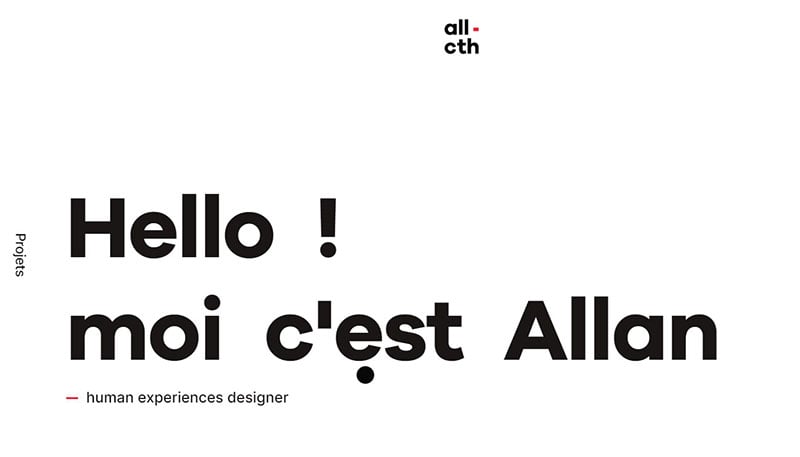
This is the website of the French designer Allan Coutachot.
Nick Jones
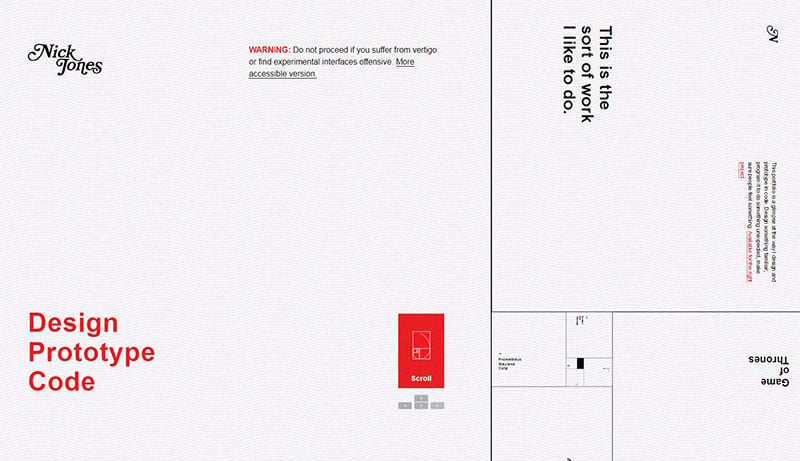
Nick Jones’ site is completely based on Fibonacci numbers. It is built up from tiles that rotate into the reader’s view by scrolling up or down. The tiles are arranged according to the golden ratio in a spiral staircase going up or down by scrolling.
Alex Dram
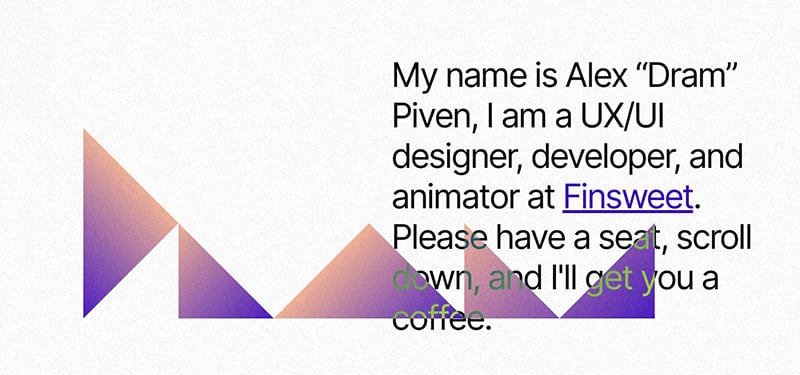
The portfolio site of Alex “Dram” Piven is a great source of inspiration for designing and digital experience. The site features seamless scroll animations, which lead the visitor straight towards Alex’s design portfolio. The pointer interacts smoothly with the different parts of the web page, making the visit an exciting experience.
Kieran Baybutt
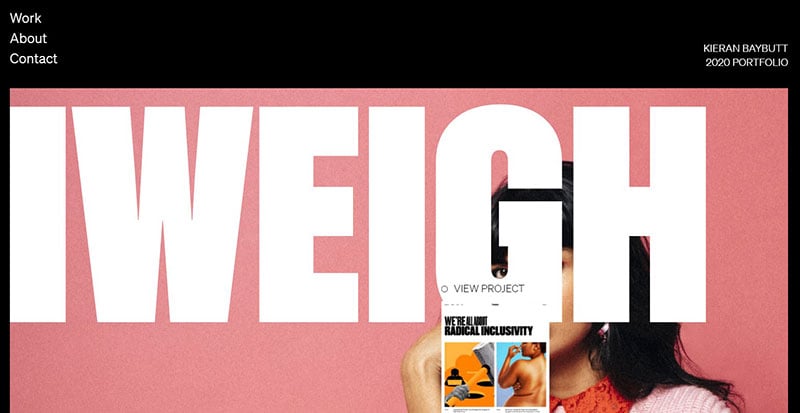
This is the portfolio of the interactive designer Kieran Baybutt from Manchester.
Carly Ayres

Most of us are familiar with Google Docs, for example, using it to make documents such as our resume. Carly Ayres used this idea to make her portfolio page with Google Docs. She lists her current job, projects, and contact details. The result is surprising and refreshingly simple.
HAWRAF
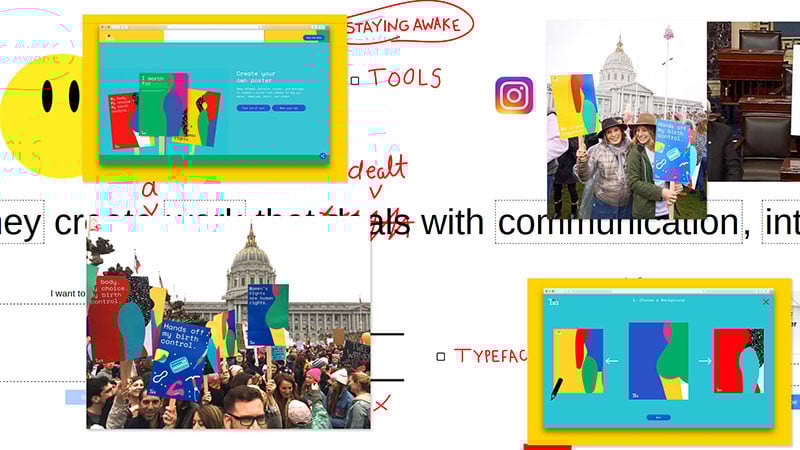
The website of HAWRAF contains some very interesting elements. For one thing, the cursor becomes a pencil, which allows the visitor to make notes in the portfolio. This well-designed website is horizontally orientated, which is something you rarely see.
Fleava Digital Agency
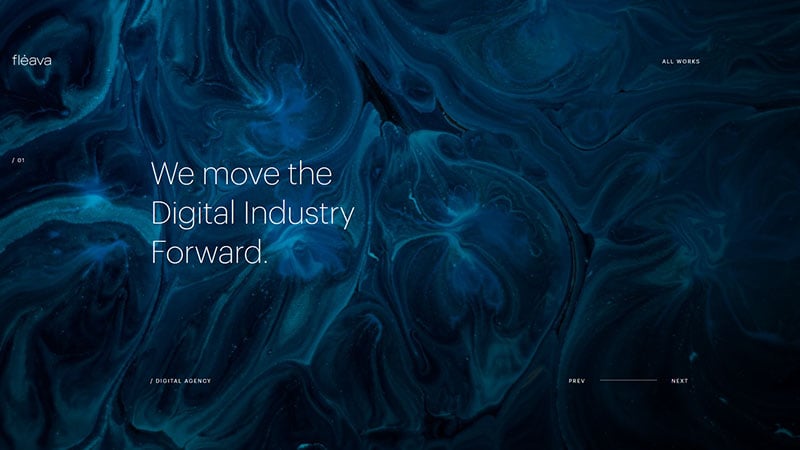
The branding agency Fleava creates memorable campaigns. They push the digital industry forward by endeavoring to change the way the audience view brands.
Jérémy Vitté
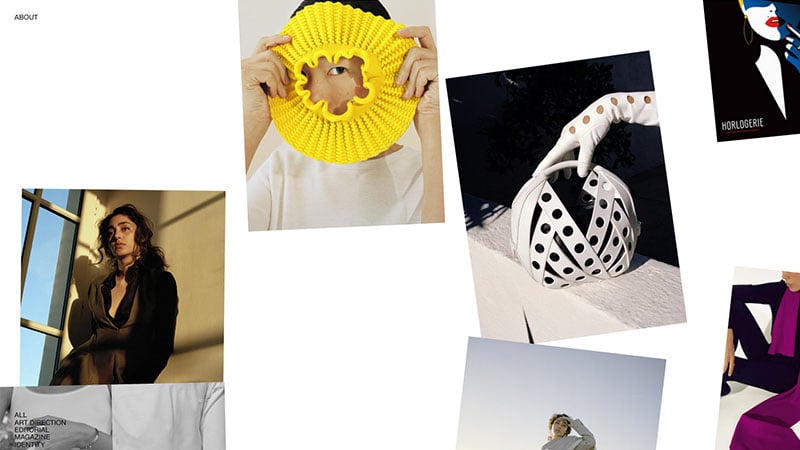
When scrolling down, Jérémy Vitté presents his magazine covers and pictures. However, they are not arranged in rows and columns. There are no straight lines, which gives the impression that the author spreads them in front of you on your coffee table. One of the strangest portfolio website examples from our list.
Saga Design Team
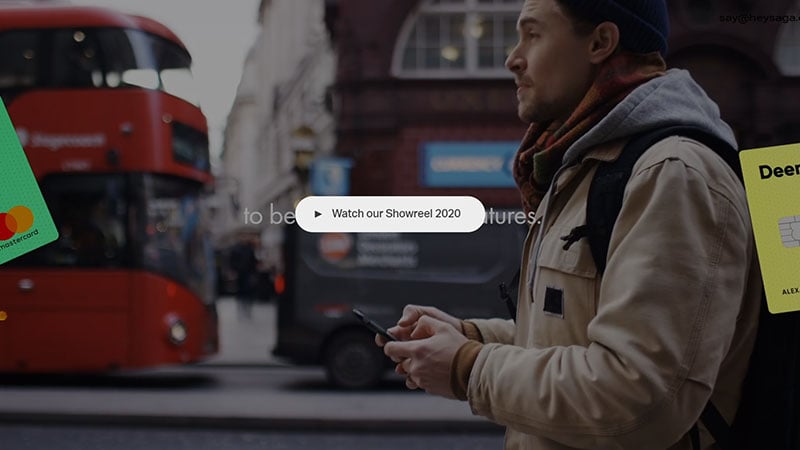
Timo Becker
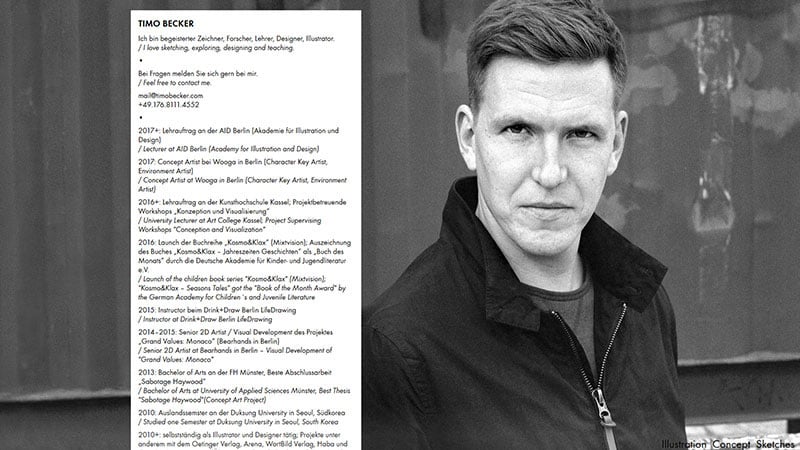
This interactive website is great fun. When opening the page, the illustrator Timo Becker, invites you to connect seven dots. The lines are then turned into a fun little doodle. You can do this as many times as you like.
Melanie DaVeid
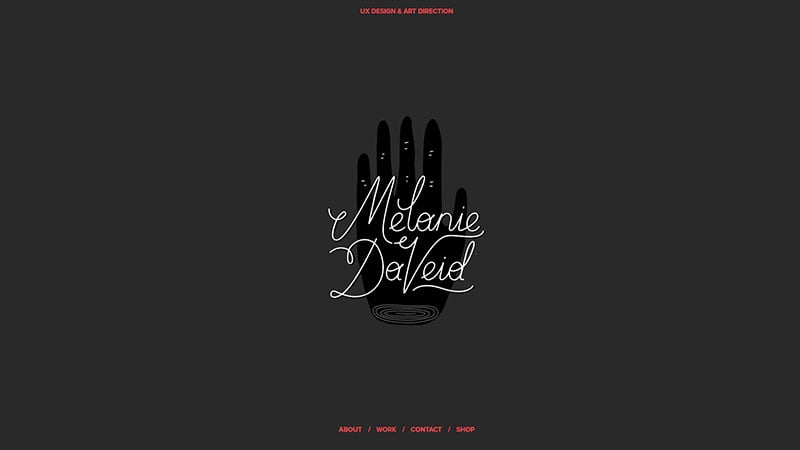
Melanie DaVeid is a UX designer whose website greets you with an animated logo of her name. Below that are the links to the different sections of the site. The whole website is an expression of her creativity and creates a visual impact.
Michal Škvarenina
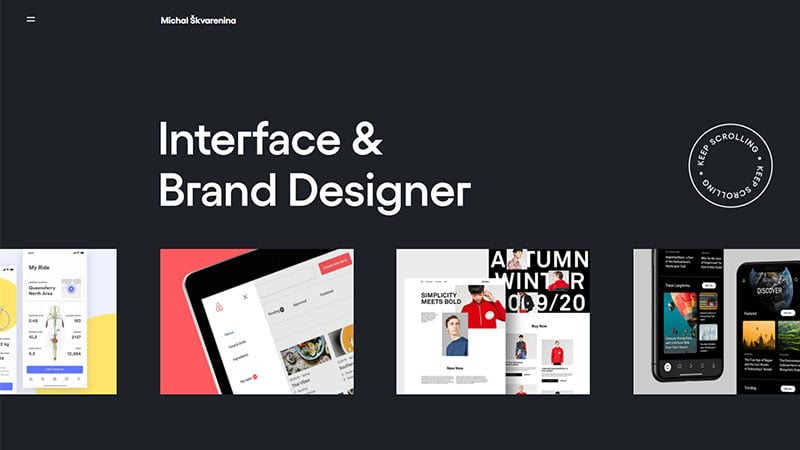
This is the portfolio of the interface and brand designer Michal Škvarenina.
Vide Infra
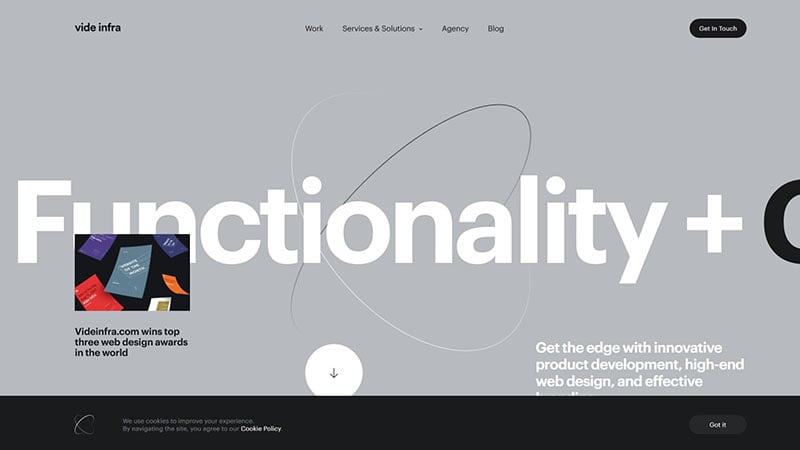
Vide Infra is a design agency with a really interesting web design portfolio.
RoAndCo
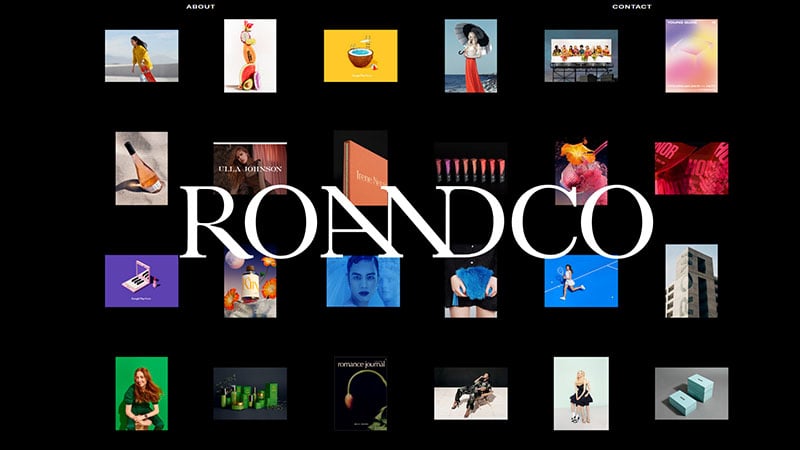
RoAndCo was founded in New York by creative director Roanne Adams. It now comprises a whole team of designers who offer branding and creative direction to clients. Their main business focuses on beauty, lifestyle, fashion, and tech.
Electric Brand Consultants
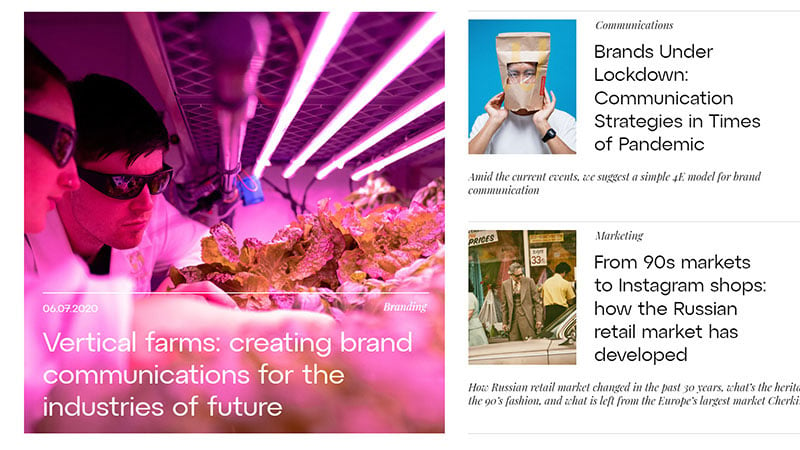
The website opens with a bold mission statement. This Russian creative studio wants to make brands and experiences that reinvent the digital industry.
Amber Xu
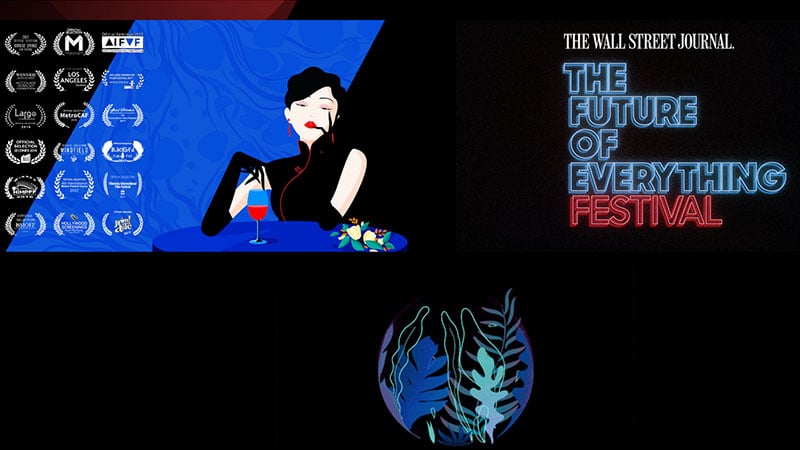
Amber Xu’s page is not only aesthetically pleasing but also functions well and is easy to navigate. Xu is an illustrator and graphic designer. The website is ornamented with beautiful high-quality pictures. Hovering over them with the mouse gives additional information about the project.
Sweet Punk
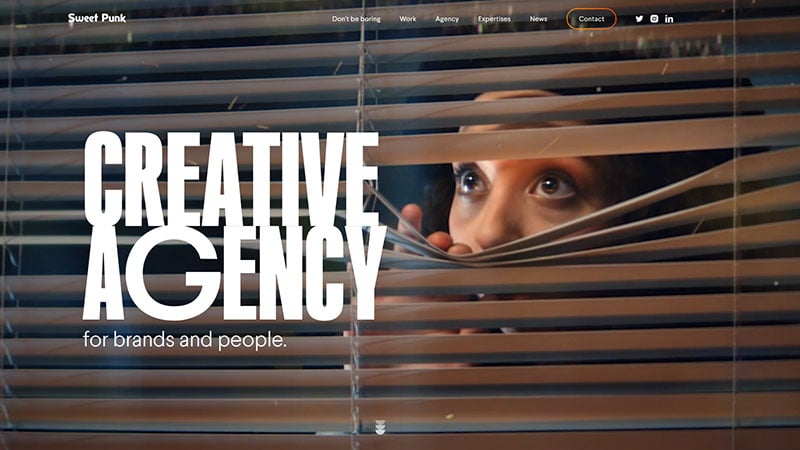
Sweet Punk has a new portfolio website. This creative bureau from France invites brands to outdo themselves with new identities and digital ideas.
Robin Mastromarino
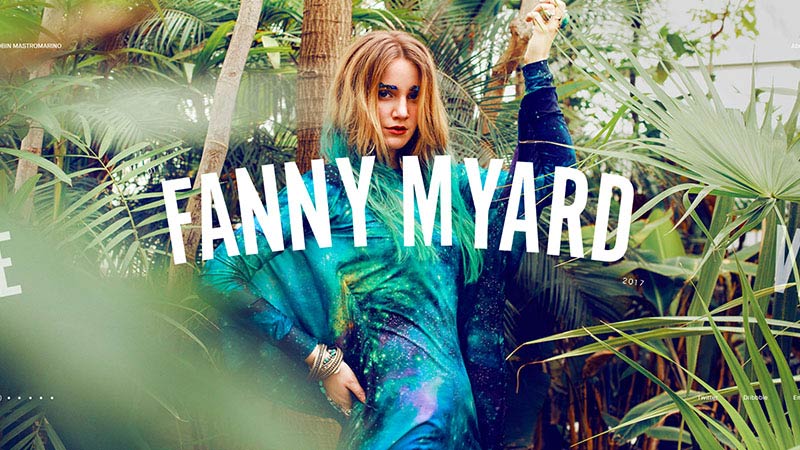
A fresh design makes this portfolio website by Parisian designer Robin Mastromarino worth a visit. The UI animations are very pleasant and satisfying. For example, the different sections and projects are arranged on a wheel that can be turned by clicking or scrolling. The project pictures are slightly highlighted when moving over them when navigating. This design is a great source of inspiration for those into UI.
Your Next Agency
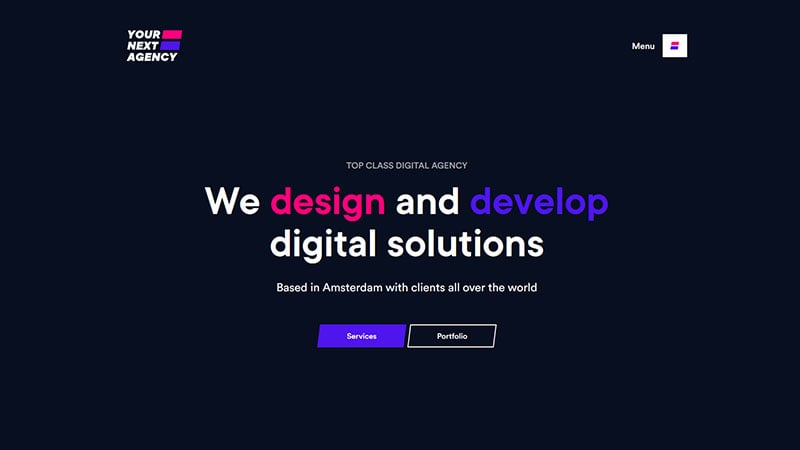
Your Next Agency presents a brand new business portfolio. They work to make impactful digital solutions for web and mobile applications. They believe that challenges should be turned into solutions.
Active Theory
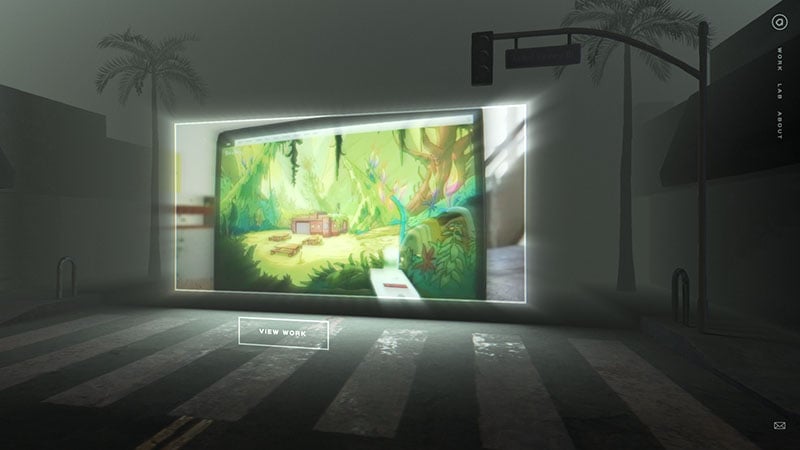
This is an aesthetically satisfying, dark, and futuristically designed presentation. It is like entering a different world. The opening page contains beautiful animations and there are exciting movement interactions. The whole site works perfectly together.
UPQODE 3.0
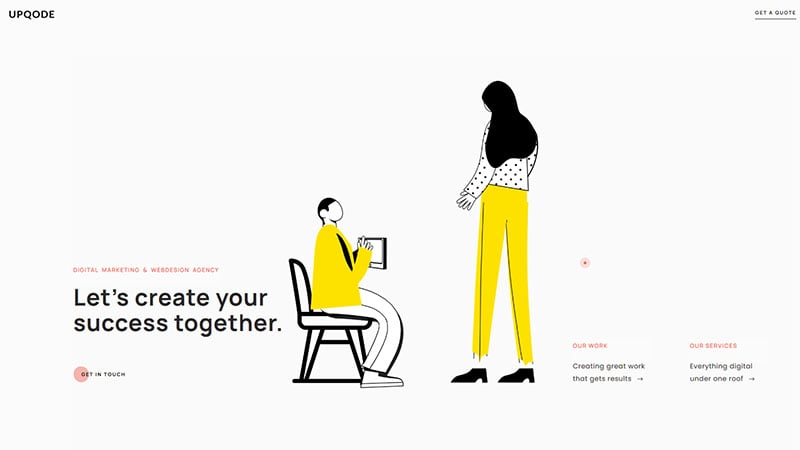
The digital marketing and web design studio UPQODE has been in business for over five years. They build fast and eye-catching websites. No wonder, their web design portfolio looks this good.
Nad Chishtie
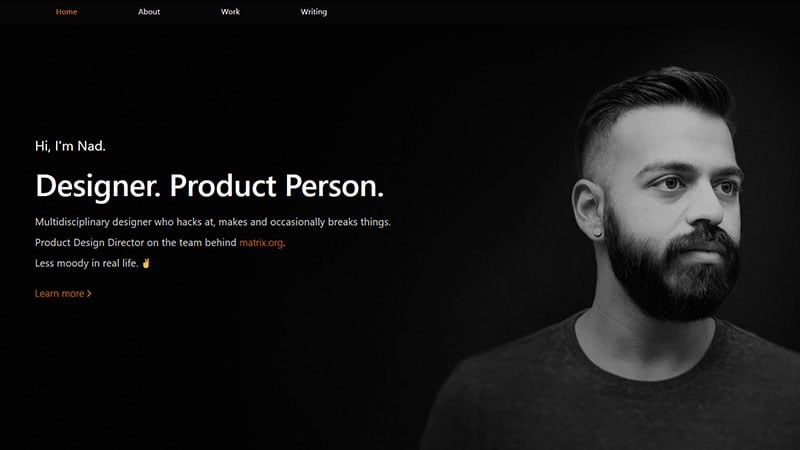
British designer of digital products Nad Chishtie expresses his personality in this portfolio. He gives an insight into his creative process. His unique website shows a calculated, but effective approach to his design. His honesty instills trust and attracts attention.
Seán Halpin
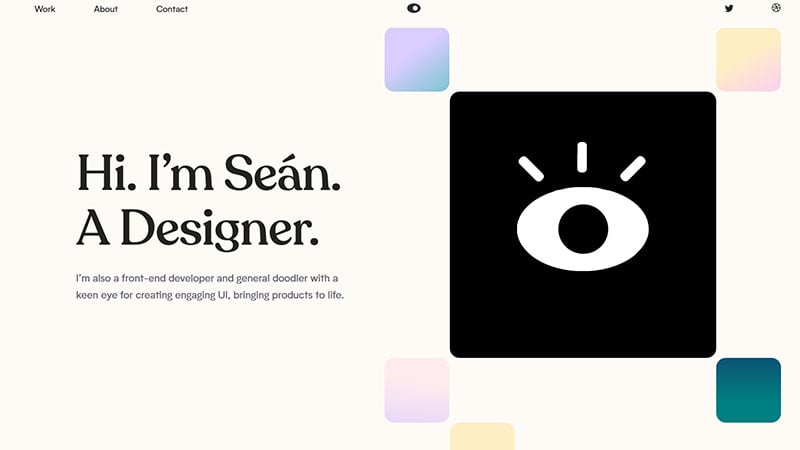
This is an outstanding web design portfolio, not just a list of his past work. It brings out the person’s skills and personality as a creative individual. Seán Halpin shows off what he can do, but he also designs his own creative world. It reveals how he can assist you and what kind of person will be working with you.
Velvet Spectrum
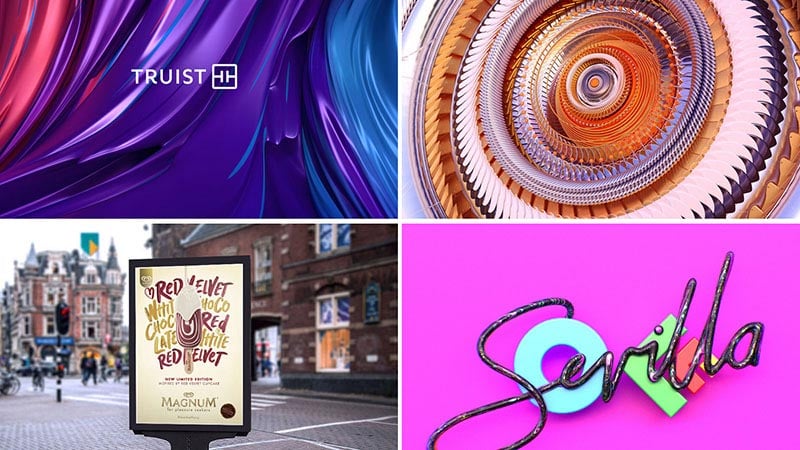
As a visual artist and designer, Luke Choice goes by the alias Velvet Spectrum. He maintains a simple website. The portfolio homepage displays a grid of bright and colorful sample thumbnails. Clicking on each will lead you to the details of the project and some stunning high-resolution images.
extra l’agence
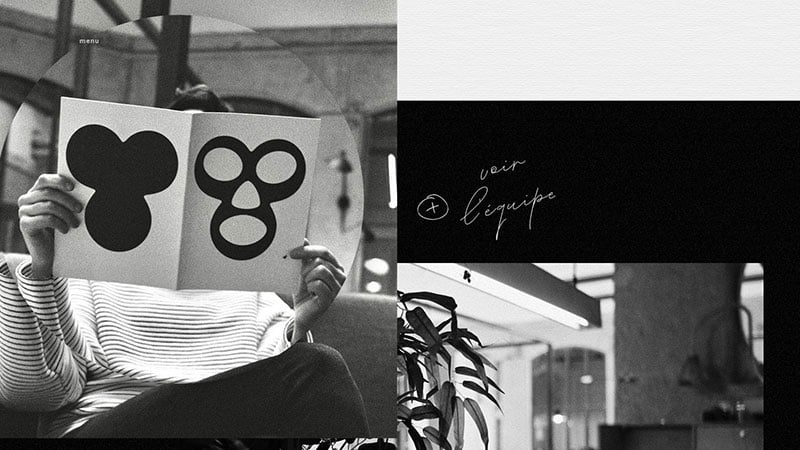
Locomotive
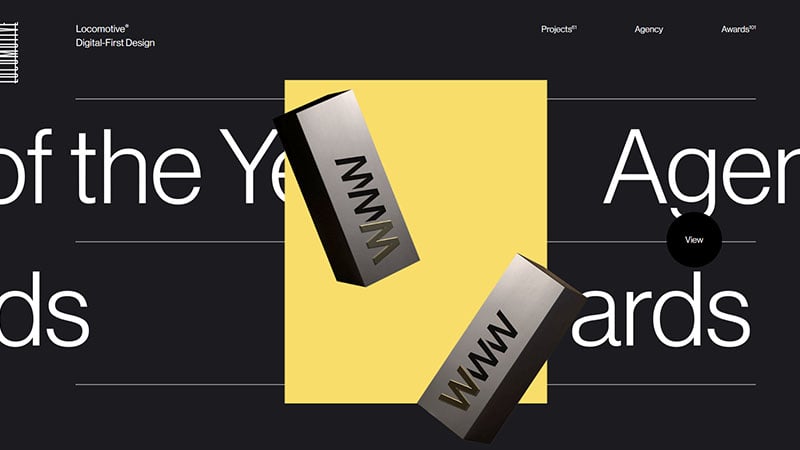
This is a splendid looking web design portfolio from Locomotive, a design company based in Quebec. With this glistening website, it is clear that it represents a team that specializes in building digital experiences. It is in part the playful animations that breathe life into the design of the website.
Claudia Moreira Salles
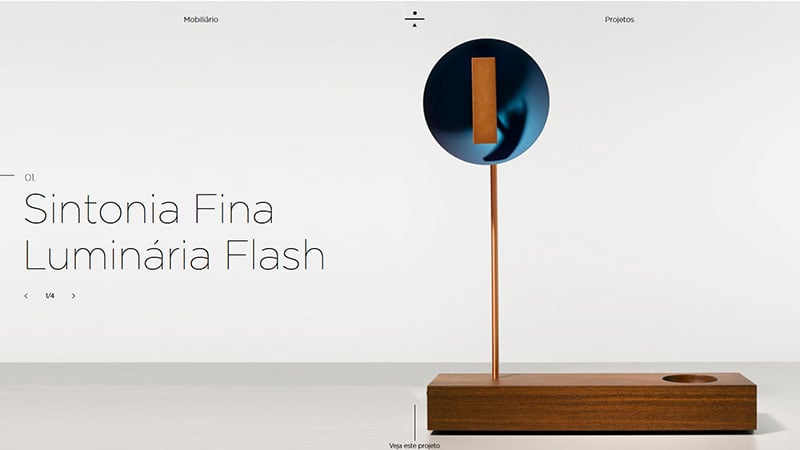
This website was designed and developed by Sandro Bianco and Luiz Rodrigues. They collaborated to bring together Claudia Moreira Salles’ interior design work in this digital portfolio.
Studio Thomas
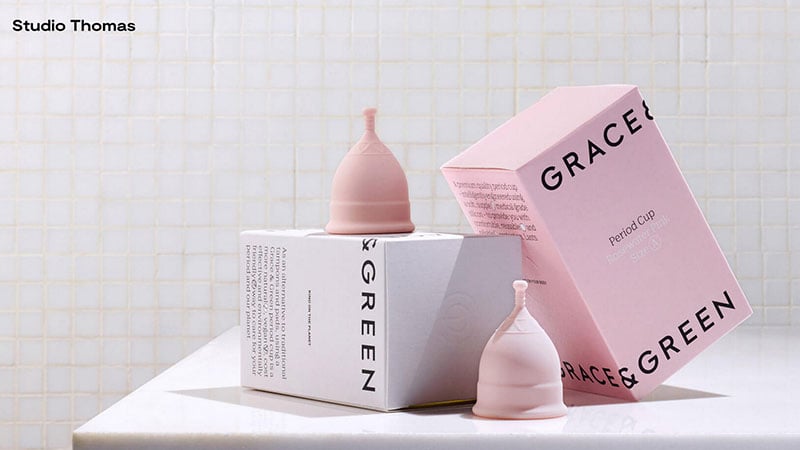
Studio Thomas owes its name to the first names of the two creative directors, Thomas Coombes and Thomas Austin. They are based in East London and focus their work on visual communication, both digital and physical. Their portfolio reveals that their work has an experimental and exploring character. They have many inspiring features in what is termed a brutalist design.
MØM
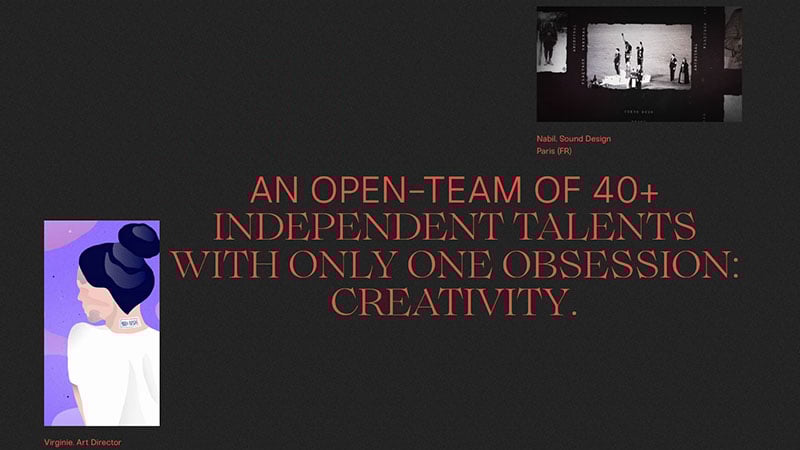
For those who want to outsmart the standards, it’s worth looking at MØM, an independent creative agency.
Buzzworthy Studio

In their own words, a ¨badass digital studio¨, based in Brooklyn. Its website showcases brilliantly applied web techniques. Gorgeous typography is combined with striking animation, which together with the beauty of the pages, will engage prospective customers.
Tee Tran – Portfolio

Tee Tran is a Vietnamese American visual designer who lives in Australia. The portfolio was built by Clément Vion.
Radiant Studios
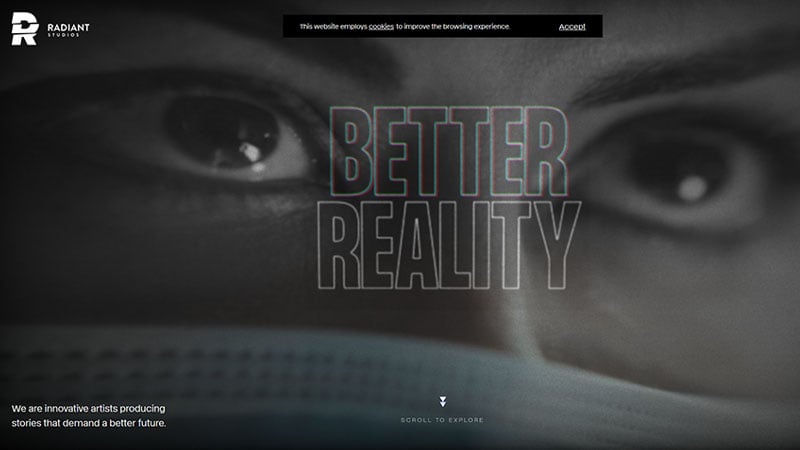
This video production studio uses entertainment and storytelling to build empathy and inspire communication.
Stereo
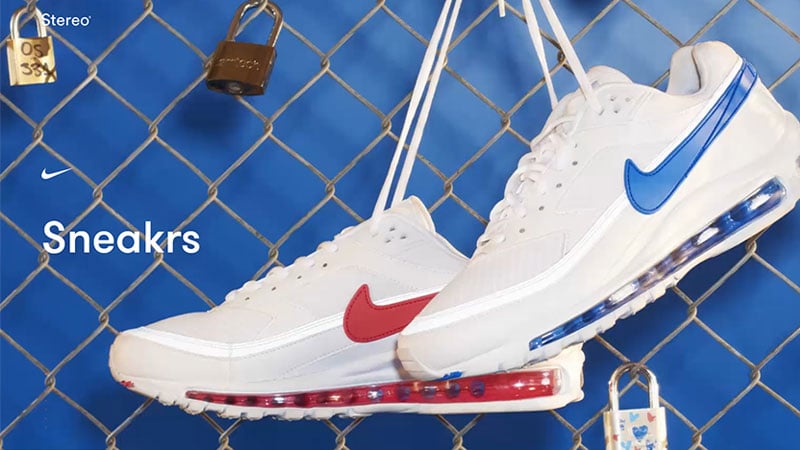
This is a striking, yet simple, professional website by Stereo Creative from London. The focal point of the site is the agency’s work: large colorful images and videos. It aims at creating a deeper emotional connection.
Sweden Unlimited
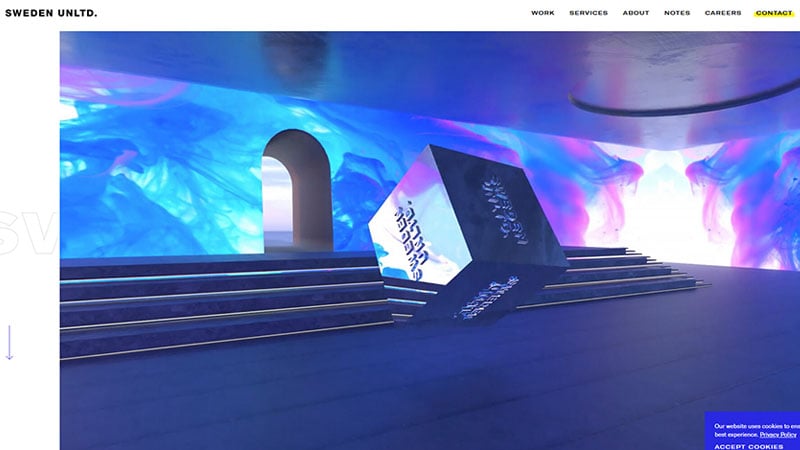
A creative agency that specializes in digital applications in content, branding, and eCommerce.
Xavier Cussó
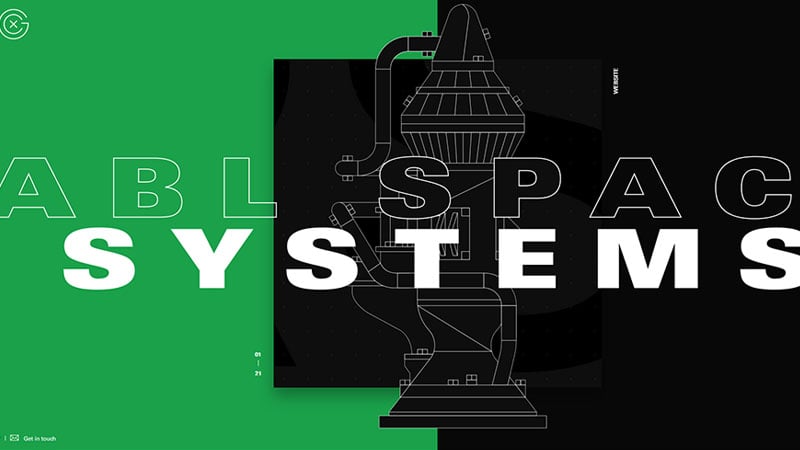
From Barcelona, designer Xavier Cussó used to be a senior art director at Vasava. He is now a full-time freelancer with an impressive digital portfolio. The site itself was built by Burundanga Studio. His work is displayed surrounded by bold colors, forceful typography, and a lot of animations.
Abstract Digital
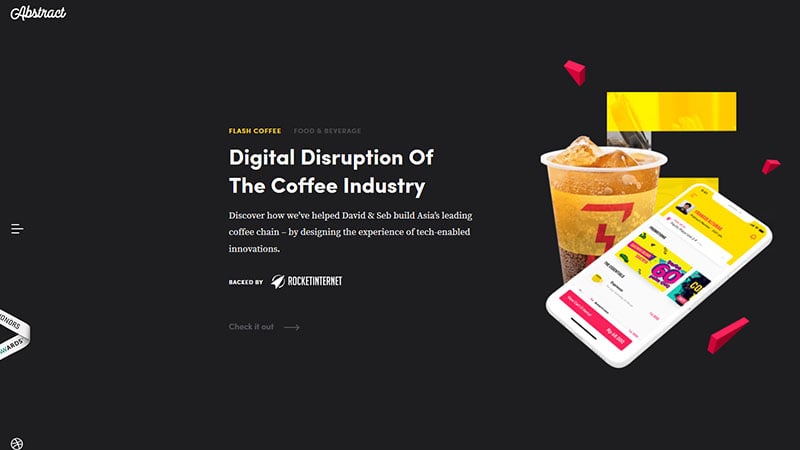
This website offers a presentation of Abstract Digital, a digital product design agency. They are experienced design sprints and startups with product strategy and innovation.
Elizaveta Porodina
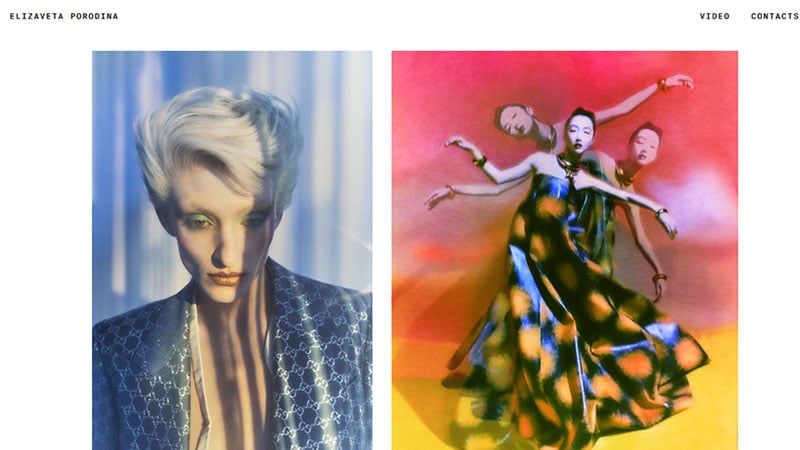
This is the portfolio of Elizaveta Porodina, artist and photographer.
Timothy Maurer
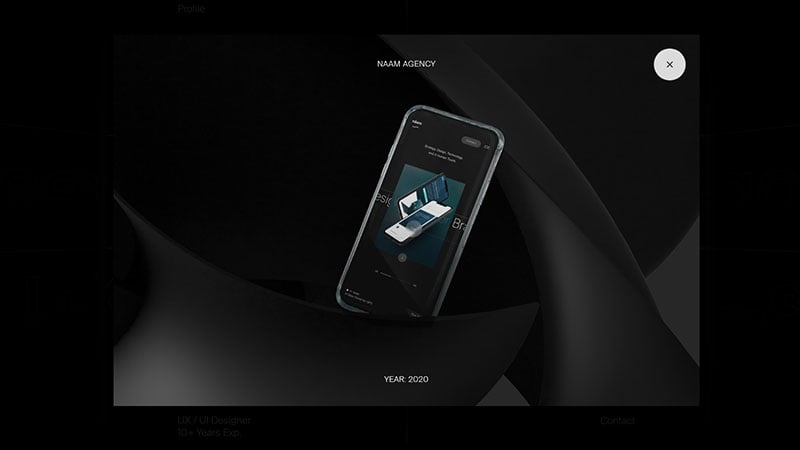
An inspiring example of a simple, clean portfolio that spotlights the work of one person. Timothy Maurer’s minimalist portfolio makes clever use of design to engage the viewer and serves to introduce the rest of Timothy’s work. Right on the landing page, the viewer is presented with an interactive animation, which brings out the strengths and personality of the author.
Jacob McKee
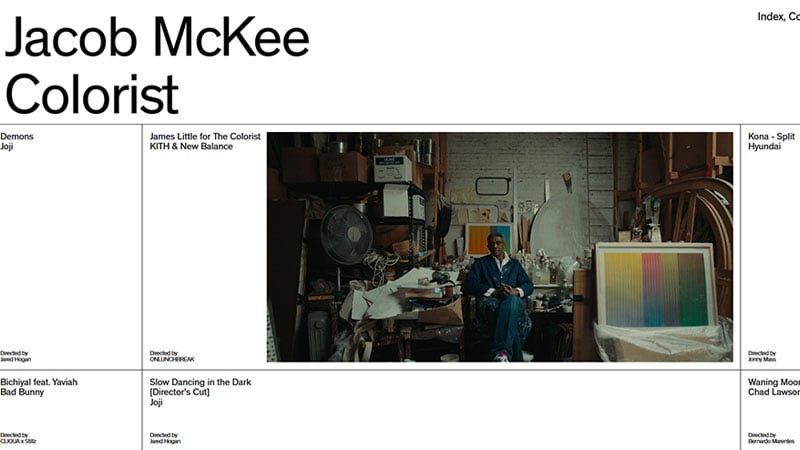
This website introduces the freelance colorist Jacob McKee from Los Angeles. It was produced in collaboration with the design agency Mouthwash Studio and the developer Jason Bradley.
Steven Mengin
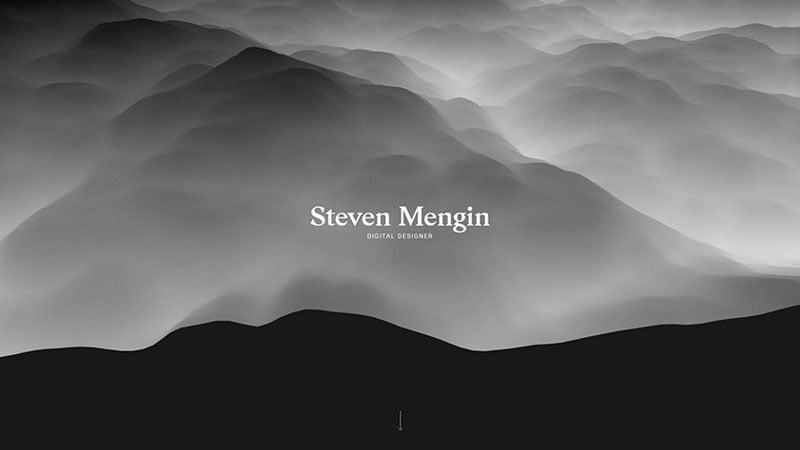
The core of Steven Mengin’s portfolio is its strong visuals. The design and images give a strong impression of Steven’s abilities and personality. The visitor is welcomed with a stunning cloudscape. It is a true pleasure to sit and relax watching the animation.
Rémi Clauss
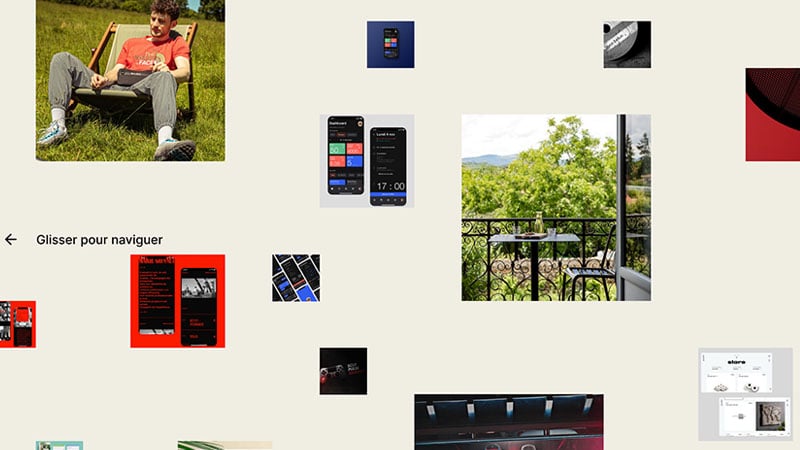
The last of these design portfolio examples is from Rémi Clauss. This UX freelance designer based in Lyon and Paris is passionate about shapes and technology. He combines those two elements on his portfolio page.
FAQs about portfolio website design
What are the essential elements of a portfolio website design?
A good portfolio design balances form and function—it’s got to look good and work well. Key elements include a striking home page, a detailed About Me section, a gallery or showcase of work, contact information, and testimonials. Ensure a mobile-friendly interface for accessibility.
How do I choose the right platform for my portfolio website?
Consider factors such as ease of use, customizability, costs, and SEO features. Popular platforms like WordPress and Adobe Portfolio offer templates and tools geared towards displaying creative work effectively, while integrating with analytics and social media.
Is it necessary to include a blog on my portfolio website?
Not mandatory, but a blog can add depth, showcasing your insights and personality. It’s a powerful tool for SEO and engaging visitors, offering behind-the-scenes glimpses into your projects and personal brand development.
How often should I update my portfolio website?
Stale content is the web’s old bread. Aim to refresh your online showcase every few months. This keeps your digital CV current and demonstrates your evolving skillset and latest work, ensuring that your user interface elements don’t date.
What type of projects should I include in my portfolio?
Selective display is key here—include a mix of projects that showcase variety and depth. Ensure they reflect your best work, versatility, and alignment with the type of work you want to attract. Think quality over quantity, within an interactive portfolio that engages viewers.
How can I make my portfolio website stand out?
Inject creativity into every pixel—use unique visual identity elements, engaging write-ups for each project, multimedia content, and interactive features to weave a story around your work. Consider what makes your approach distinctive and highlight that.
How can I optimize my portfolio website for SEO?
Leverage LSI keywords and ensure responsive design for better reach. Use alt tags, heading structure, and meaty meta descriptions. Blogs with valuable content can attract traffic, and linking to your social media profiles can boost your online presence.
How important is mobile responsiveness for a portfolio website?
Critically so. With the world thumbing through content on-the-go, a responsive website ensures your work is accessible and visually intact on any device. It’s a direct contributor to user experience and hence, non-negotiable.
Can I create a portfolio website on a tight budget?
Absolutely. With free portfolio builders like Behance or low-cost WordPress themes, you can get started without breaking the bank. Opt for affordable web hosting services, but never skimp on SSL certificates—website trust is paramount.
Should I include my resume on my portfolio website?
Do it. An online resume complements your visual portfolio, giving potential clients or employers a more comprehensive view of your background, skill set, and experience in UX/UI design and other disciplines. This could set you apart from just a visual gallery.
Conclusion
Embarking on the creation of a portfolio website can seem like navigating through a labyrinthine digital ecosystem, rich with potential yet fraught with choices.
Throughout this exploration, the displayed portfolio website design examples have illuminated various paths, each reflecting a spectrum of styles—from minimalist to complex, personal branding to professional grid layouts. Consider these a springboard, a glimpse of what’s possible in the grand tapestry of the web where creative online portfolios coexist with interactive elements and digital CVs.
Harness the widescreen vista of inspiration explored to launch your vision into the virtual expanse. With the foundation laid here, meld the amalgam of design aesthetics and functionality into an incarnation of your visual identity, a beacon inviting the world to witness a story uniquely yours.
With each click and scroll, may your portfolio stand as a testament to your journey—a gallery not only of skill but of the narrative that is your career unfurled.
If you enjoyed reading this article with cool portfolio website examples, you should check out this one with CSS timeline examples.
We also wrote about similar topics like CSS gallery examples, HTML calendar snippets, awesome image sliders, automatic product carousels, CSS input text examples, CSS accordions, CSS animation examples, and styling radio buttons.





Hi, were these portfolios built with Slider Revolution ?
Thank you.
Some are, some are not. But all of the examples in this article can be used to get inspired to build something great.
And we all know the best and most convenient way to do so is with Slider Revolution 😉
Cheers, Dirk @ Slider Revolution